
Live Trace: how to use inches for stroke weight
I'm using Illustrator CS5 on Win10 x64. I need to laser cut a signature out of a piece of paper (for a stencil). I have a good photo of a heavy signature. My laser recognizes any line that's .001" thick as a vector (to be cut); anything else it sees as a raster object (to be engraved). So, I need to convert the signature to a vector-outlined object with a stroke weight of .001".
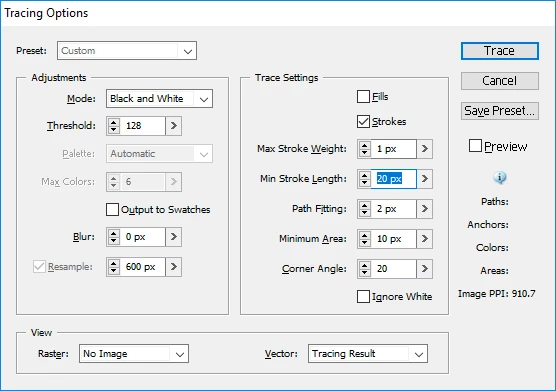
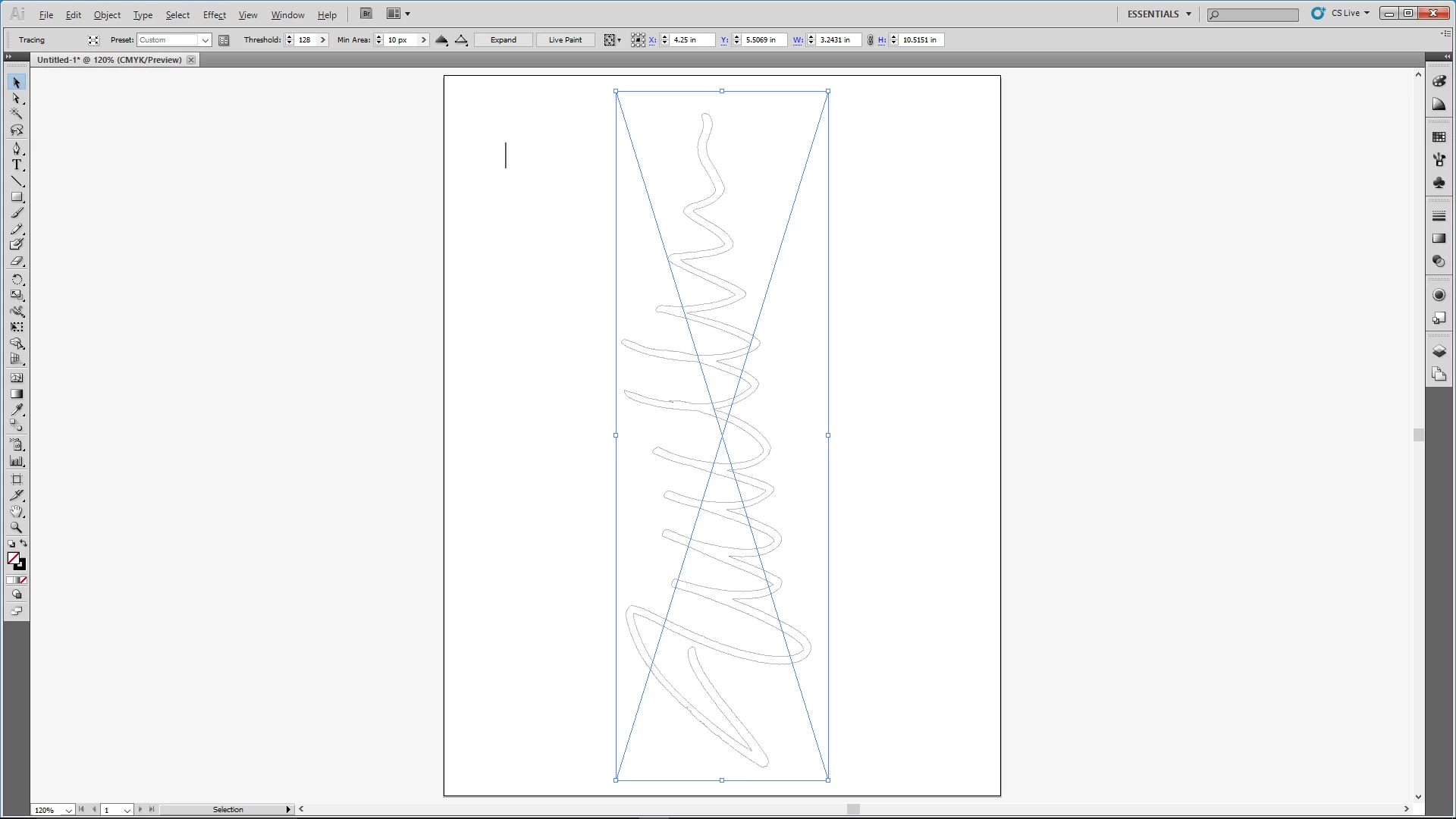
I create a new document and specify inches for units. I place the signature photo in the new doc. I invoke Live Trace options, but the maximum stroke weight units are in pixels. Fine, I figure I'll trace it with a weight of 1 pixel and then convert the stroke to .001". The trace works great, but I when I select it I'm not given any option to change the stroke weight. Any tips appreciated.
 AdChoices