
Answered
Looking for an easy way to destructively crop CAD geometry in Illustrator
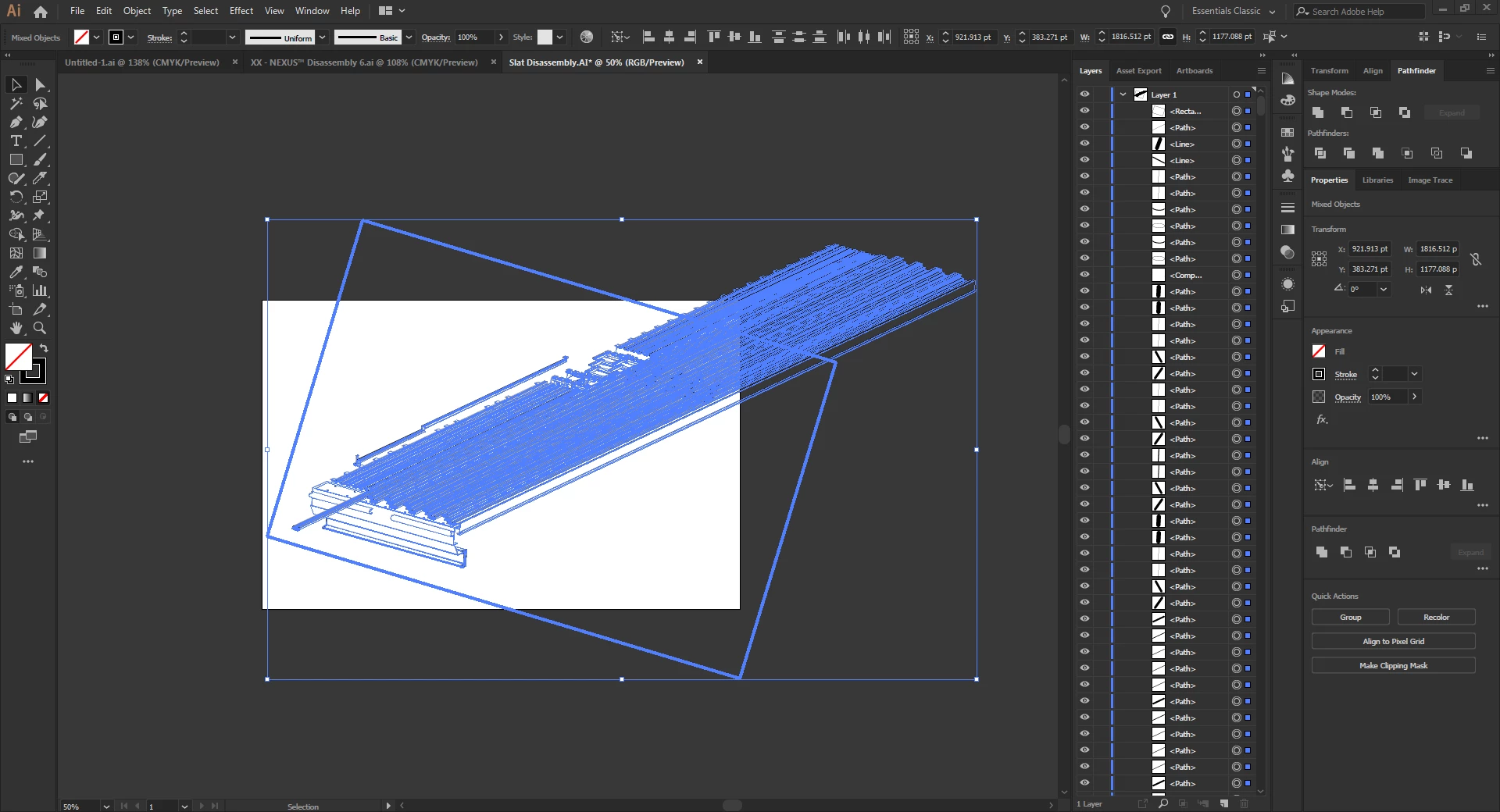
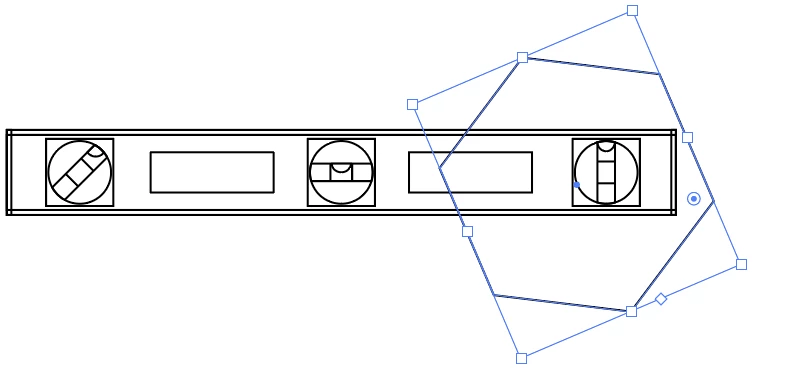
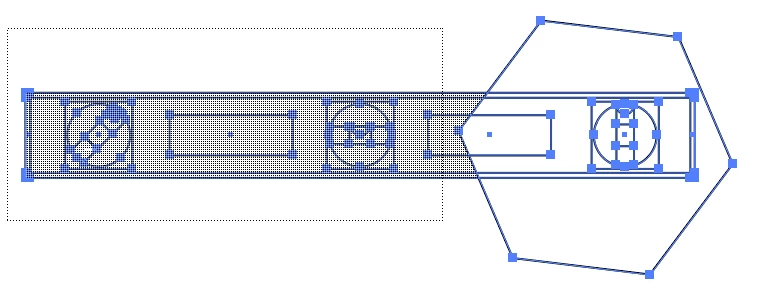
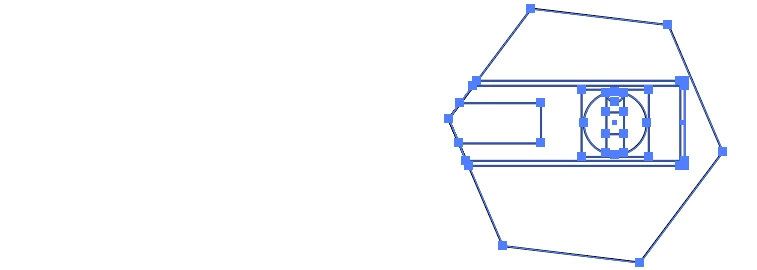
I'm working on manuals using imported vector geometry from a CAD package. Many times the geometry I want to show is larger than what I need. In these cases I would like to DESTRUCTIVELY crop the geometry down (I don't want to create a clipping mask). I have tried various ways to crop the geometry but get odd results or errors such as "The filter produced no results. Please select two overlapping paths." when cropping using the Pathfinder tool. Can anyone recommend the best workflow for cropping open path geometry?
For example, in the screenshot below I would like to keep everything within the rectangular area.
Thanks!

 AdChoices