Participant
March 26, 2022
Answered

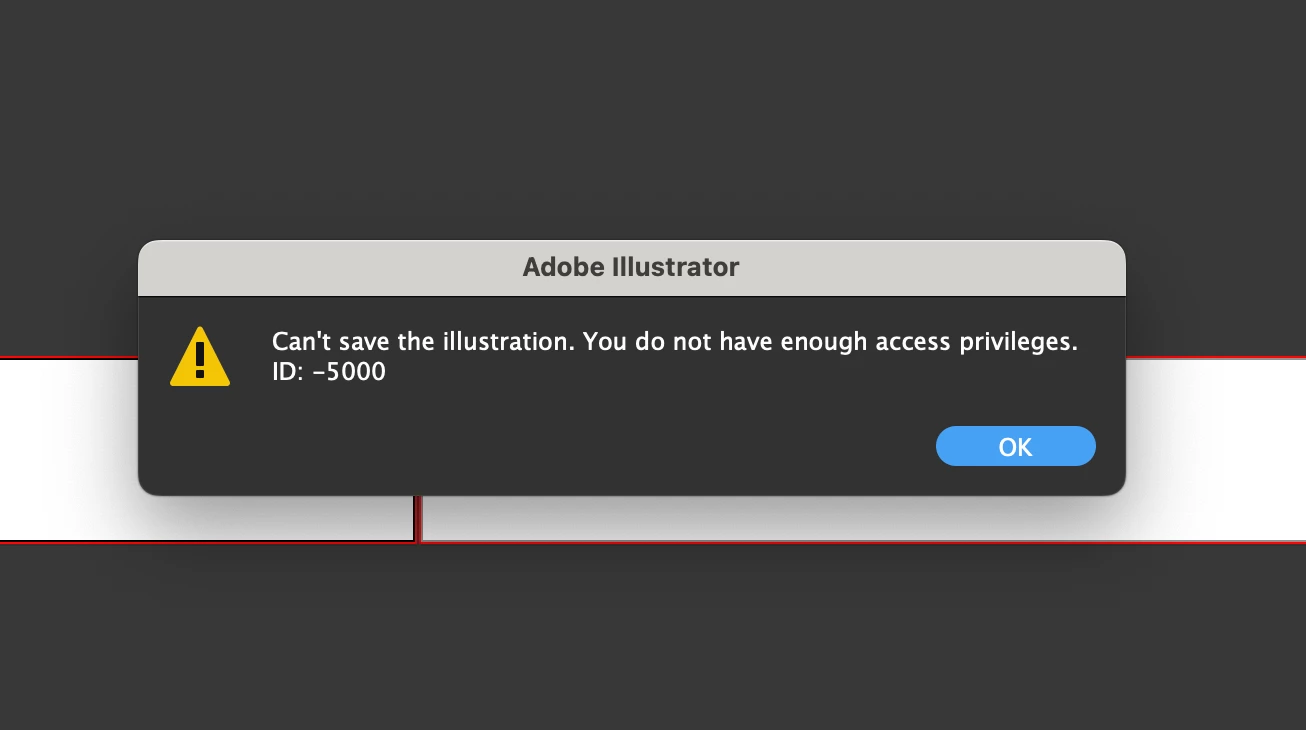
macOS Monterey 12.3 Error code - cannot save anything to external HD

  • March 26, 2022
  • 2 replies
  • 4039 views

After updating to macOS Monterey 12.3 I cannot save ANY Adobe files to my external hard drive. Only to my desktop only? When I open any Adobe files from my external all I get is gray boxes and constant error codes. For instance - try to save to my external ID:-5000. It's across the board for InDesign, Illustrator, Photoshop.


This topic has been closed for replies.
Correct answer Brad @ Roaring Mouse

Hello, Can you explain to me why the avast app is included in this answer? I have the same problem but do not have (or intend to) the Avast app installed.

All good before I jumped from OSX 10.3 to 12.4


The short answer is that Monterey has tightened down security on access to external drives, so if you installed the new system over an existing install, Monterey has probably reset your Adobe apps to a more restrictive setting.

Check System Preferences > Security & Privacy > Full Disk Access (on the left). If your Adobe apps are listed but not checked, check them. If they aren't there at all, add them. The easiest way is to drag each app into that window.

This issue has also been causing people problems with linked files not behaving properly if they are also on an external drive. Giving the apps Full Disk Access should resolve this as well.

2 replies

Participant
March 26, 2022

ANY Adobe files to my external hard drive.

Monika Gause
Community Expert
Community Expert
March 26, 2022

Yes, you said so already. Can you save anything to that drive? Other applications?

Participant
March 26, 2022

Can you save to the internal harddisk?


You probably need to give your apps access to that disk in the system.


Monica - 


I can save it to my Internal yes, the desktop. I gave apps all access. De-installed, and reinstalled. No Progress. same problems. 

Monika Gause
Community Expert
Community Expert
March 26, 2022

Is it happening with other apps as well?