
This topic has been closed for replies.
Correct answer Kurt Gold

https://assets.adobe.com/id/urn:aaid:sc:US:e52a70a3-13f0-465d-953d-bc1288ab2863?view=difile
The link is same as before. I do not know the reason.


That link works.


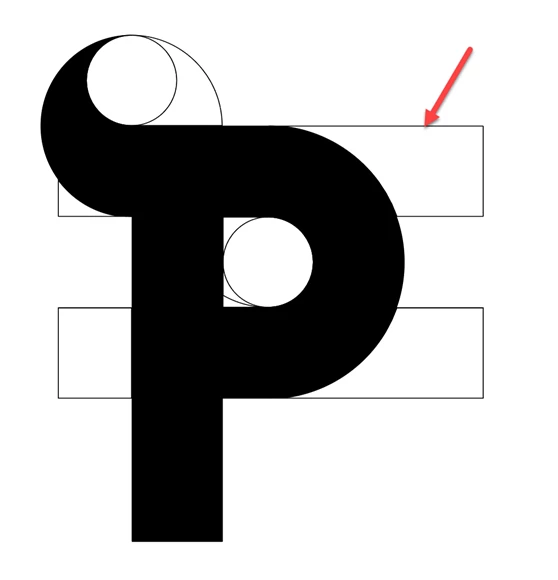
The reason why the Magic Wand also selects the filled paths is because the filled paths also have stroke attributes applied.


If you remove the strokes from the filled paths, the Magic Wand works as you may expect it.

1 reply

Kurt Gold
Community Expert
Community Expert
September 25, 2024

The link to the sample file is not public.


Can you change that and make it public?

MahaB82A
MahaB82AAuthor
September 25, 2024

OK I have made it public. Please try again.

MahaB82A
MahaB82AAuthor
September 25, 2024

Click the cogwheel icon at the top of the Share document window and turn on the option that allows to save a copy of the document.


Then provide the new link.


https://assets.adobe.com/id/urn:aaid:sc:US:e52a70a3-13f0-465d-953d-bc1288ab2863?view=difile

The link is same as before. I do not know the reason.