Answered
Maintain width and height proportions not working
I have the maintain width and height proportions linked, but it never works. The objects keep being disproportionate when resizing them.
What's the solution to this?
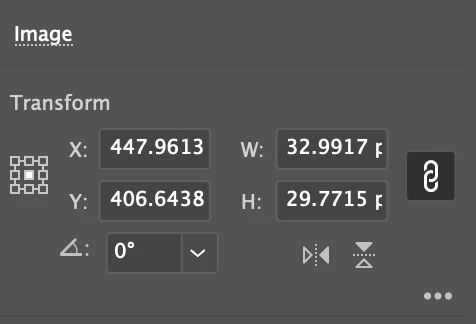

I have the maintain width and height proportions linked, but it never works. The objects keep being disproportionate when resizing them.
What's the solution to this?
That only works if you change the values, not if you manually resize an object.
When manually resizing, hold down the Shift key.
Already have an account? Login
Enter your E-mail address. We'll send you an e-mail with instructions to reset your password.
 AdChoices