Exit
  • Global community
    • Language:
      • Deutsch
      • English
      • Español
      • Français
      • Português
  • 日本語コミュニティ
  • 한국 커뮤니티
1

Making a gradient follow a path

Community Beginner ,
Oct 29, 2013 Oct 29, 2013

Hi!

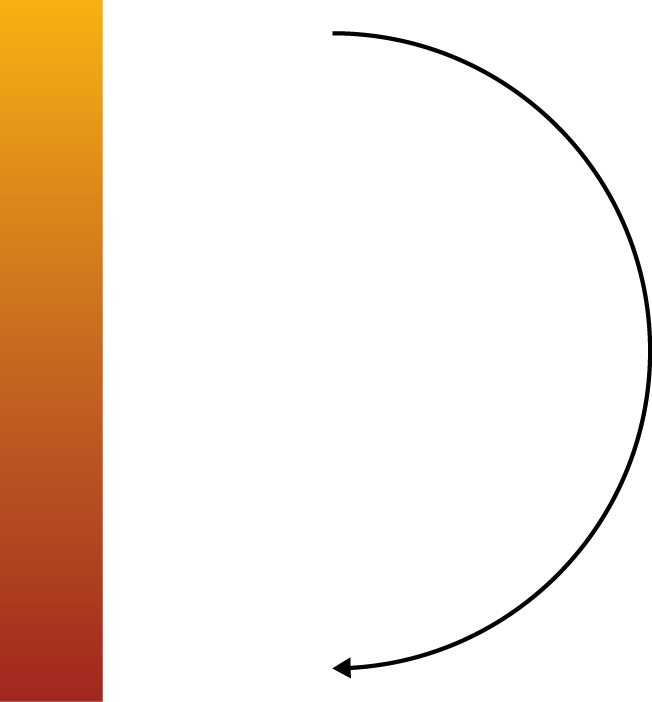
How do I make a gradient follow the curves of a path in a fairly simple manner? Like this image here:

TEMP.png

Thank you!

68.6K
Translate
Report
Community guidelines
Be kind and respectful, give credit to the original source of content, and search for duplicates before posting. Learn more
community guidelines
Adobe
Community Expert ,
Oct 29, 2013 Oct 29, 2013

ufoldager,

In any version you may turn the gradient into a Blend and make an Art Brush out of it, then apply it to the path (a 1pt Stroke will give you the width of the Art Brush).

In the newest versions, you can just apply a gradient to the Stroke (which will need to have the desired Stroke Weight itself).

Translate
Report
Community guidelines
Be kind and respectful, give credit to the original source of content, and search for duplicates before posting. Learn more
community guidelines
Community Beginner ,
Oct 29, 2013 Oct 29, 2013

Thanks, God.

Translate
Report
Community guidelines
Be kind and respectful, give credit to the original source of content, and search for duplicates before posting. Learn more
community guidelines
Community Expert ,
Oct 29, 2013 Oct 29, 2013

You are welcome, ufoldager.

Translate
Report
Community guidelines
Be kind and respectful, give credit to the original source of content, and search for duplicates before posting. Learn more
community guidelines
Engaged ,
Oct 29, 2013 Oct 29, 2013

Just for the sake of clarity shall we add:

Use "Apply gradient along stroke"

Screen shot 2013-10-29 at 8.31.54 AM.png

(Thanks for the info Jacob, I hadn't looked at these options very closely.)

Translate
Report
Community guidelines
Be kind and respectful, give credit to the original source of content, and search for duplicates before posting. Learn more
community guidelines
Community Beginner ,
Oct 29, 2013 Oct 29, 2013

Exactly, mr. elDudereno.

I actually already knew the "gradient along stroke" option, but I had forgotten all about it since I rarely use it. But thanks for the heads-up!

Here's another lille thing, though:

What technique would you use if you took that stroke, upped the stroke to, say, 40 pt. (making it much thicker), then made an Object > Path > Outline Stoke modifcation to it, turning the 40 pt. stroke into a single object, and then wanted to apply a gradient to an object of that shape along its curved lines?

Translate
Report
Community guidelines
Be kind and respectful, give credit to the original source of content, and search for duplicates before posting. Learn more
community guidelines
Engaged ,
Oct 29, 2013 Oct 29, 2013

Evidently, if you have a gradient along a stroke and you expand it you get a gradient mesh. Weird/Cool.

Screen shot 2013-10-29 at 8.54.30 AM.png

Screen shot 2013-10-29 at 8.54.38 AM.png

Translate
Report
Community guidelines
Be kind and respectful, give credit to the original source of content, and search for duplicates before posting. Learn more
community guidelines
Community Beginner ,
Oct 29, 2013 Oct 29, 2013
LATEST

Thanks. I have no idea why I didn't figure that out myself, meh.

Translate
Report
Community guidelines
Be kind and respectful, give credit to the original source of content, and search for duplicates before posting. Learn more
community guidelines