
Answered
Masking Help with Template
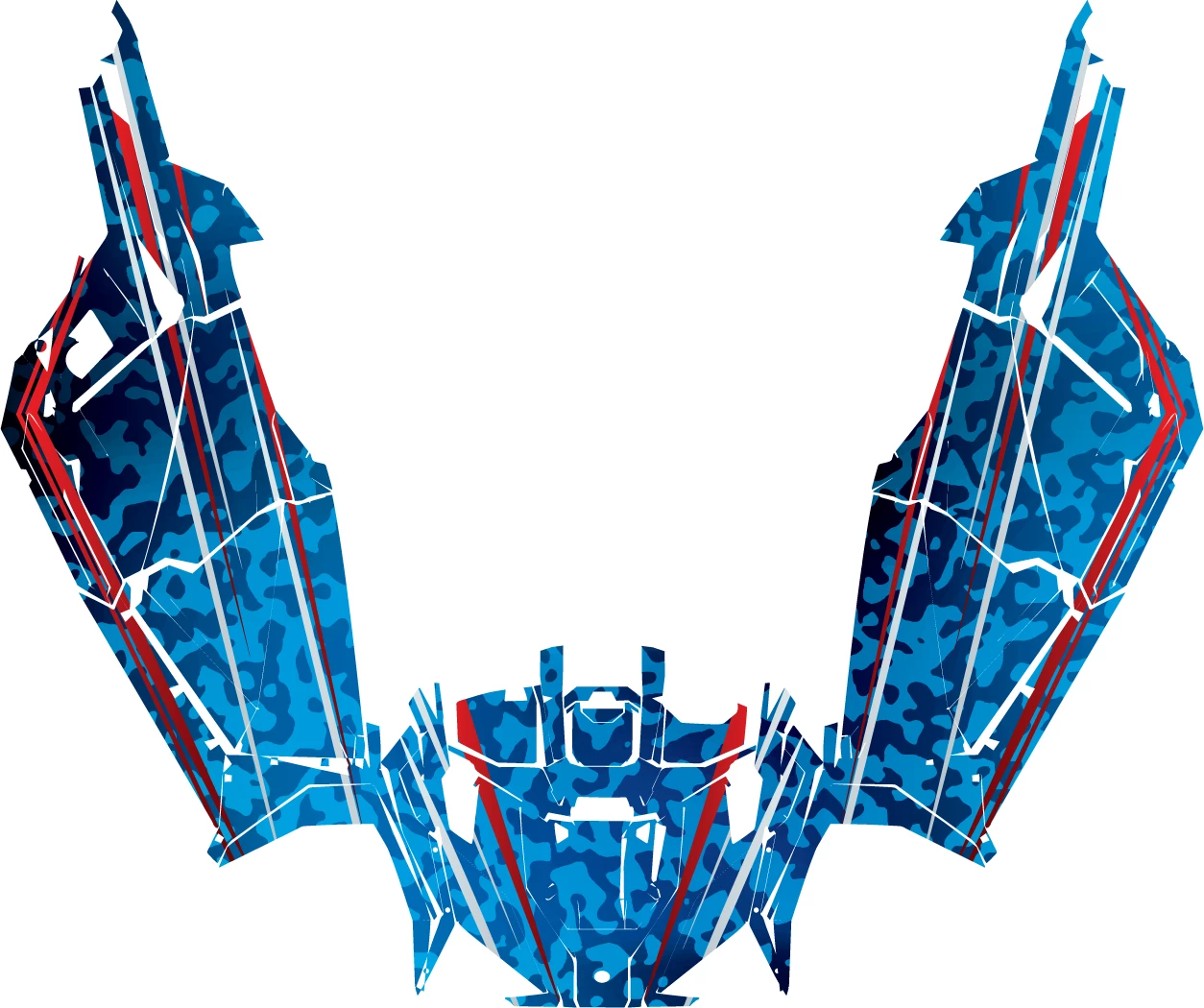
I am working with a template with 34 peices, some of which that overlap. I am trying to place a design over these pieces in a way that I can move each peice after the design is applied, without effecting the design (so the design moves when the path does). I am doing this so I can pull the peices out that overlap to print. I cannot just compound path all of these pieces. What is the best process for doing this? The design is large and masking each path isn't an option because of this. My current solution is to group objects that don't overlap into compound paths, then mask. But this is makes it hard to space things efficiently for print. Thanks for any input.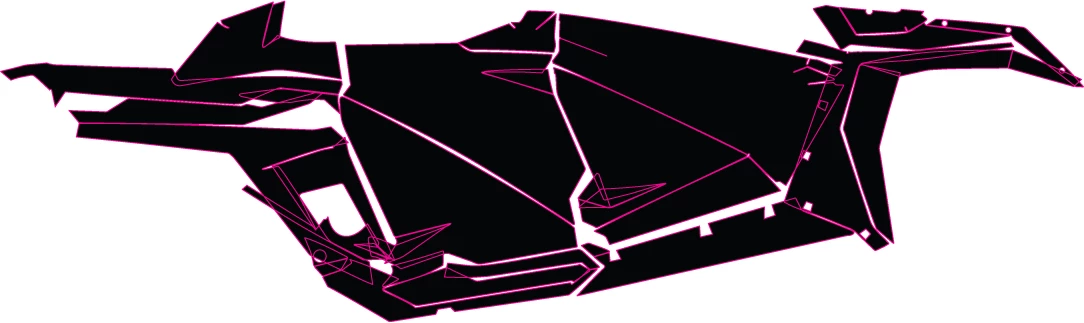
 AdChoices