
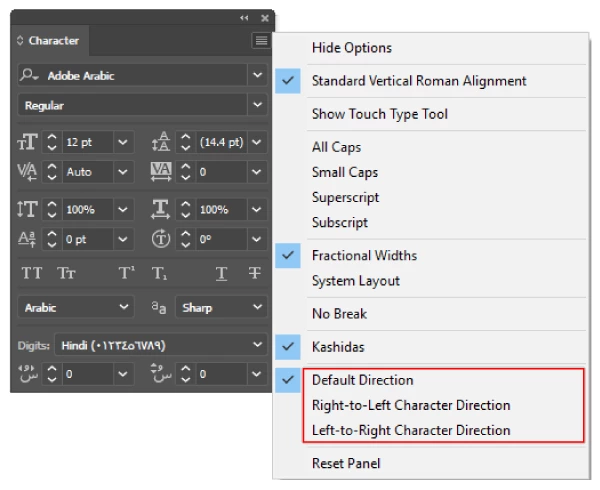
Middle-eastern and South-Asian type options not visible in character and paragraph panels
Should the Asian composer features be available in the International English or American English versions of Illustrator as per the following instruction?
Preferences > Type > Show Indic options https://helpx.adobe.com/illustrator/using/arabic-hebrew.html
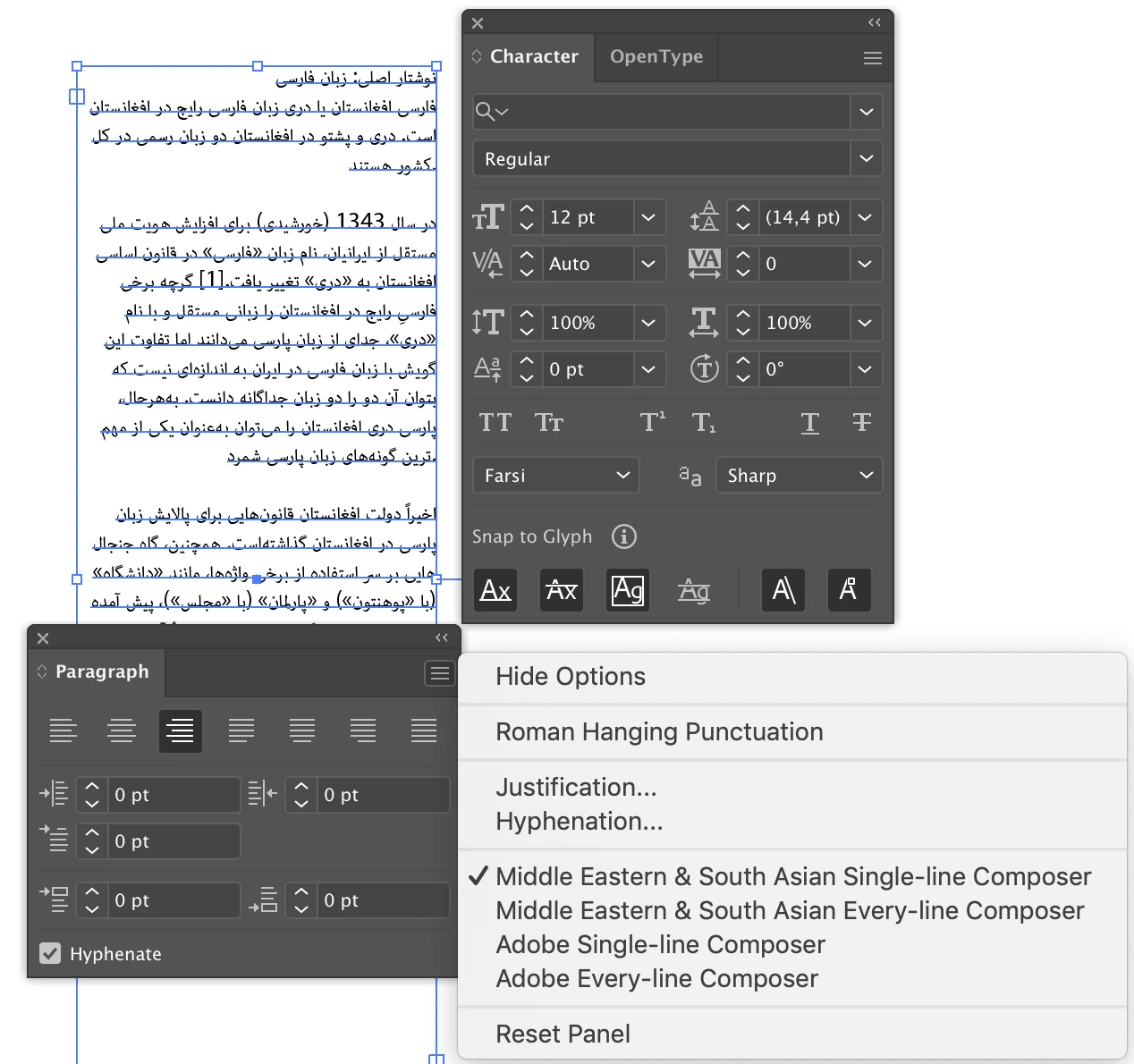
With Show Indic options activated this is what the panels look like (Illustrator 25.0.1, MacOS Mojave, same issue in 24.0.1). Only the composer option is available, not text direction or digit options etc.:
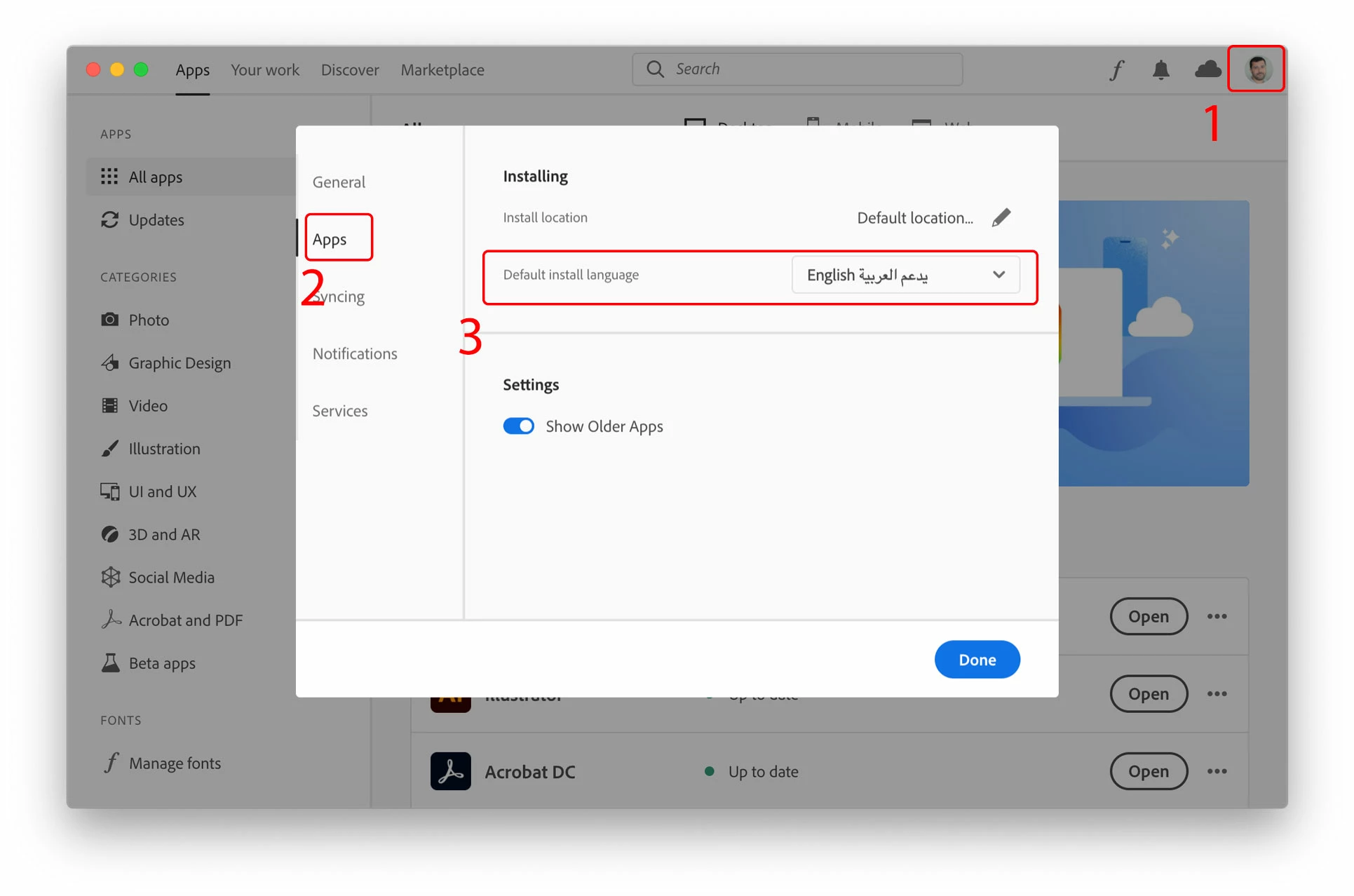
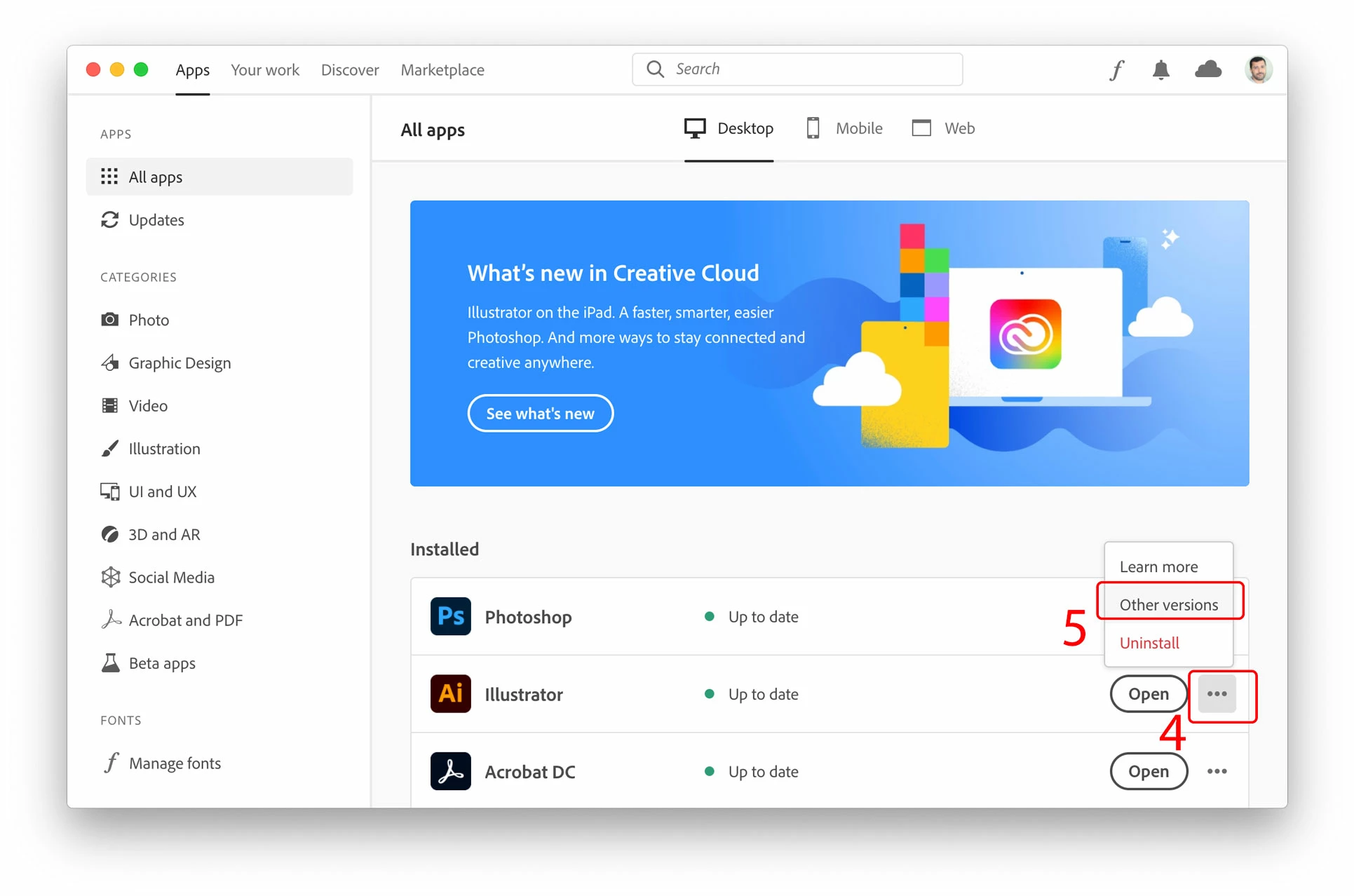
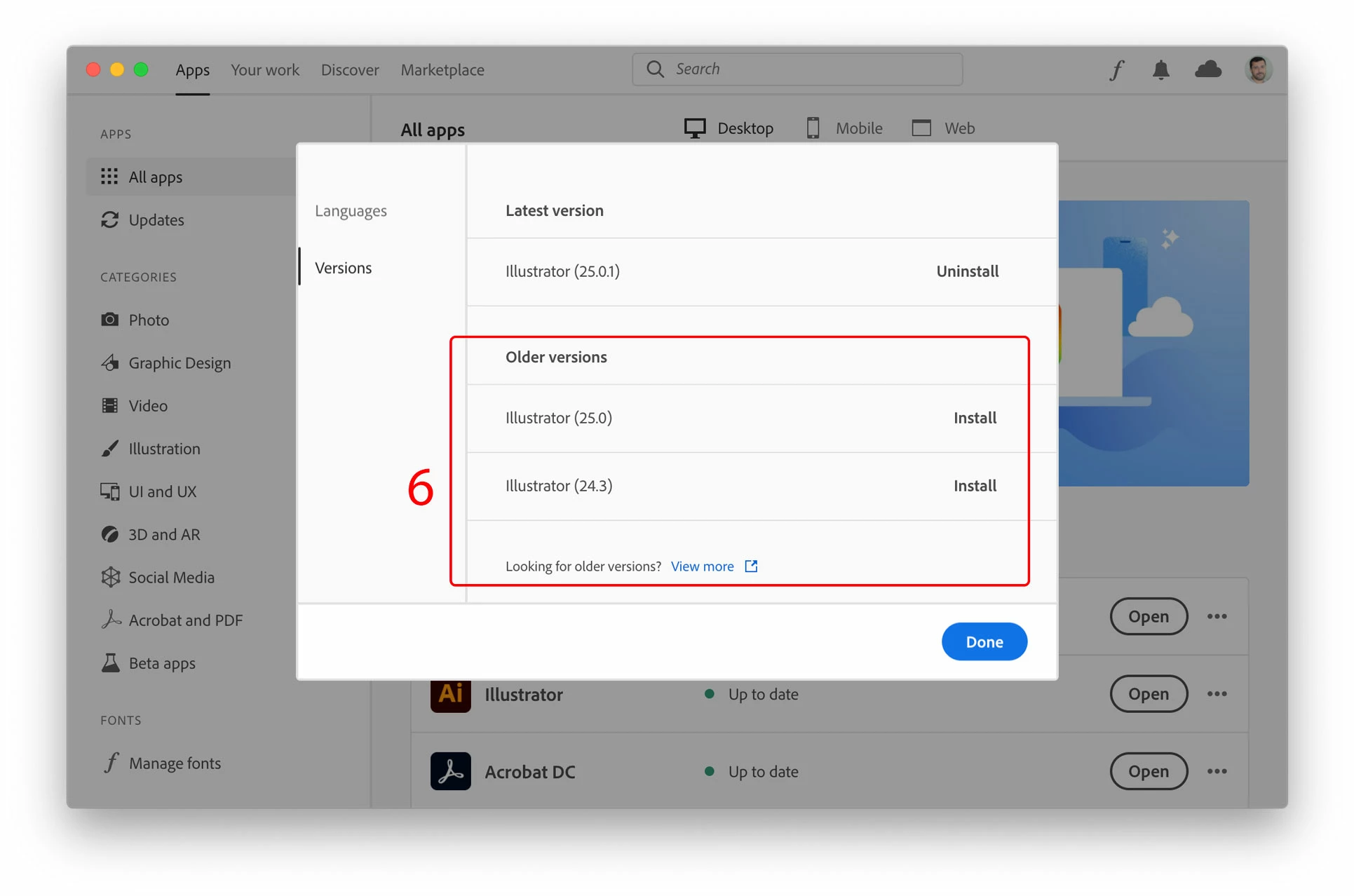
I was able to access the options by setting the application language to English-Arabic in Creative Cloud, then uninstalling Illustrator and then installing it again as the Arabic version, but since I will only rarely need Middle Eastern & South Asian script options this is not a practical solution. The defaults in the arabic version are unsuitable for the languages I mainly work with.


 AdChoices