
Exit
  • Global community
    • Language:
      • Deutsch
      • English
      • Español
      • Français
      • Português
  • 日本語コミュニティ
  • 한국 커뮤니티
0

Mirror bleed - illustrator 16 - help

New Here ,
Jan 18, 2025 Jan 18, 2025

Hello everyone. I have been struggling for a few days with a problem when creating a script. I want to create a script that will add a bleed to my work on each side and fill it with a mirror image of the design. I have found the perfect solution which unfortunately does not work properly. The script adds the mirroring in the top left corner instead of deploying it near the edges of each page. Is anyone able to help me and fix this?
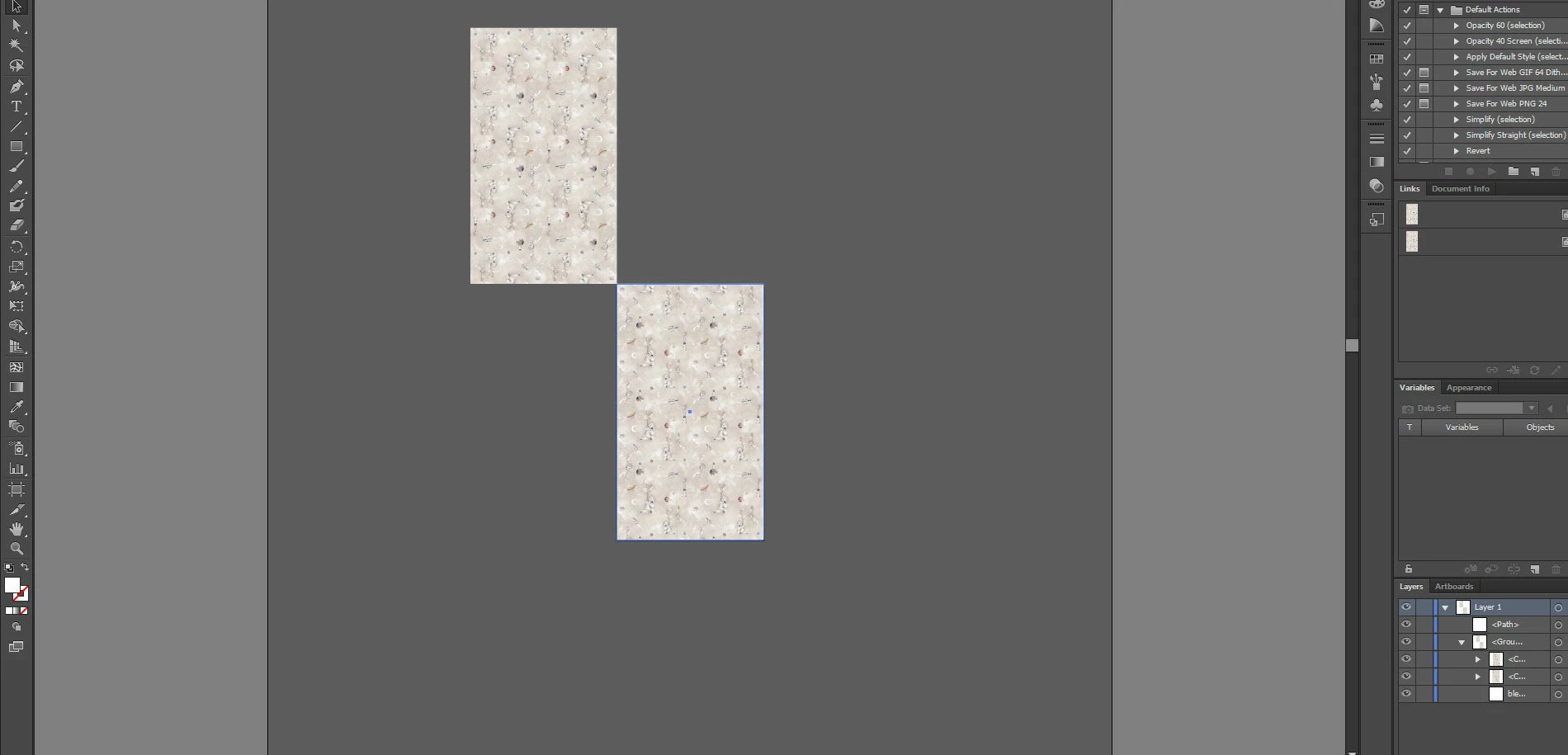
Link o script: https://github.com/mike-brady/Adobe-Illustrator-Scripts/commit/9821eba21d90c941f486b9f0cd5c8f848c37d...


bug.jpg

TOPICS
Bug , Feature request , How-to , Scripting
318
Translate
Report
Community guidelines
Be kind and respectful, give credit to the original source of content, and search for duplicates before posting. Learn more
community guidelines
Adobe
Enthusiast ,
Jan 19, 2025 Jan 19, 2025
LATEST

Is your image in a group? Ungroup it and try the script. Experiment with the bleed size. I have tested and the script does not work correctly if the image is in a group or if I enter large numbers.

Translate
Report
Community guidelines
Be kind and respectful, give credit to the original source of content, and search for duplicates before posting. Learn more
community guidelines