

Missing Adobe Fonts in Illustrator? This could be because of retired/removed fonts
Are you getting “Missing Fonts” error while opening an Illustrator file? One of the reasons could be due to the non-availability of the fonts used in the document.
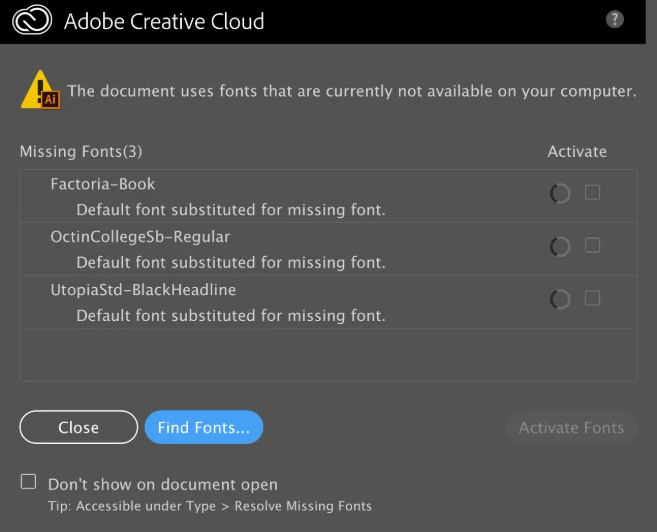
This can happen in two scenarios -
- Fonts installed in the computer are not available
- Fonts from Adobe Fonts are not syncing
For Adobe Fonts, one of the reasons could be the removal of fonts used in the document from the Adobe font library. We are occasionally obligated to remove fonts from the font library due to non-availability of licensing & distribution or when the font family has major updates or if the foundry itself has requested to do so.
On 15th June, some fonts were removed from Adobe Fonts. If you are using any of these fonts from the Font Bureau and Carter & Cone, you may need to replace your font or get them directly from the foundries.
More information about these removed fonts removed can be found here:
- Font Bureau - (60 families, 669 fonts)
- Carter & Cone - (11 families, 151 fonts)
If you have more questions, please feel free to check out this detailed FAQ article about retired/removed fonts.
 AdChoices