

Question
Missing font when select all and create outline text (Thai language) !!!
Missing font when I created outline text on my artwork in Thai language.
Step:
1. Content
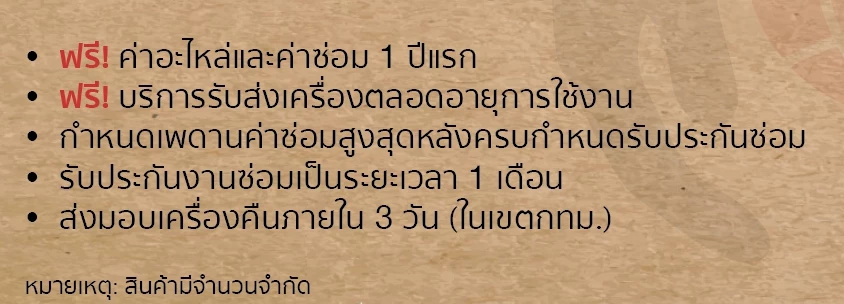
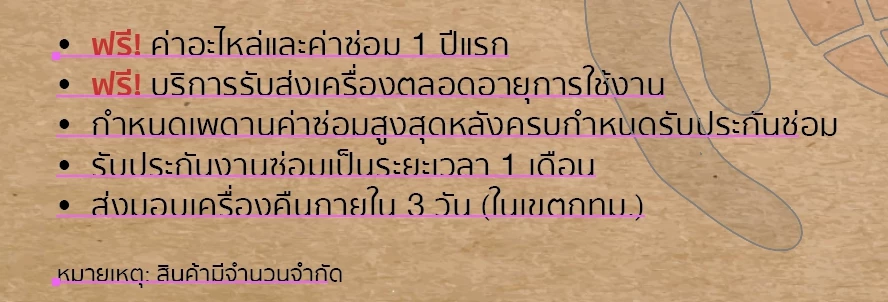
2. Select all (command + A, notice underline is not cover all sentence)
3. Create outline
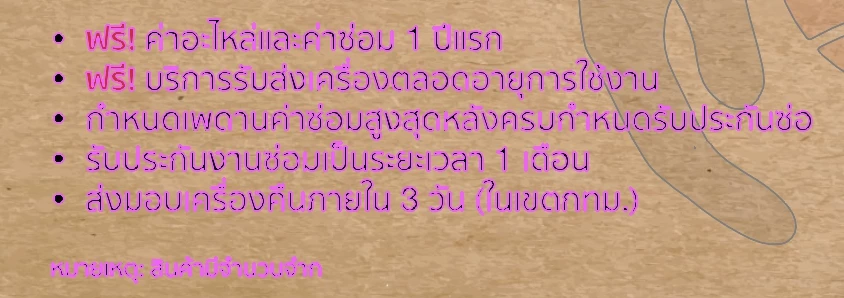
4. Font missing at the end of sentence.
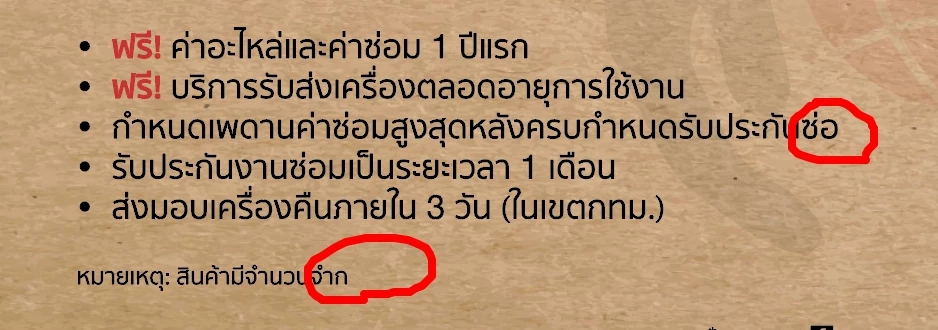
My solution for this case ... I had to re-type or double click to select all sentence until underline cover all of them before change to outline. So, that's waste time and it make me trouble if I have a lot of content to create outline in 1 artwork.
I'd never found problem like this when I used illustrator cc 2018.
Please kindly advise to solve this issue. Thank in advance. ^_^


 AdChoices