Piter1288
Inspiring
January 7, 2022
Answered

Multiple extra anchor points when expanding/outlining a stroke

  • January 7, 2022
  • 1 reply
  • 1493 views

Hi everyone,


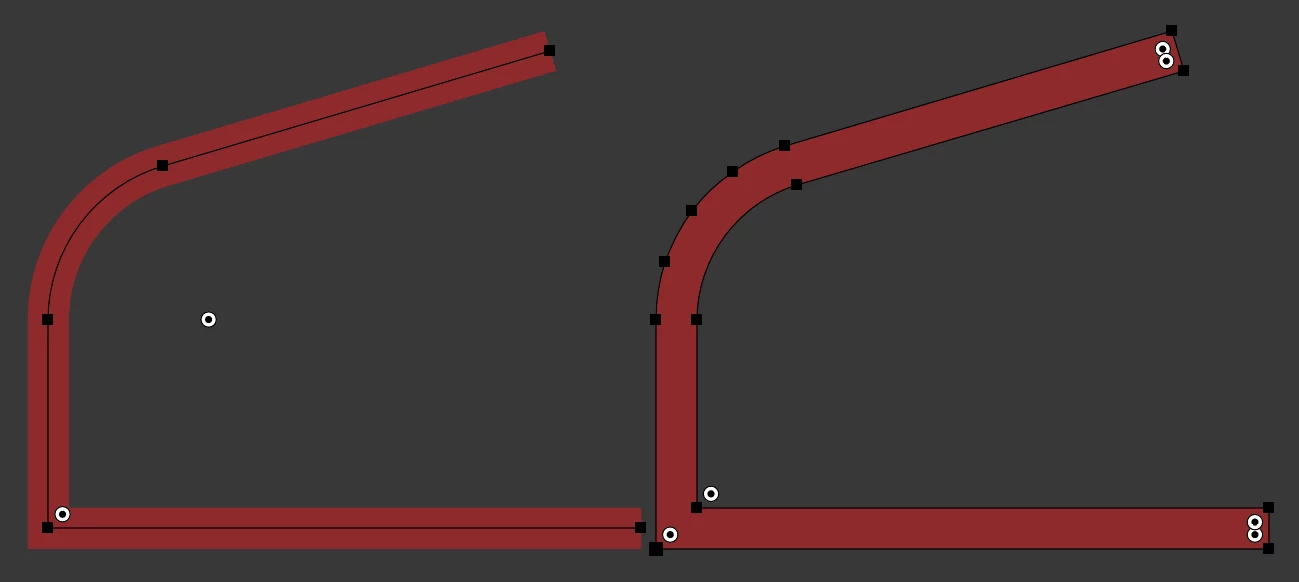
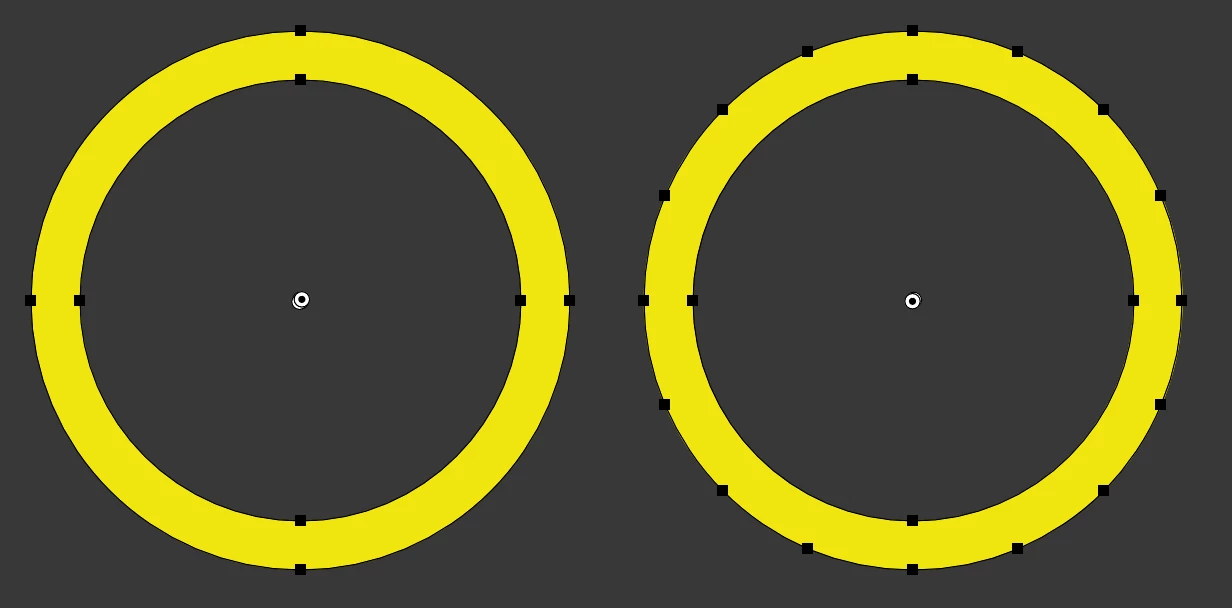
What's going on with Illustrator that adds so many anchor points when you expand/outline a path? This is the result I used to get before and then how it behaves now. Why does it need so many ancho points for a simple circle?
 

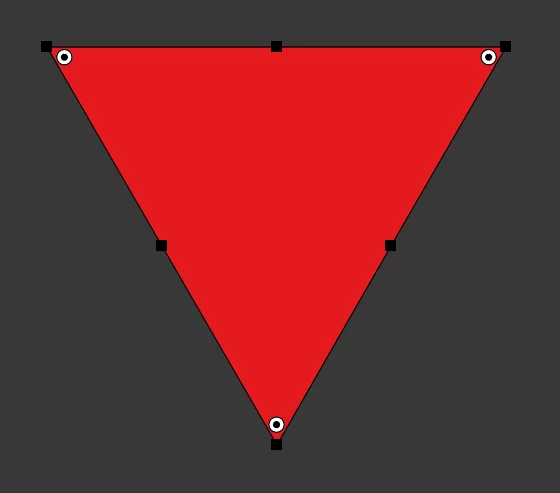
It does it with all the shapes regardless of how simple they are, like 6 for a triangle now?


This topic has been closed for replies.
Correct answer CarlosCanto

I did change the color before creating the circle so the anchor points will highlight better, I posted a little video about what I did.


that's weird indeed, but I did notice your shape is rather large, so digging a little I was finally able to replicate your problem


expanding a 425 pt diameter circle = 4 points

expanding a 426 pt diameter circle = a few more points

expanding larger circles = more points


1 reply

m1b
Community Expert
Community Expert
January 7, 2022

Hi @Piter1288, that's really weird! I'm not able to reproduce that though (MacOS AI v26.0.2).


Are you working with a simple appearance? For testing purposes, please press D for default appearance and choose Object > Path > Outline stroke. Does that give too many points also?

- Mark

Piter1288
Piter1288Author
Inspiring
January 7, 2022

Well, that's even worse:


CarlosCanto
Community Expert
CarlosCantoCommunity ExpertCorrect answer
Community Expert
January 7, 2022

I did change the color before creating the circle so the anchor points will highlight better, I posted a little video about what I did.


that's weird indeed, but I did notice your shape is rather large, so digging a little I was finally able to replicate your problem


expanding a 425 pt diameter circle = 4 points

expanding a 426 pt diameter circle = a few more points

expanding larger circles = more points