
quenting34723004
Participant
December 23, 2020
Answered

My illustrator pannels disappear at every restart

  • December 23, 2020
  • 2 replies
  • 463 views

Everytime I restart my Illustrator, all my pannels disappear, and Illustrator won't let met switch to another workspace.
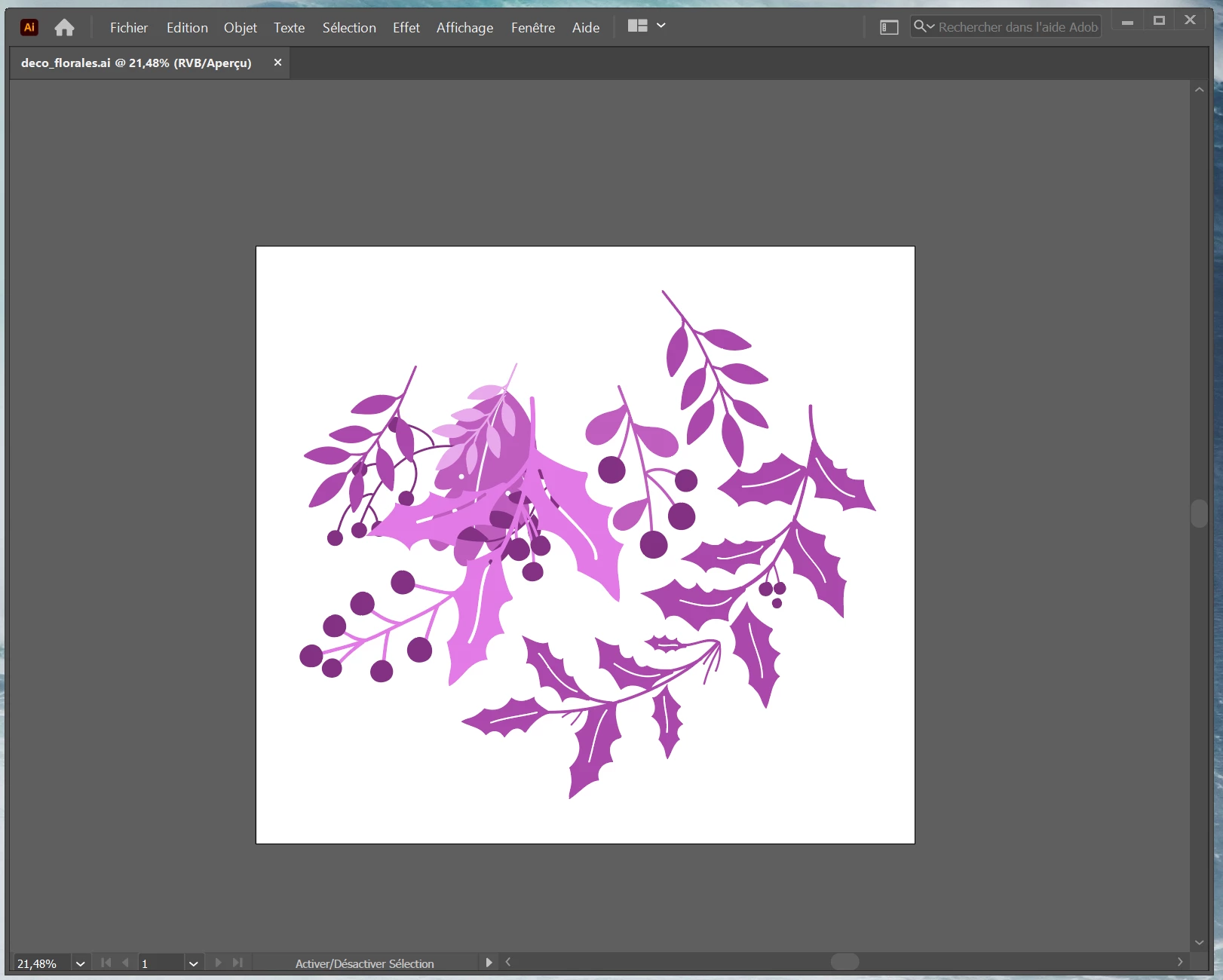
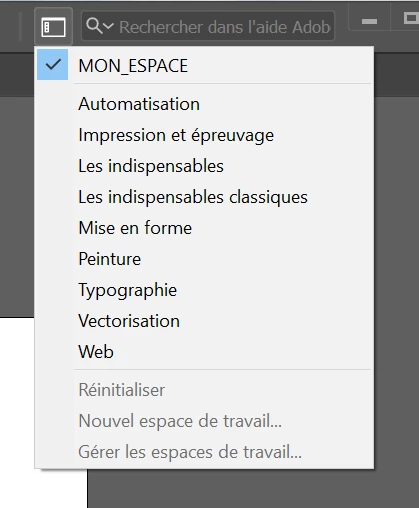


When I click on another workspace name, nothing happens, and I can't click the reset button ("réinitialiser") nor create another workspace. Everytime I have to toggle all my pannels and place them manually, only for them to disappear next restart. It's making me crazy.


> I have tried uninstalling Illustrator and reinstalling it.

> I have tried resetting my preferences and restarting the software.


I'm using the latest version (25.0.1)

This topic has been closed for replies.
Correct answer quenting34723004

Thank you for your answer, 

I tried the TAB button before posting here, this wasn't it.

This morning I opened my Illustrator, and everything was working again... I guess we'll never know

2 replies

Participant
October 25, 2022
  1. Close Illustrator
  2. Open Run by pressing "Win+R" and type "appdata" and click on enter key.
  3. Open Roaming from Appdata>Adobe>Rename Adobe IIlustrator and Adobe Illustrator 27 Settings folder to .old
  4. Start Illustrator now and check for the issue.
Inspiring
December 23, 2020

Could you have accidentally pressed the "TAB" key on your keyboard? if so please try pressing the "TAB" key again.

quenting34723004
quenting34723004AuthorCorrect answer
Participant
December 24, 2020

Thank you for your answer, 

I tried the TAB button before posting here, this wasn't it.

This morning I opened my Illustrator, and everything was working again... I guess we'll never know