
Inspiring
July 19, 2022
Answered

Need help with my icon design workflow. Scaling artwork to fit its parent artboad and center.

  • July 19, 2022
  • 3 replies
  • 1933 views

I commonly need to export icons at a specific size (usually 16x16px). My typical starting point looks like this (I usually have more icons, but I've simplified things for the sake of this example):
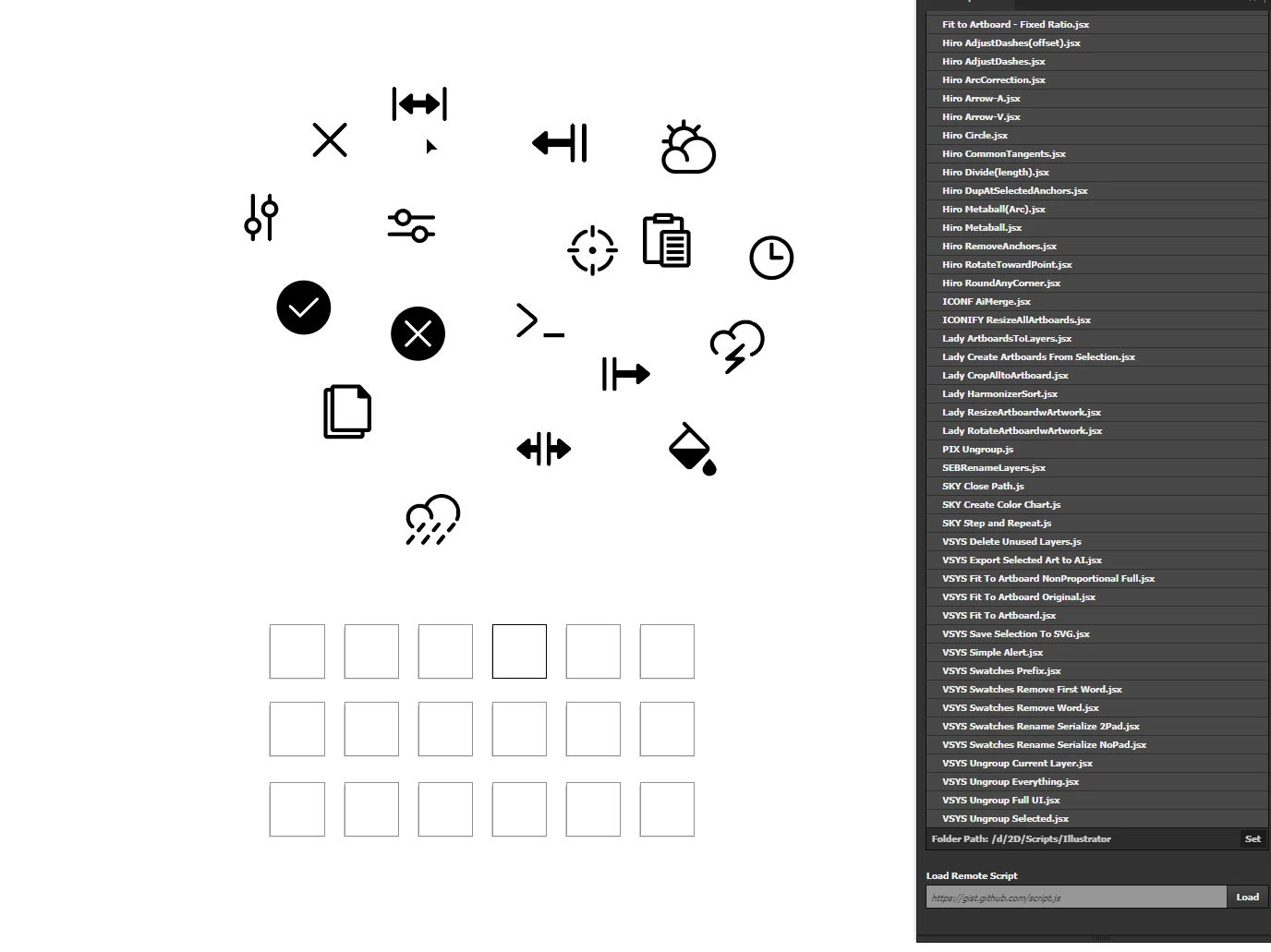
 

Since I can't find a plugin or script that both resizes artwork to a bounding box of [n x n] (where "n" is an arbitrary pixel size WHILE maintaining each icon's aspect ratio) and then arranges each item in a grid - I do it all manaully. I just drag each icon roughly within each of my predefined artboards. This leaves me here after a minute or two of dragging:
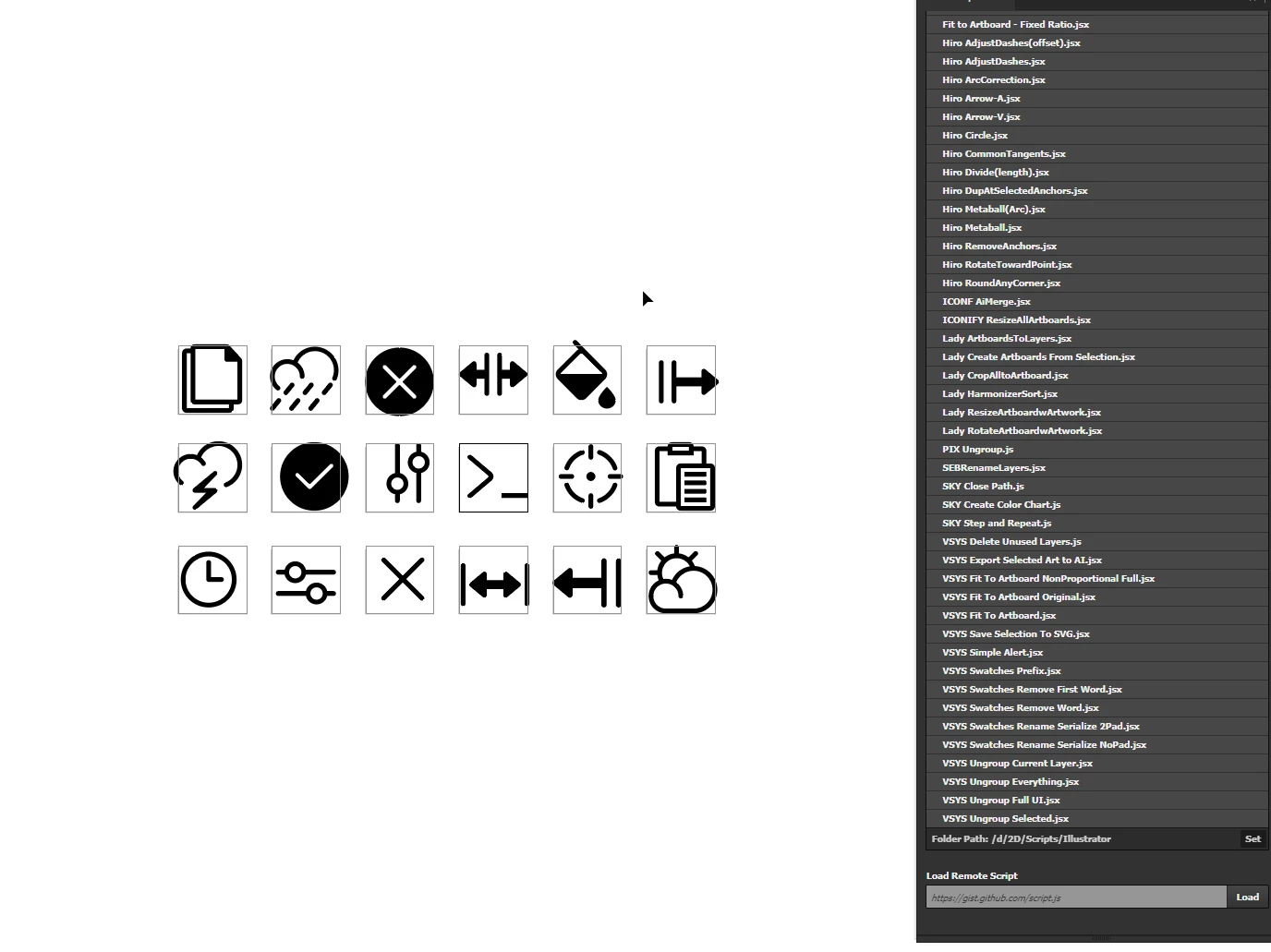
 
Once I've gotten to this point, I use an action that centers a selected object to its parent artboard. I've set the hotkey to F2 so I can rapid fire. Click on icon > F2, Click on icon > F2, Etc. Repeat until all icons are centered.

Lastly, since some of the icons are smaller than my 16x16 artboards, I have to scale them to fit perfectly within the bounds of each artboard. Again since I don't have a working script that fits selected artwork to its artboard without aspect ratio distortion, I do this all manaully. After all this is done, I finally end up here:
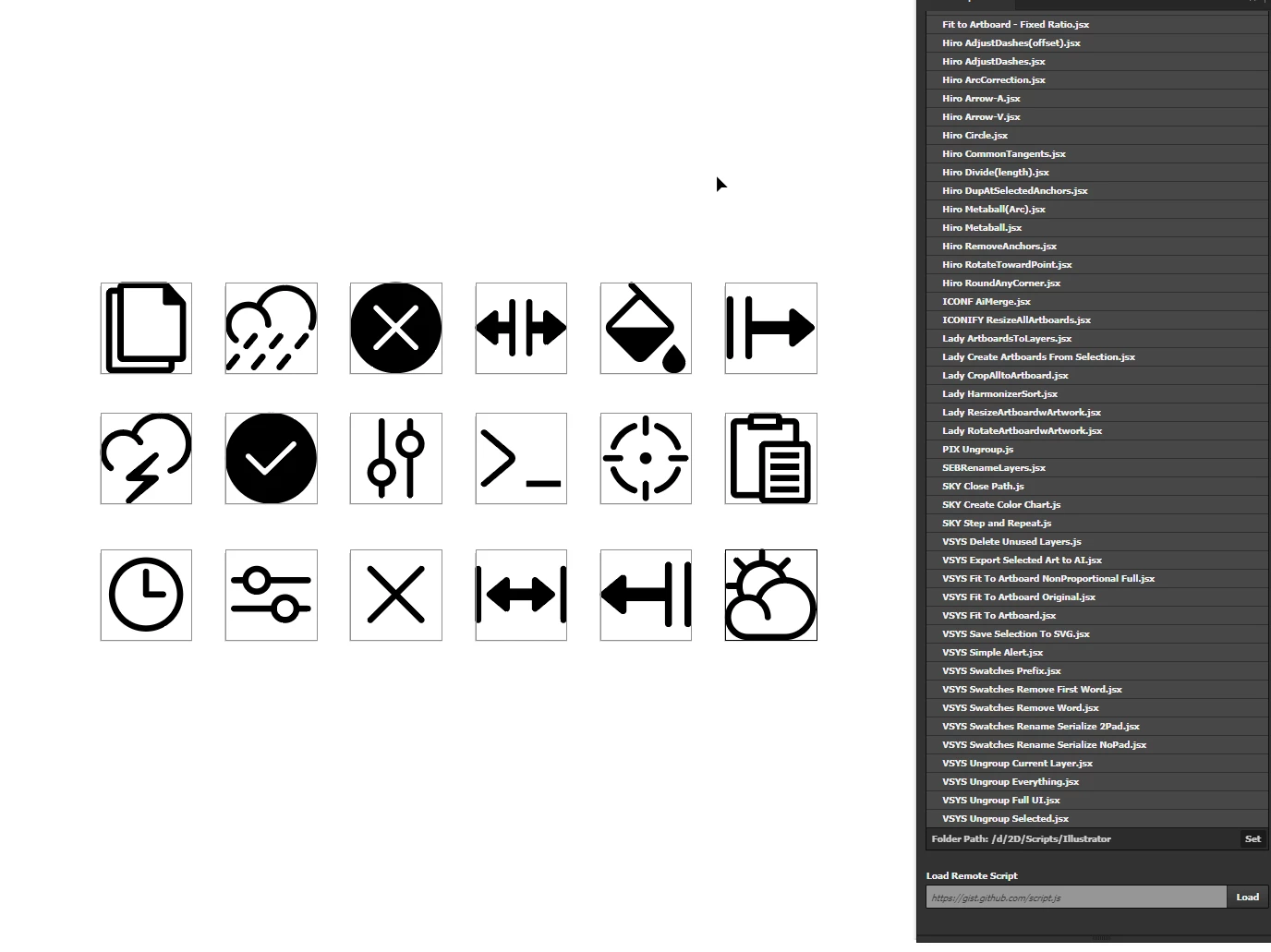


So after outlining my current workflow, I am looking for any of the following:

1. A working JSX that will resize all selected objects to a bounding box of my input (I.E. 16x16, 32x32, 64x64 etc.) without breaking aspect ratio.
2. A working JSX that will scale up (or down) selected artwork to fit its parent artboard without breaking aspect ratio.
3. A working script that will center each individual icon (in one run of the script) within its parent artboard (to be performed after the resize)
4. Bonus points for a script that will roghly align each icon to a grid so I spend less time separating imported icons.
5. Any other tips or suggestions on how to streamline this workflow would be hugely appreciated!


Scripts I've tried:


Sorry that this post is extremely long, but I really want to find better solutions. My current workflow is unnecessarily tedious and I'm sure there are scripts or plugins that can help.

Thank you generously for any tips, scripts, guidance, or general help!

Jay
This topic has been closed for replies.
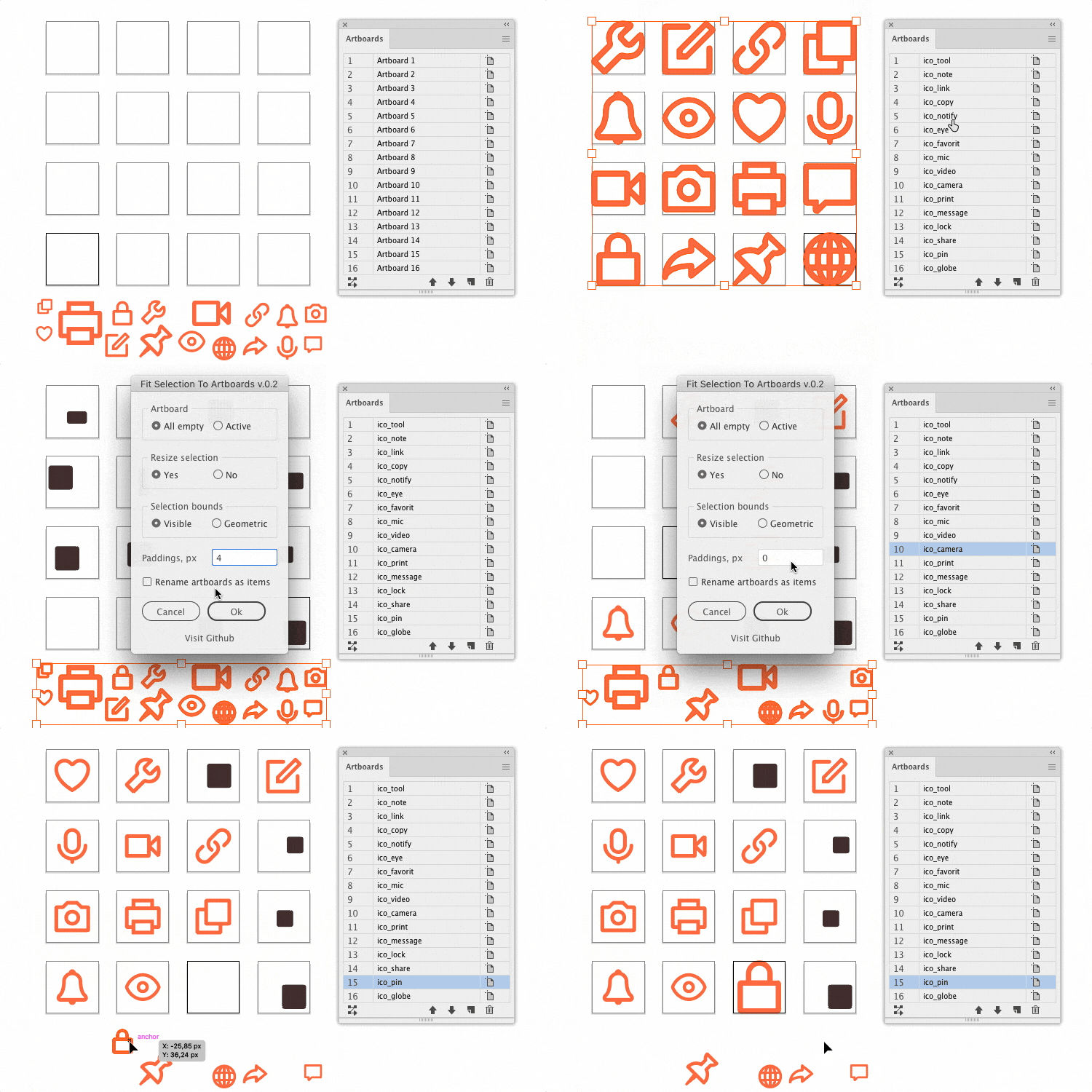
Correct answer Sergey Osokin

It's absolutely free. I don't think you can donate to me, because I live in a sanctioned country 🙂 
https://github.com/creold/illustrator-scripts/blob/master/jsx/FitSelectionToArtboards.jsx

3 replies

femkeblanco
Legend
July 21, 2022

This is a most basic script.  There is no error management. 


// select items
var doc = app.activeDocument;
var selCol = doc.selection;
var ABs = doc.artboards;
for (var i = 0; i < selCol.length; i++) {
    var item = selCol[i];
    var ABR = doc.artboards[i].artboardRect;
    var ABWidth = ABR[2] - ABR[0];
    var ABHeight = ABR[3] - ABR[1];
    var itemMaxDim = Math.max(item.width, item.height);
    var ABMaxDim = Math.max(ABWidth, ABHeight);
    item.width = item.width * (ABMaxDim / itemMaxDim);
    item.height = item.height * (ABMaxDim / itemMaxDim);
    item.position = [
        (ABR[0] + (ABWidth / 2)) - item.width / 2,
        (ABR[1] + (ABHeight / 2)) + item.height / 2
    ];
}


Inspiring
July 24, 2022

Hey, I really appreciate the code! I am going to test it out tonight. Sergey Osokin posted a pretty robust script that does the same thing, so I'm using that now. But I can always use more scripts, and reverse engineering them is a great exercise. Thanks so much for taking the time to create and share your code.

Sergey Osokin
Inspiring
July 21, 2022

I made a similar script at the request of a client. One by one, the object is taken from the selection and fit to the artboards. If the amount of artboards is less than the amount of objects, the script will terminate. The script still needs some work, so I haven't posted it on GitHub yet

Inspiring
July 21, 2022

@Sergey OsokinHoly moly! That is EXACTLY what I am trying to do. If there is any way you could share your script with me, I would be eternally grateful. I'll pay you for it if you're up for it.

Inspiring
July 25, 2022

It's absolutely free. I don't think you can donate to me, because I live in a sanctioned country 🙂 
https://github.com/creold/illustrator-scripts/blob/master/jsx/FitSelectionToArtboards.jsx


@Sergey OsokinI was looking through your script that you posted and trying to analyze your functions. You have one function in particular that I'm not sure is correct:


// Get the defined units for the active document
function getUnits() {
  if (!documents.length) return '';
  switch (activeDocument.rulerUnits) {
    case RulerUnits.Pixels: return 'px';
    case RulerUnits.Points: return 'pt';
    case RulerUnits.Picas: return 'pc';
    case RulerUnits.Inches: return 'in';
    case RulerUnits.Millimeters: return 'mm';
    case RulerUnits.Centimeters: return 'cm';
    case RulerUnits.Unknown: // Parse new units only for the saved doc
      var xmp = activeDocument.XMPString;
      // Example: <stDim:unit>Yards</stDim:unit>
      if (/stDim:unit/i.test(xmp)) {
        var units = /<stDim:unit>(.*?)<\/stDim:unit>/g.exec(xmp)[1];
        if (units == 'Meters') return 'm';
        if (units == 'Feet') return 'ft';
        if (units == 'Yards') return 'yd';
      }
      break;
  }
  return 'px'; // Default
}


Specifically these lines:

switch (activeDocument.rulerUnits)
var xmp = activeDocument.XMPString;

Shouldn't it be:

switch (app.activeDocument.rulerUnits)
var xmp = app.activeDocument.XMPString;


I am just learning at the moment and trying to reverse engineer code, so I could be completely and utterly wrong. But I've never seen activeDocument being refrenced without first being prefixed by app.

Any way you can clarify or point me in the right direction?

femkeblanco
Legend
July 19, 2022

Are the icons symbols? 

Inspiring
July 20, 2022

Nope, just imported SVG files. A lot of times I need to convert various SVGs to a unified artboard size.