
Question
Need HELP!
So I've just recently migrated my files from an imac to a 14inch Macbook pro, and when i open Illustrator( the 'your files' section) this pops up( the 'something went wrong' screen)
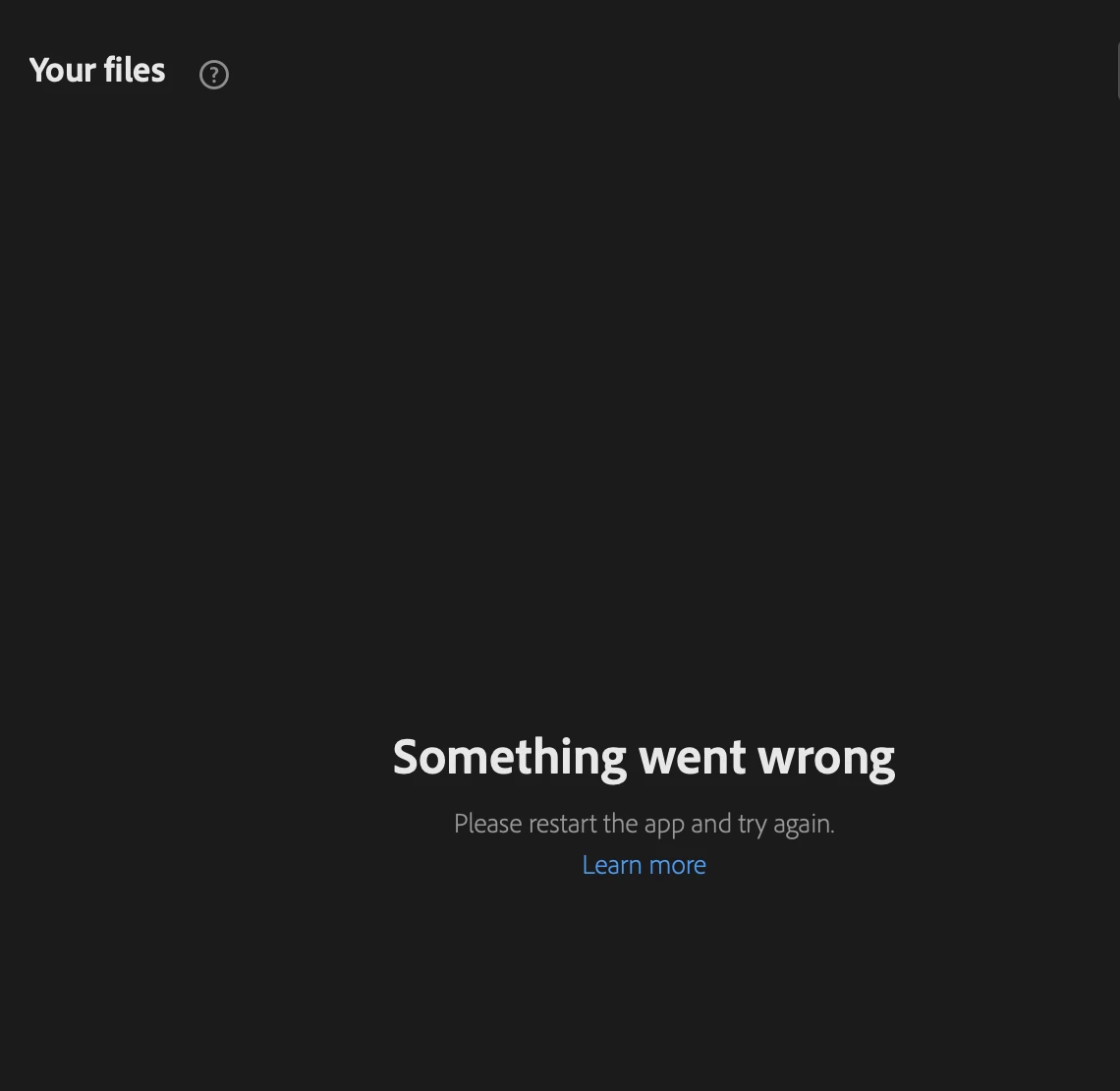
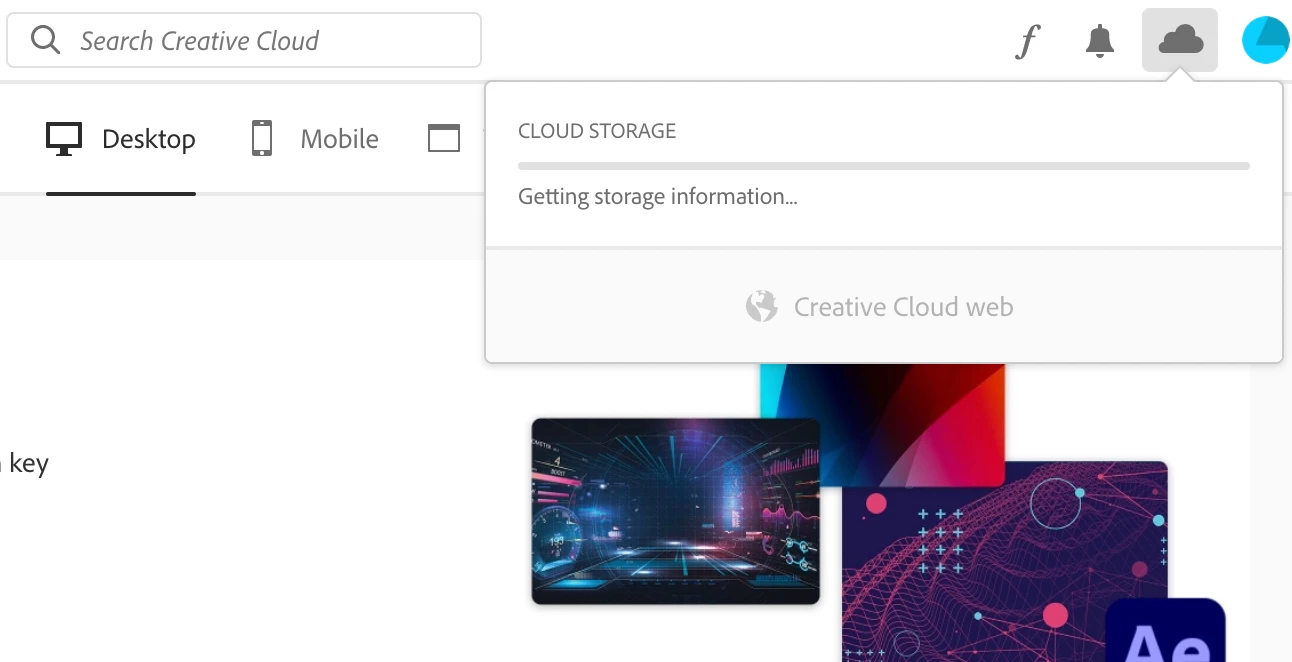
when I'm in illustrator it saids that i'm working offline although im connected to a strong wifi, and when i open the creative cloud app the same "something went wrong" screen pops up, but on the creative cloud app, it doesn't say that im offline, but insted the "getting storage information" thing just stays there and doesnt go away. Any solutions?
 AdChoices