

Need to print out Vector art work to specific dimensions
I have an Arcade Cabinet that I built and I now want to create a "collage" of images that
are combined and overlap each other but I need to design the art work to specific dimensions (inches)
Where in Adobe Illustrator can I adjust the "dimensions" (height, width etc) of the Vector art work
to match the the length and width of the wood cabinet that the printed vector art work will be applied to?
Let's say the size of the MDF cabinet is 5 ft by 8 ft.
Is there a feature/function of Adobe Illustrator where I can change the "area" of the design to 5 ft x 8ft?
Also, my wood cabinet is not "square". The edges have a few angle cuts as you would naturally
see on cabinet designs for arcade cabinets.
Will I be able to design vector art work in Illustrator and have the "area" of the art work match
the exact unique shape of the area that the art work will be applied to?
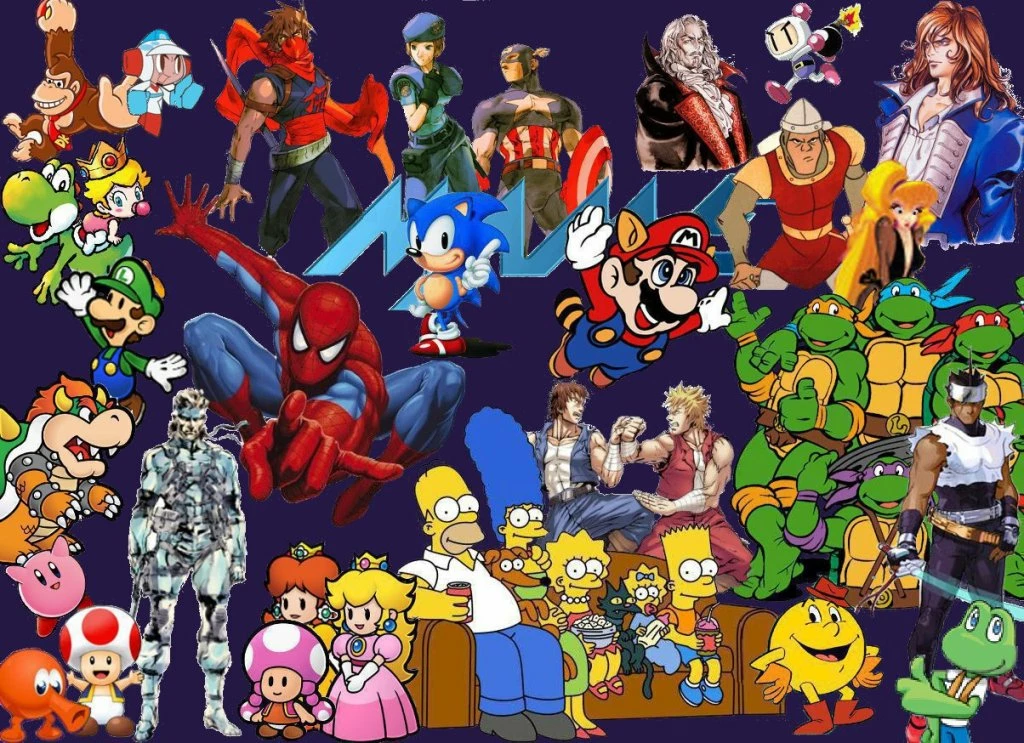
Here are some example images of art work where the characters/images overlap and combine to make a collage.
Also below is an example of an arcade cabinet to show that it is not completely square (ie there are angles
to the design of the sides of the cabinet where the art work will be applied to after it is printed out to the actual dimensions
of the sides of the cabinet)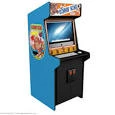
Also, I am really good at Google Sketchup. Should I create a PDF export in Sketchup of the sides of my cabinet (where the
art will cover the entire area) and open it up in Adobe Illustrator to achieve my goal of creating the art work the same
exact 5 ft x 8 ft area of the real life cabinet?
 AdChoices