This topic has been closed for replies.
Correct answer Larry G. Schneider

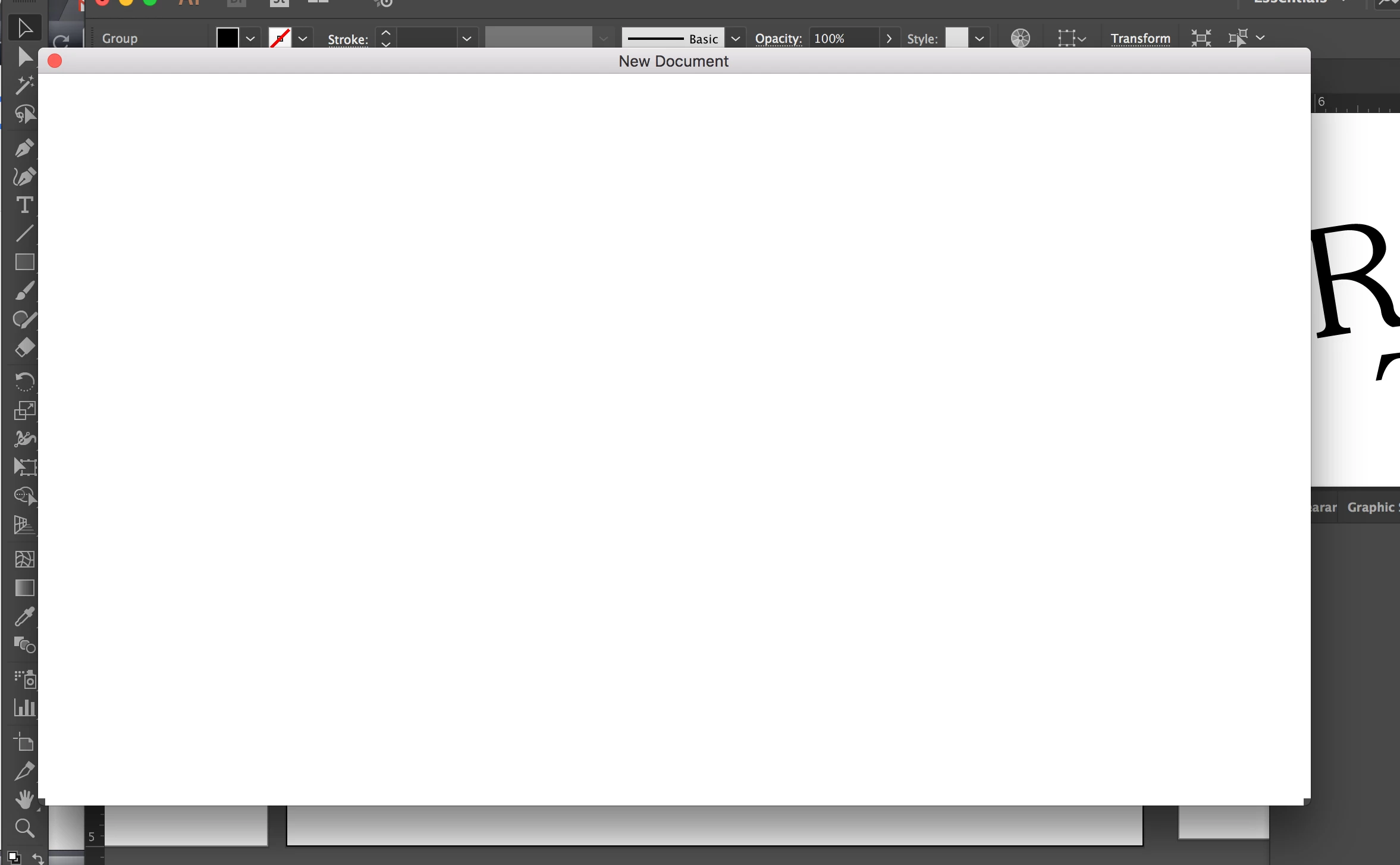
In preferences check the box that says "Use Legacy New Document dialog".

3 replies

artichoked
Inspiring
April 26, 2023

Wow, this bug still persists in 2023 (version 27.4). Unreal.

Anubhav M
Community Manager
Community Manager
May 30, 2023

Hello @artichoked,


We understand that dealing with technical problems can be frustrating. Could you please try the following steps and see if they resolve the issue:

  • Close all Adobe applications
  • Rename the UXP folder to ~UXP.
    For Windows: Navigate to C:\Program Files\Common Files\Adobe\UXP
    For macOS: Navigate to Macintosh HD/Library/Application Support/Adobe/UXP
  • Relaunch Illustrator


If the issue persists, kindly try removing Illustrator using the Creative Cloud Cleaner Tool (https://helpx.adobe.com/creative-cloud/kb/cc-cleaner-tool-installation-problems.html) and then reinstall and share your observations.


Looking forward to hearing from you.


Thanks,

Anubhav

Larry G. Schneider
Community Expert
Larry G. SchneiderCommunity ExpertCorrect answer
Community Expert
December 15, 2016

In preferences check the box that says "Use Legacy New Document dialog".

November 14, 2017

Had the same issue with my new surface pro 4, switching to legacy did fix this - but why is it not working?

kglad
Community Expert
Community Expert
December 9, 2016
Kanikas
Community Manager
Community Manager
December 15, 2016

Moving to Illustrator