
Answered
New MacBook Pro M3 - Colors have gone crazy!
Hi all -- longtime listner, first-time caller.
I just purchased a new Macbook Pro with the Apple M3 chip.
Suddenly, upon opening existing Illustrator files, I'm getting color profile errors like this one:
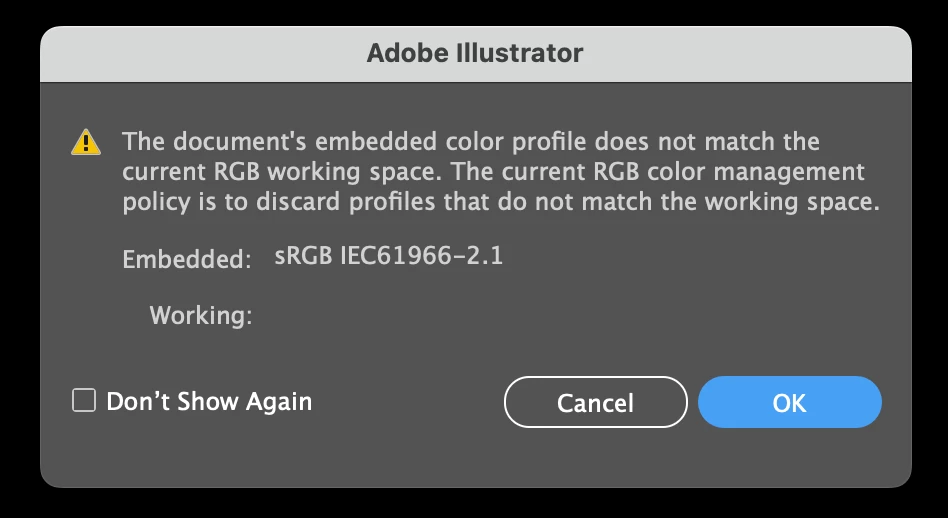
Opening the files is producing wildly incorrect (over exposed) colors.
Example: here's what a file shuld look like:

...and here's what I'm getting:

I've been seaching various forums and can't find an answer. I suspect this has something to do with support of Illustrator on the Apple chip, but I'm not sure.
Can anyone give me some pointers? Thank you!
 AdChoices