Participant
April 6, 2023
Question

'Not enough memory'
  • April 6, 2023
  • 4 replies
  • 576 views

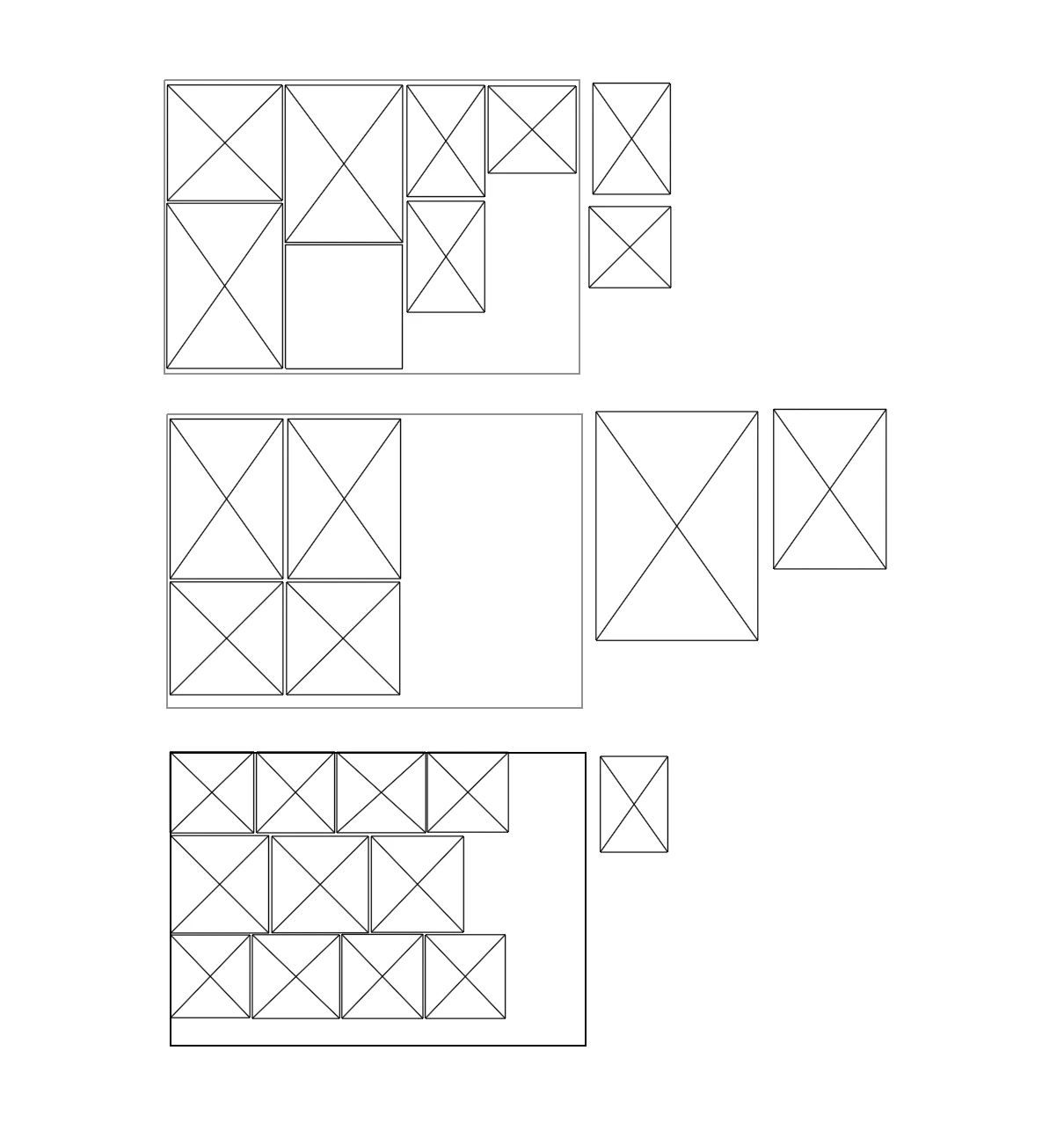
When I open my Illustrator file, all my images have been swapped for this. A message saying not enough memory also shows? Does anyone know how to fix this?

This topic has been closed for replies.

4 replies

Participating Frequently
April 7, 2023

Were they linked images you moved or are they high resolution images. 

Met1
Legend
April 7, 2023

What are you running on now?

Anubhav M
Community Manager
Community Manager
April 6, 2023

Hello @Macie29281834jzb8,


We understand that encountering technical issues can be frustrating. I hope the suggestions shared by Ton helped resolve the problem. If not, kindly try the steps shared in this article (https://helpx.adobe.com/illustrator/kb/not-enough-memory-illustrator-cc.html) and share your observations with us. We appreciate your time and effort in helping us resolve this issue.


Looking forward to hearing from you.


Thanks,

Anubhav

Ton Frederiks
Community Expert
Community Expert
April 6, 2023

Does your links panel show them as missing?

This looks like you are in outline preview.

Did you try to close all applications, restart your machine and try again with Illustrator only?