
Not sure how to edit text and about the .ai file I just received.
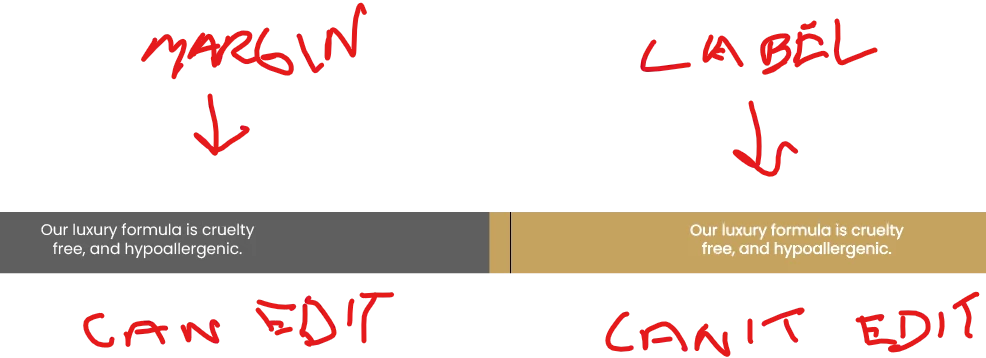
I just received an Illustrator file from my graphic artist for a packaging label design, and I'm more familiar with Photoshop than I am with illustrator, but I'm not sure how they setup the file. I wanted to tweak a bit of the text and enlarge the font size, but when I click on the text layer with the text icon inside the label area itself, it doesn't go into edit mode and instead creates a new text layer, and I'm not sure what I'm doing wrong. The text and graphics are also duplicated in the margins which is odd. That text I can edit, but when I do edit it, the changes don't get applied to the text on the actual label itself. I am using Adobe Illustrator CC. I'm also unclear why they were using the margins to duplicate the text and graphics on the label.
Any help would be appreciated.
 AdChoices