Known Participant
April 29, 2023
Answered

Nothing happens when I try to edit Stroke options for a line created through paintbrush

  • April 29, 2023
  • 2 replies
  • 3461 views

Hi I need help with editing lines, I want to create a tapered end however whenever I try to edit the Stroke options nothing happens. I've attached a video of the issue.


Thanks.

Correct answer Monika Gause

Hopefully I did it correctly,


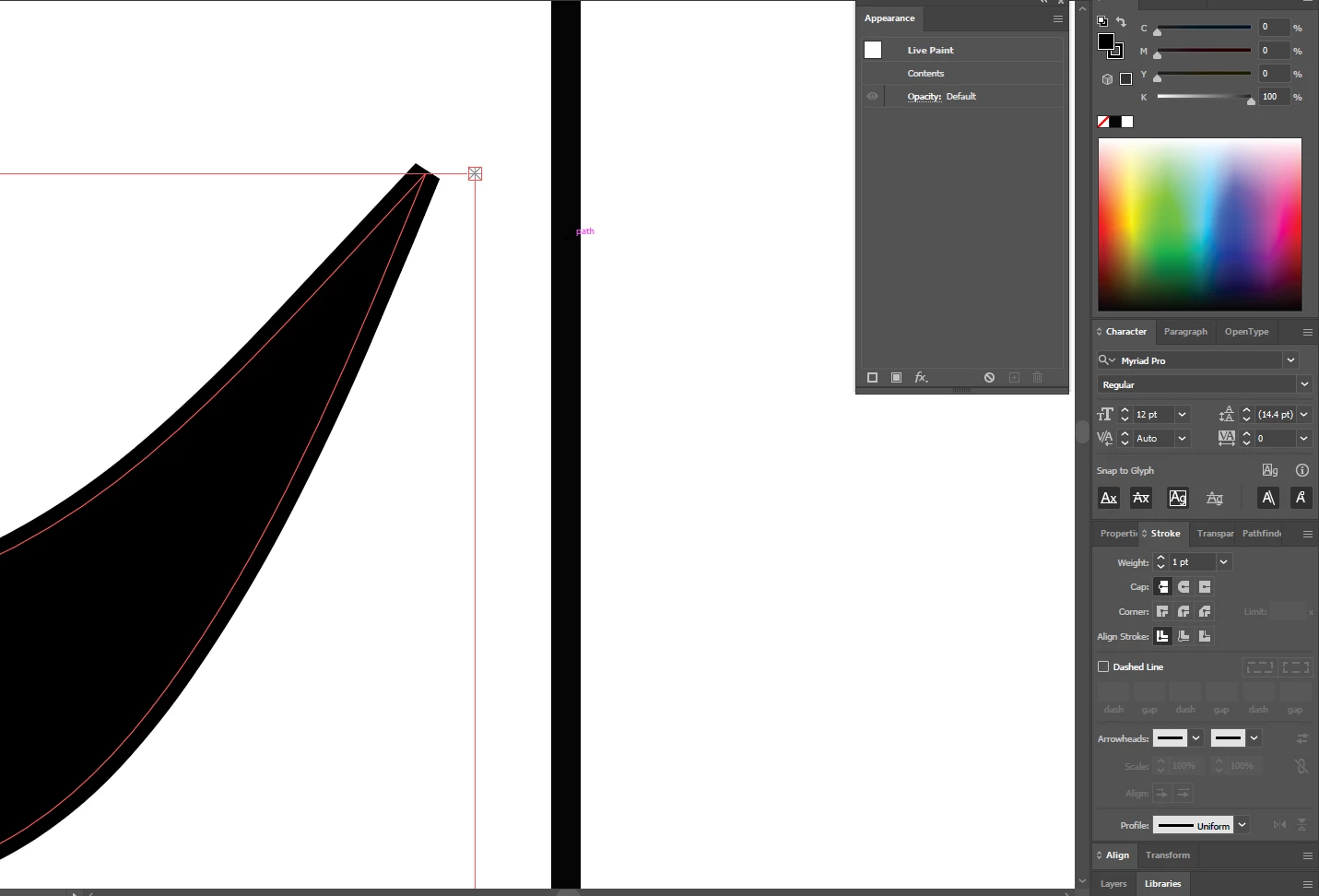
It's a live paint group. You need to expand that first before you can apply variable width strokes to it.

2 replies

Known Participant
April 29, 2023

You must change your brush to "Basic" in order to have those oprion work.

11PekoeAuthor
Known Participant
April 29, 2023

I need the certain brush that I am using though to get a certain effect.


Also, I see the Basic tool brush but whenever I select it and then go paint, it doesn't retain my brush selection, it just goes back to 3 pt. Oval which is the brush that I am using. I can't select the Basic brush at all otherwise it'll revert back to the old selection.

m1b
Community Expert
Community Expert
April 29, 2023

@chris701 has pointed to the issue. Only Basic, Pattern and Art brushes can have variable widths. Perhaps you can make an art brush that looks similar to your current brush?

m1b
Community Expert
Community Expert
April 29, 2023

What happens when you use the line width tool on it?

11PekoeAuthor
Known Participant
April 29, 2023

Can you tell me what that looks like? I am not very experienced with Illustrator.


m1b
Community Expert
Community Expert
April 29, 2023

My apologies. See toolbox below (the highlighted tool) Shift-W is the default keyboard shortcut.

See what happens when you click and drag on your path.

- Mark