Participant
January 8, 2023
Answered

Objects color chnage to black & white in Illustrator

  • January 8, 2023
  • 2 replies
  • 669 views

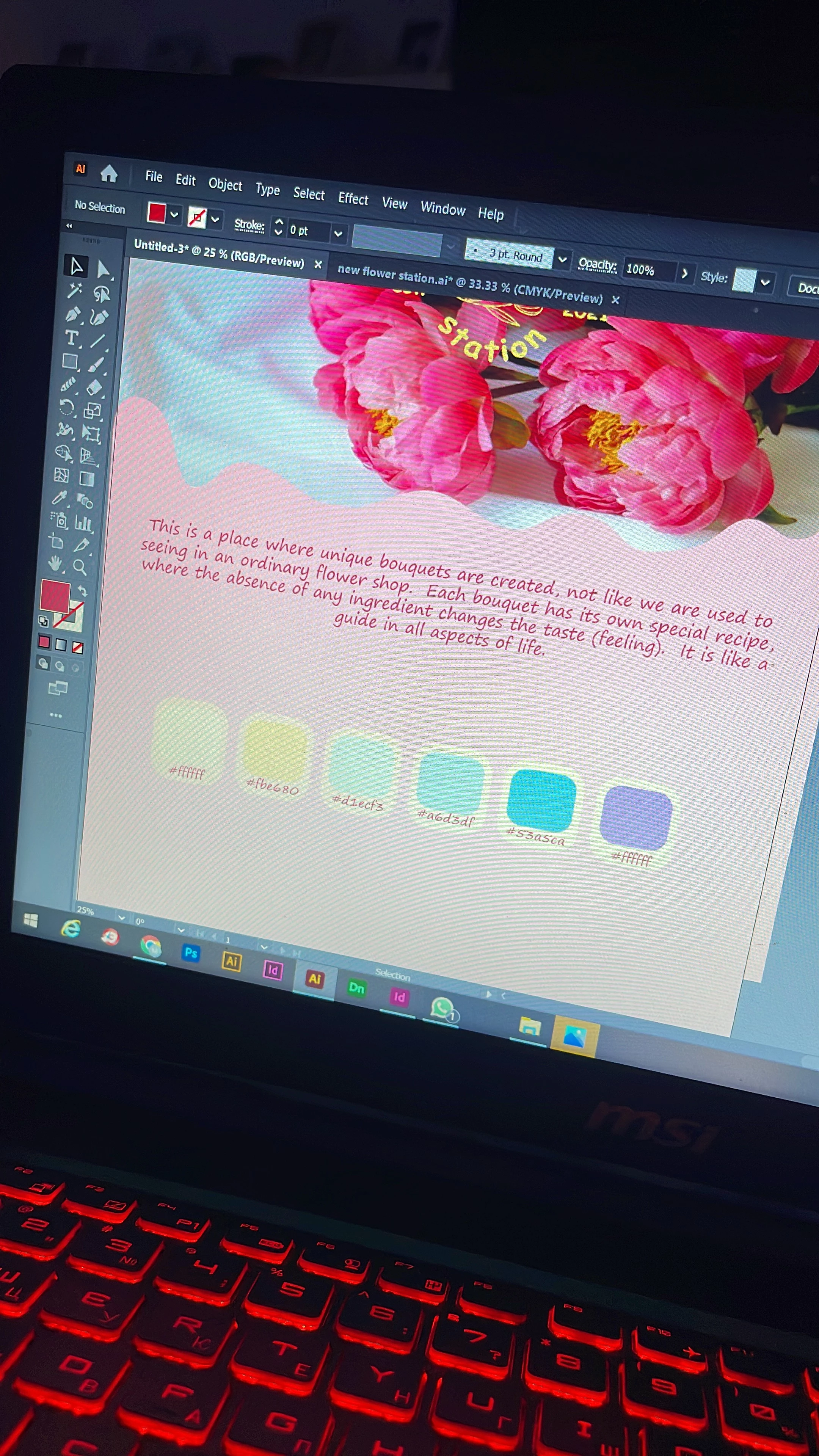
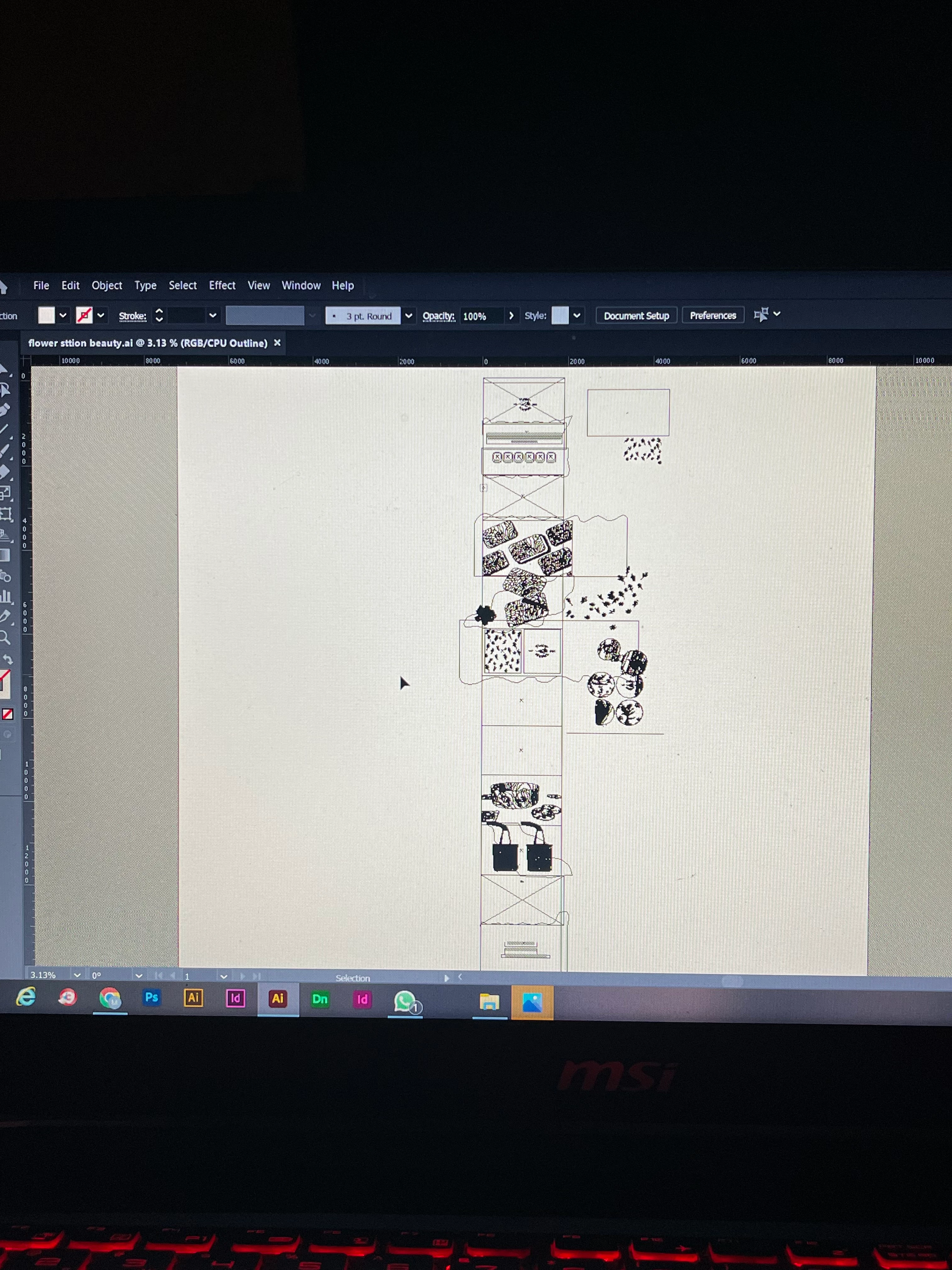
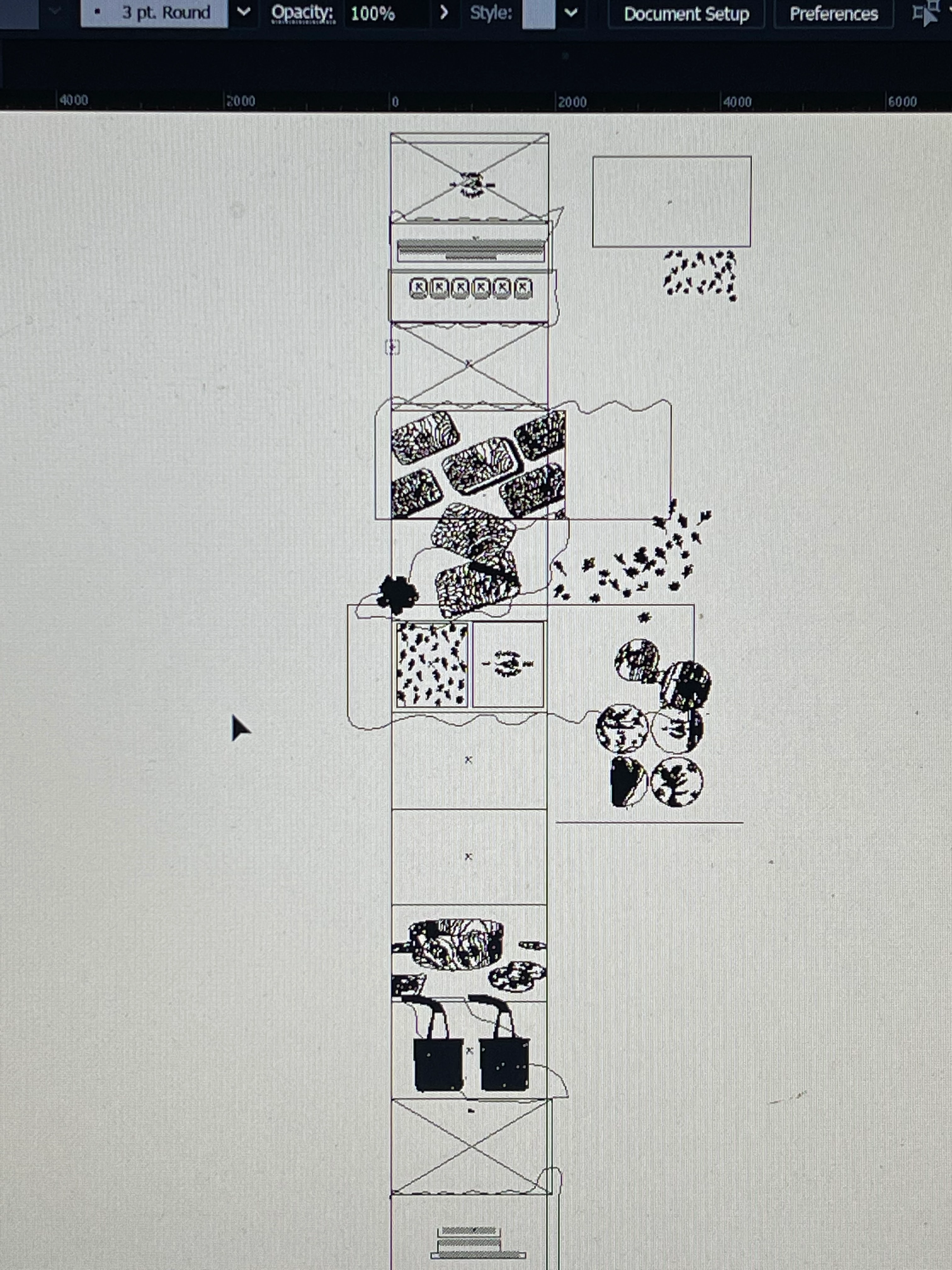
Hello,guys. I was working in the program and for the first time I had a problem with my document . All my objects have changed color to black and white, they are colorless now. I saved the file and closed the program after what happened. I thought when I restart the program everything will be as before but unfortunately no. Guys please help me. I hope this problem can be solved.
This topic has been closed for replies.
Correct answer Ton Frederiks

Looks like you are in outline mode. Change it to Preview in the View menu.

2 replies

Ton Frederiks
Community Expert
Ton FrederiksCommunity ExpertCorrect answer
Community Expert
January 9, 2023

Looks like you are in outline mode. Change it to Preview in the View menu.

Participant
January 10, 2023

Thank you so much, you make my day:)

Ton Frederiks
Community Expert
Community Expert
January 10, 2023

Good to hear that helped.

Participant
January 8, 2023

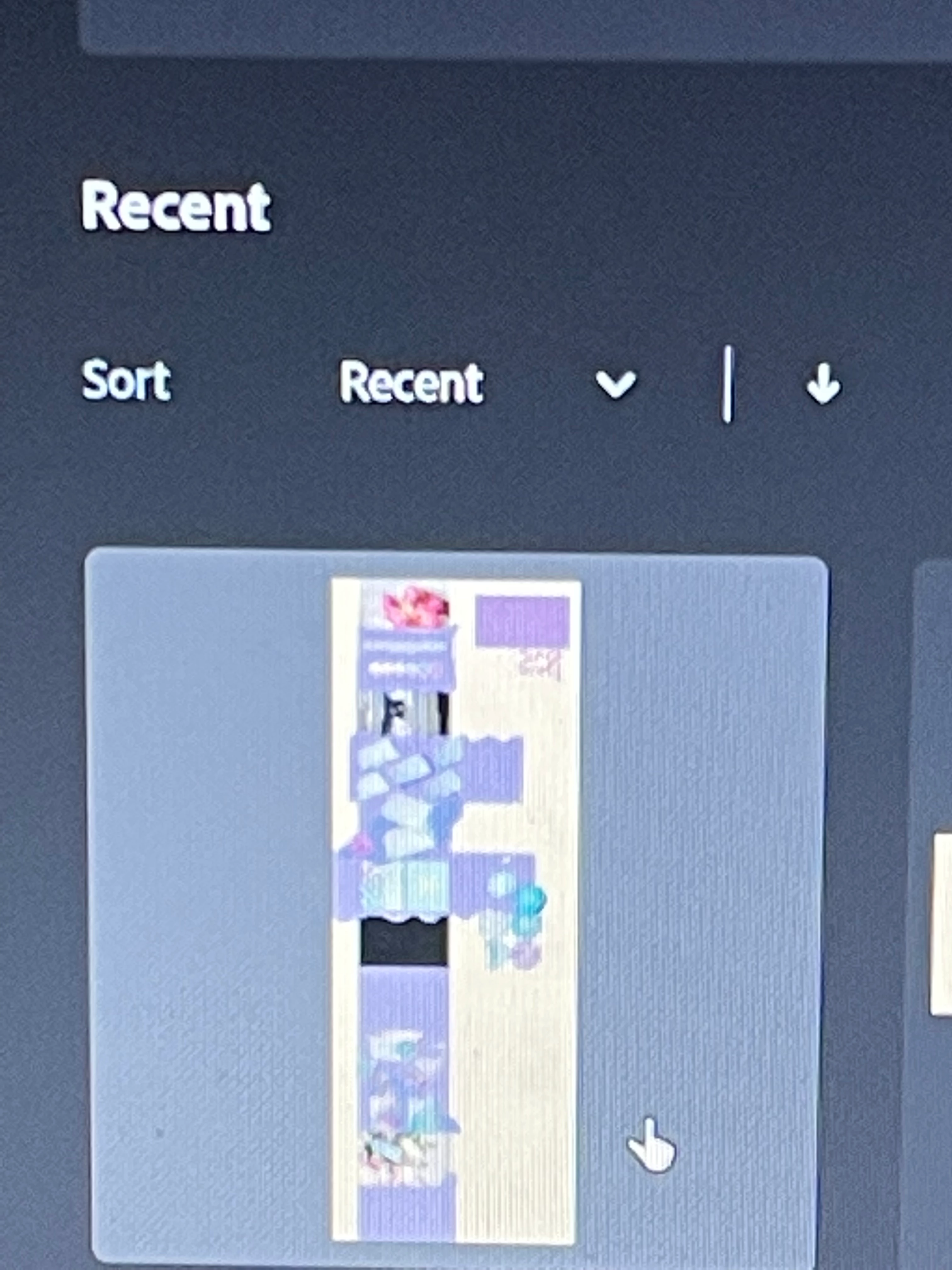
 when I do presentation mode everything is again with colors , help me guys please