
Objects look pixelated in Illustrator 2020 on Windows 10 machine
First time posting on here, hopefully someone can help me out!
SYSTEM:
Processor: AMD Ryzen 7 3700X 8-Core 3.60 GHz
Memory: 32.0 GB
OS: Windows 10 (1909)
Running: Adobe Illustrator 2020
ISSUE:
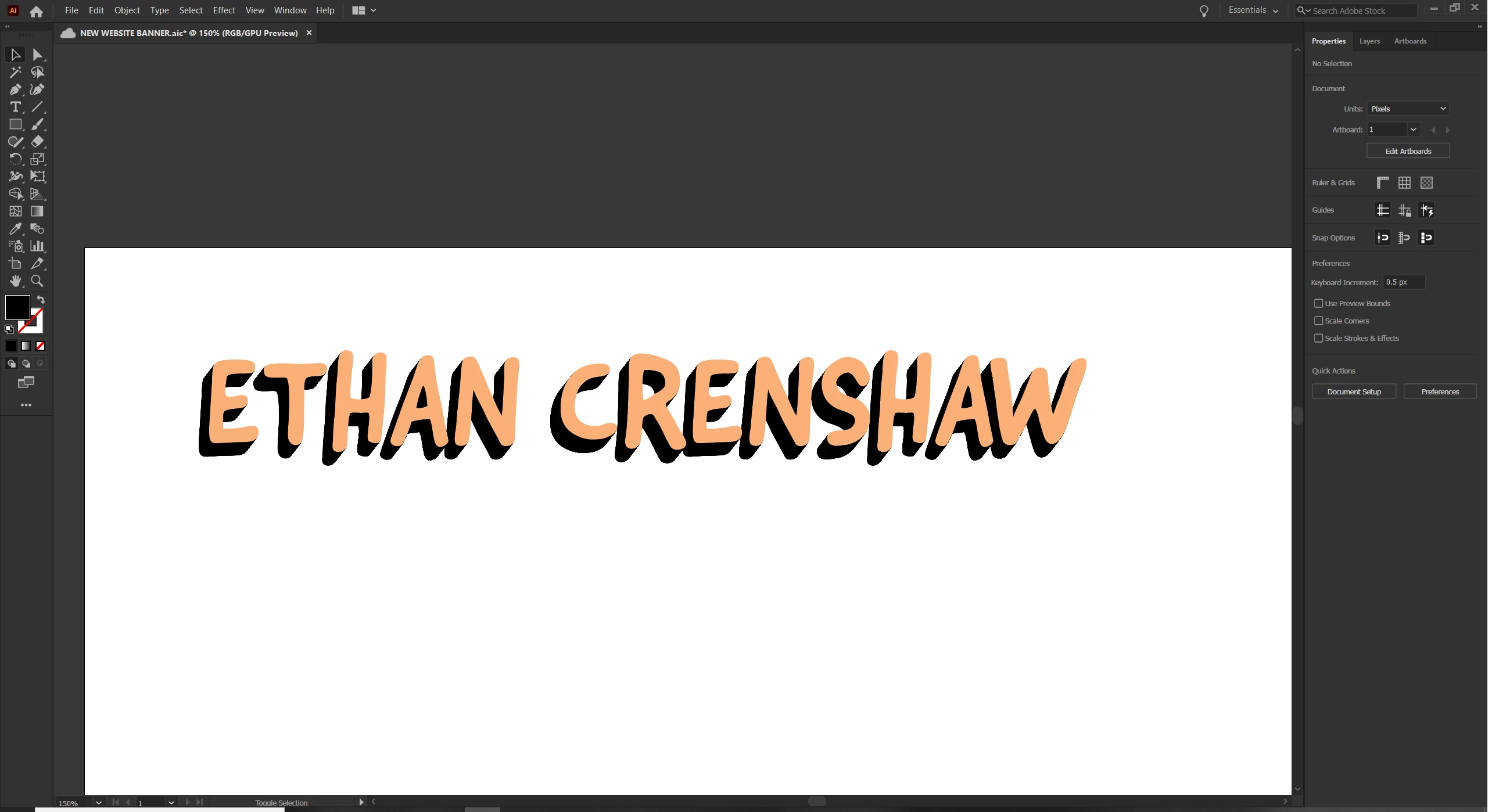
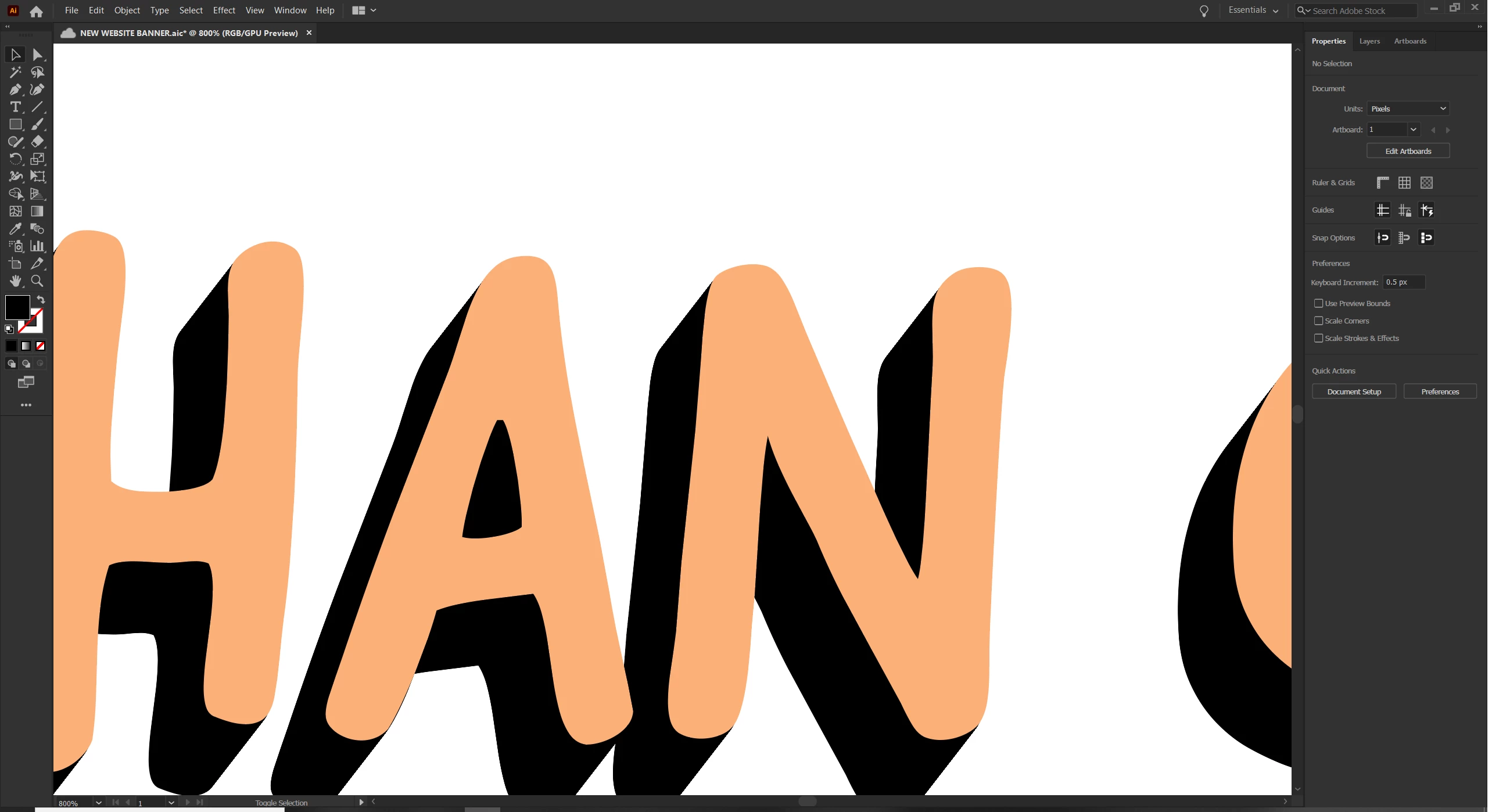
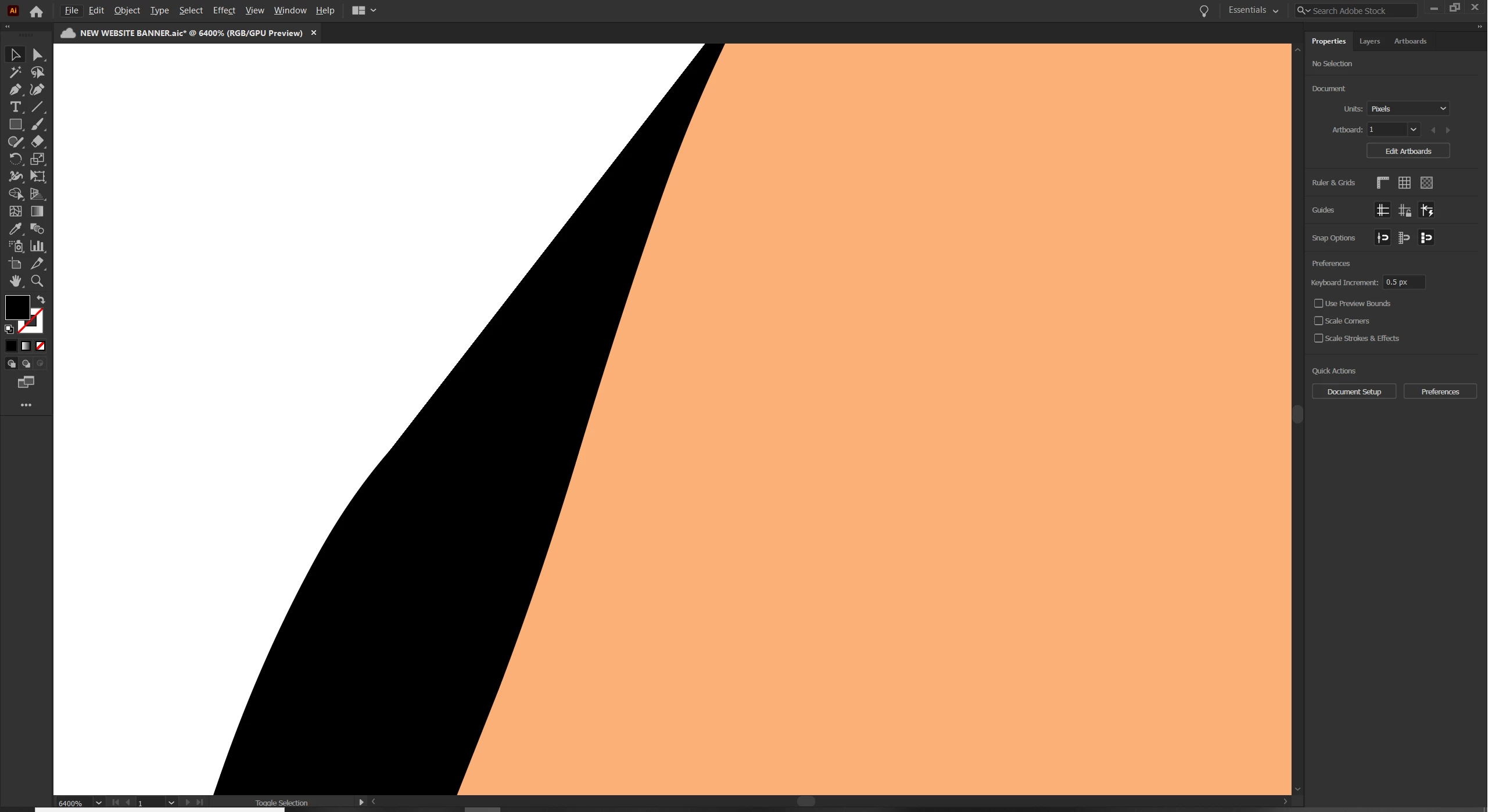
I created 3 identical text boxes and converted them into outlines. I blended 2 of them using the blend tool (speficied steps, set to 500 steps), then added the 3rd outline over to create the long shadow effect. This is something I have done before on the same computer and have never experienced this issue previously. Suddenly, the blend looks very pixelated around the edges and not smooth, as desired. Even the original text looks a bit pixelated straight from the type tool. Is there a setting on Illustrator preferences that I need to change? I have never noticed this kind of pixelation before and it's really aesthetically displeasing. I have included some screen shots below for reference. I am hoping this is an easy fix and maybe I am doing something wrong! Help!
It may be hard to see in the included photos... the res seems to be reduced when I upload here...

{Renamed by MOD}
 AdChoices