
felixj79420163
Known Participant
September 1, 2021
Answered

One layer is transparent even though Opacity and Transparency are 100% in Illustrator on macOS

  • September 1, 2021
  • 2 replies
  • 3302 views

Im using Illustrator and I pressed something while not paying attention. Now everything except one image layer is transparent and I cannot reverse it. Both Opacity and Transparency are 100% in the transparent layers. I am new to many aspects of Illustrator but could find nothing on this problem online. Thanks in advance!
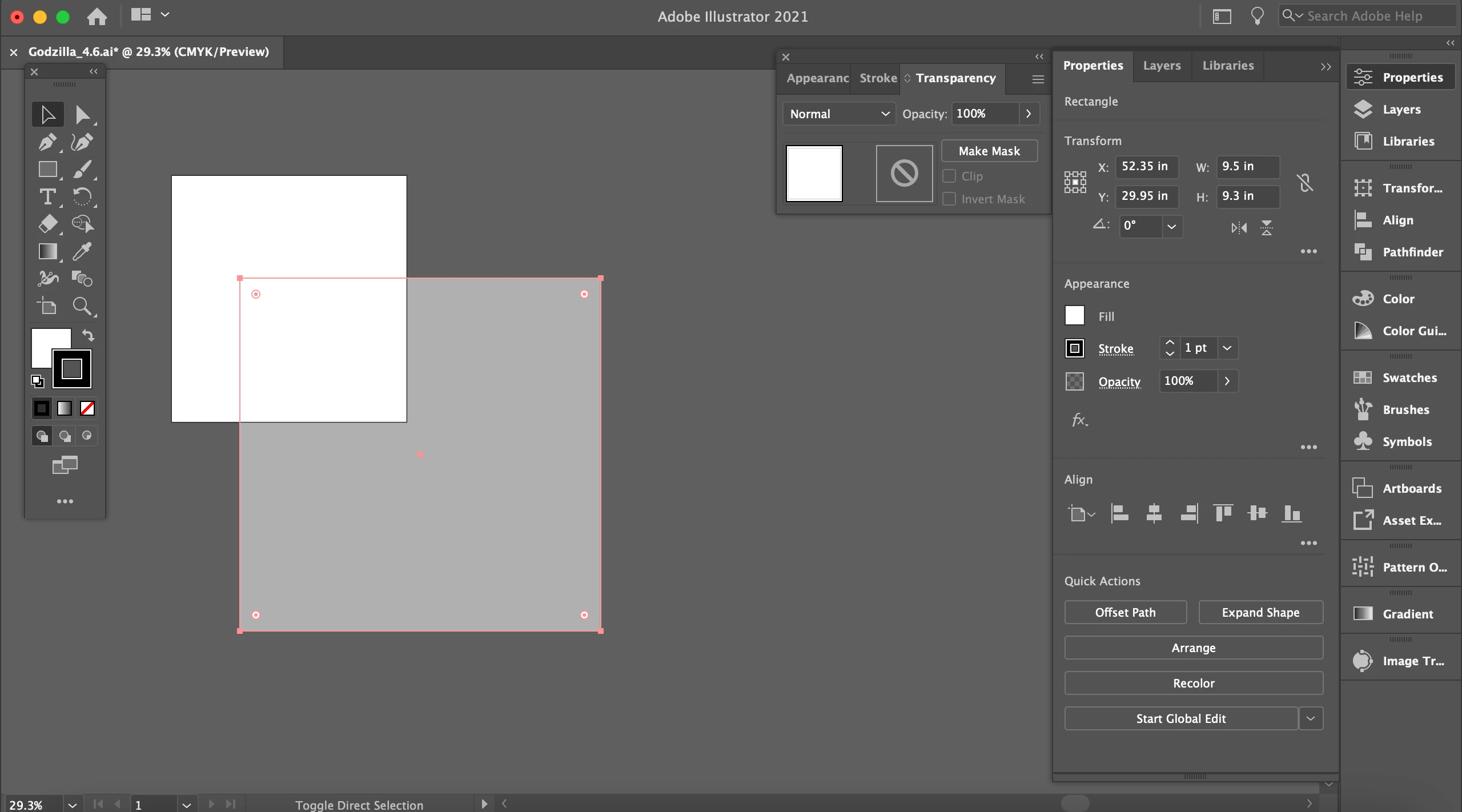


{Renamed by MOD}

This topic has been closed for replies.
Correct answer Anshul_Saini

Thank you for sharing the file. I created the new layer and moved your content to it. And that resolves the issue.

Here is the updated file (https://shared-assets.adobe.com/link/dd3193c2-6103-4a63-6a25-998a7ff281e9).


Let us know if you need any further assistance. We'd be happy to help.


Regards,

Anshul Saini

2 replies

Anshul_Saini
Community Manager
Community Manager
September 1, 2021

Hi there,


Thank you for reaching out and sharing the Screenshot as asked by @Monika Gause. Could you please share a few more details like:

  • OS and version of Illustrtaor
  • Is the issue related to a specific document? If yes, could you please share the document with us? You can upload it to the Creative Cloud (https://helpx.adobe.com/in/creative-cloud/help/share.html) and share the download link.
  • Are there any recent changes made to your system? For example, any antivirus, system updates, or web extensions installed recently.
  • Does pressing cmd + e help resolve the issue?
  • Does closing Illustrator and reopening this file help resolve the issue?
  • Are you unable to use cmd + z (undo)?
  • Does hiding other layers by clicking on the eye icon help resolve the issue?


We will be looking forward to your response.


Thanks & Regards,

Anshul Saini

felixj79420163
Known Participant
September 1, 2021

Here are the answers to each question:

Anshul_Saini
Community Manager
Community Manager
September 4, 2021

Thank you so much!!


You welcome @felixj79420163. Please feel free to reach out if you run into any other questions or issues in the future. I'd be happy to help.


Thanks and Regards,

Anshul Saini

Monika Gause
Community Expert
Community Expert
September 1, 2021

Can you please show the layers panel and the appearance panel?

felixj79420163
Known Participant
September 1, 2021

felixj79420163
Known Participant
September 1, 2021