Participant
June 26, 2022
Question

One menu is miniscule, but works.

  • June 26, 2022
  • 3 replies
  • 489 views

So, here's a weird one. One menu--just the one--is miniscule. 

I updated it today, and now this.
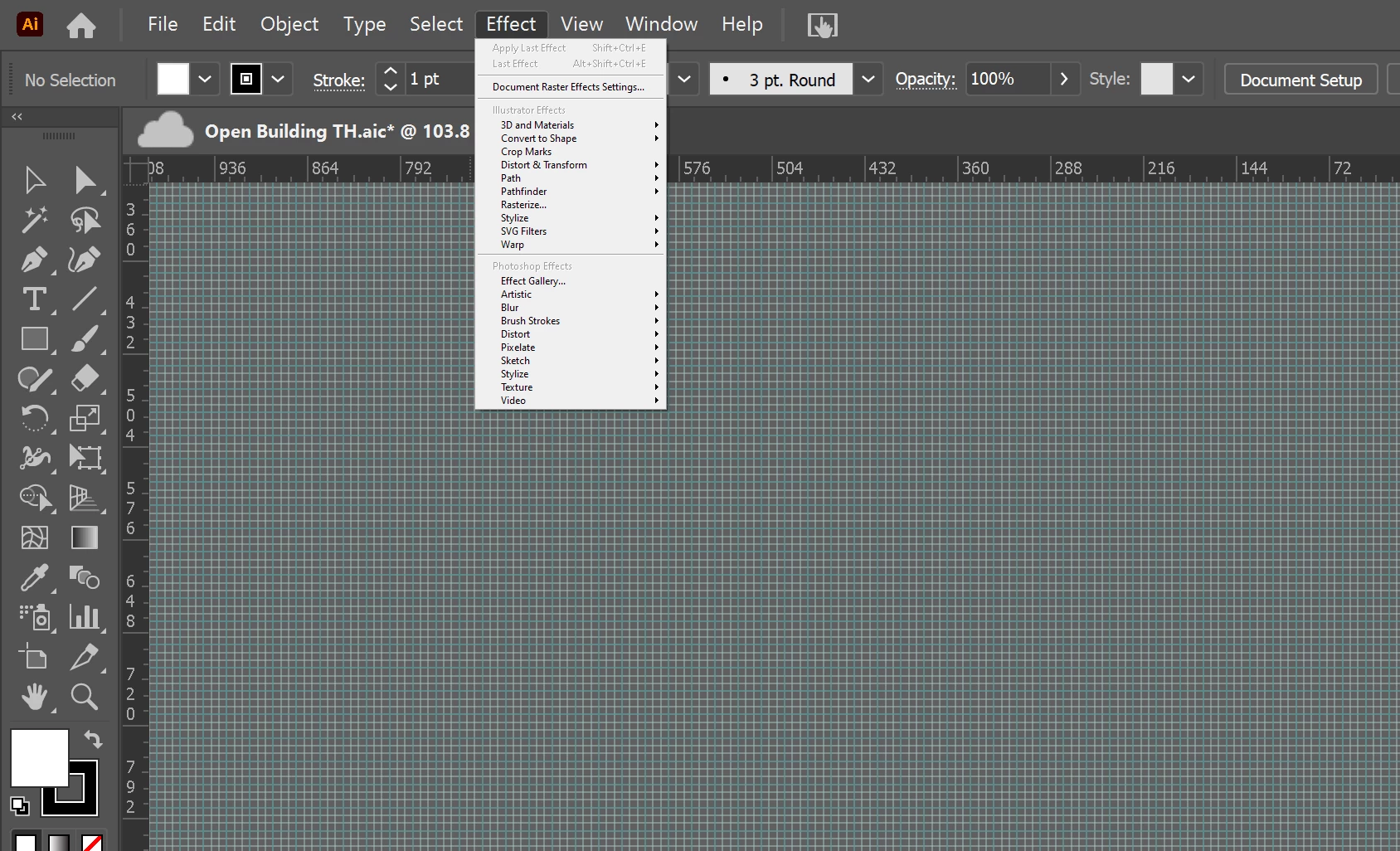
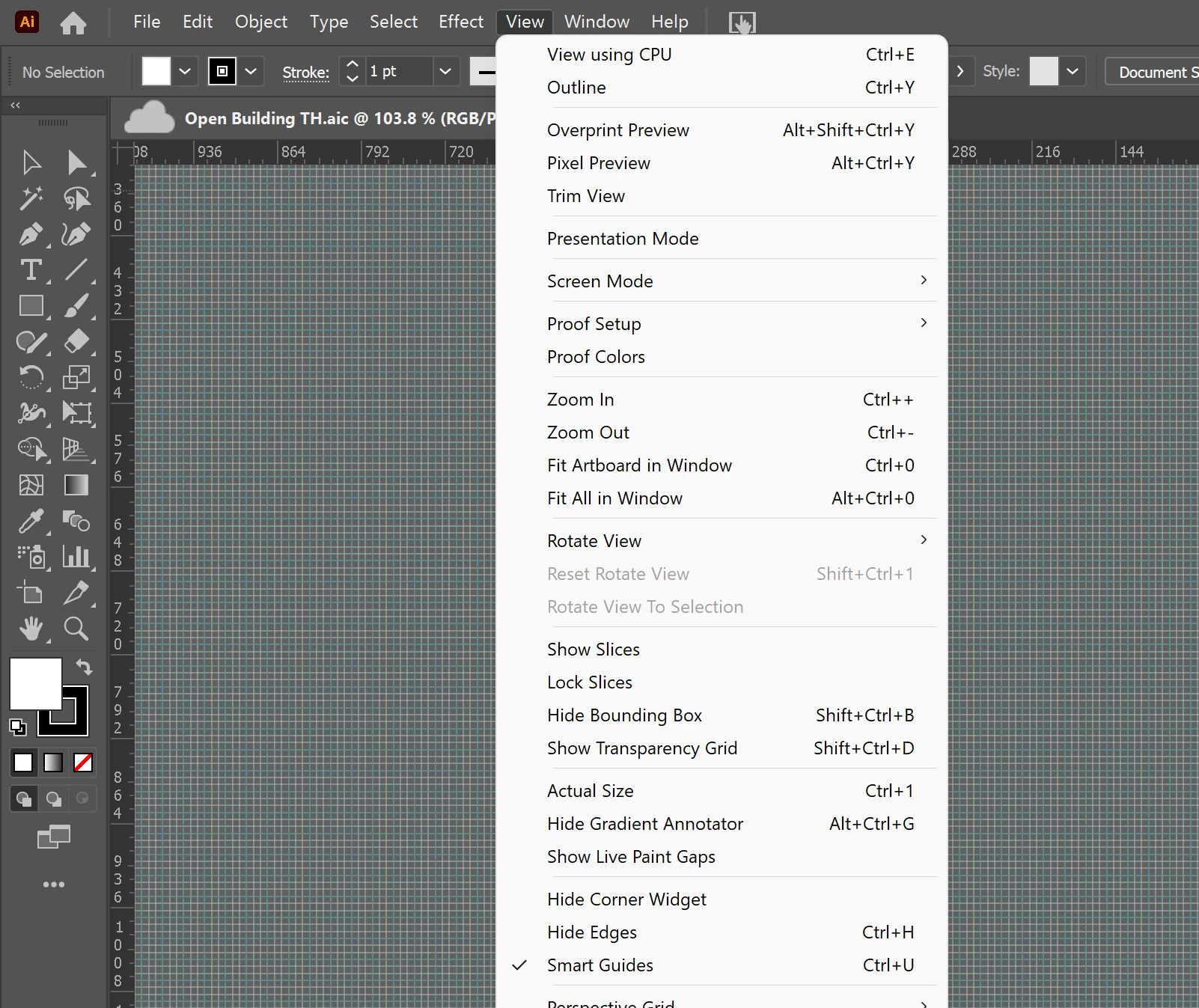
I reset all of my settings, including scaling. 


Any ideas? Is this weird or what?

This topic has been closed for replies.

3 replies

Dave Creamer of IDEAS
Community Expert
Community Expert
July 6, 2022

Check your monitor scaling and make sure it is not conflicting with Illustrator's UI Scaling. I try not to use both--it tends to get wacky*.


*That's a technical term...


David Creamer: Community Expert (ACI and ACE 1995-2023)
Participant
July 6, 2022

It's too late to try it now, but I tried changing the scaling and switching monitors before. That doesn't mean that there wasn't a conflict between registry entries or something. You'd think that any problem like that would affect all the menus, right?


Anyway, I'll keep it in mind in case. Thanks! 

marliton
Community Expert
Community Expert
July 5, 2022
Participant
July 6, 2022

Yup; it was about the third thing I tried. I finally fixed it. Sort of. 

 
I uninstalled all the Adobe apps with Creative Cloud, and then CC itself. At some point, I was asked if I wanted to keep the app data. All I care about are the libraries, and I have those all backed up. I felt comfortable erasing everything. Then I reinstalled everything again. 
 
Then it was fine. Still weird. 
 
italosan
Community Expert
Community Expert
June 27, 2022

Hi, are you using the latest version of the software? Does this only happen with the "Effects" window?

Participant
June 27, 2022

Yes, latest version, and yes, just that menu. 

italosan
Community Expert
Community Expert
July 5, 2022

Hi, what OS are you running the software on?