
Inspiring
November 16, 2021
Answered

Opening an image with illustrator creates a very large artboard behind the image

  • November 16, 2021
  • 2 replies
  • 492 views

Hi,

Since updating to Adobe Illustrator 26.0.1 I've had this weird behaviour.
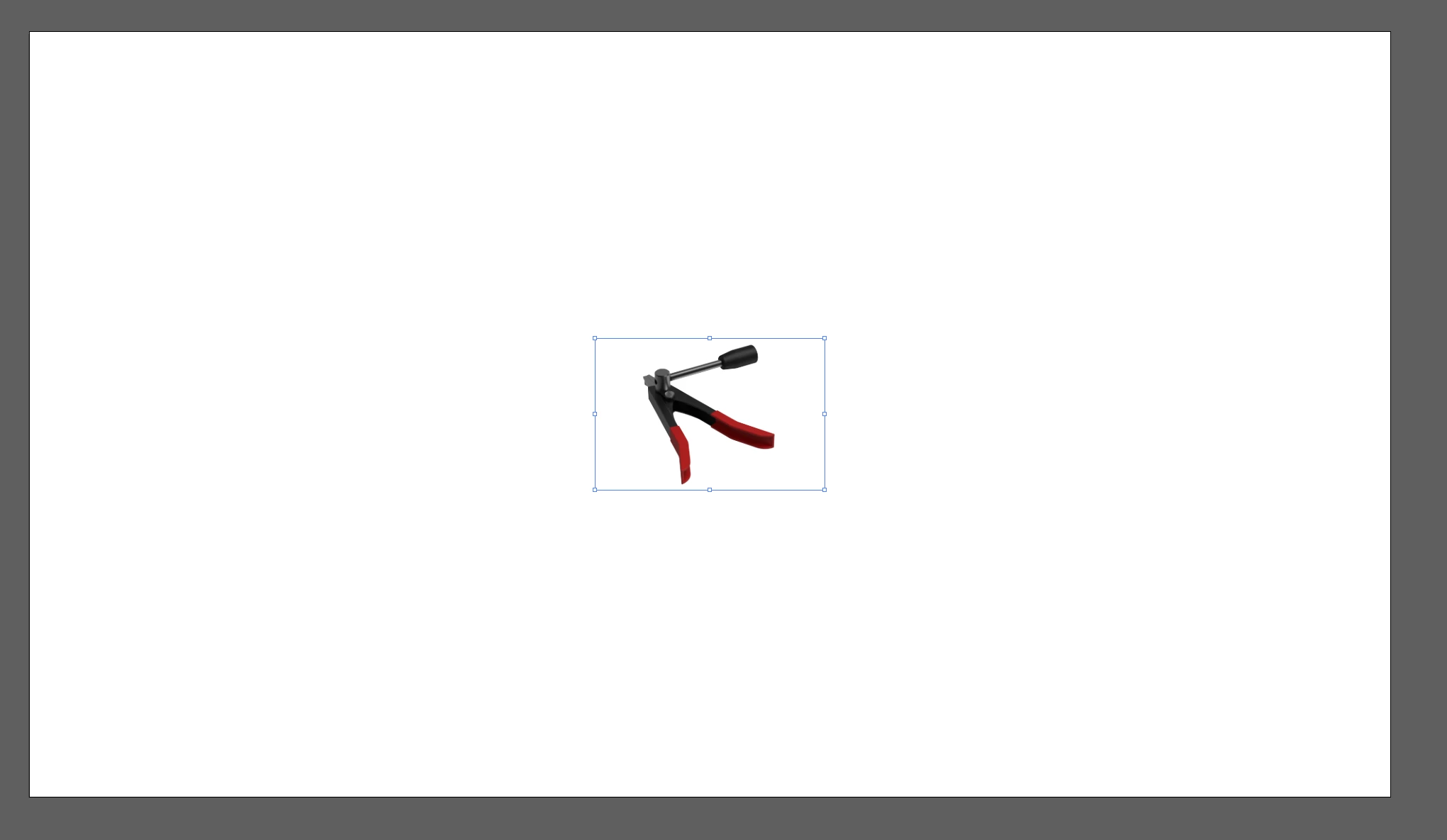
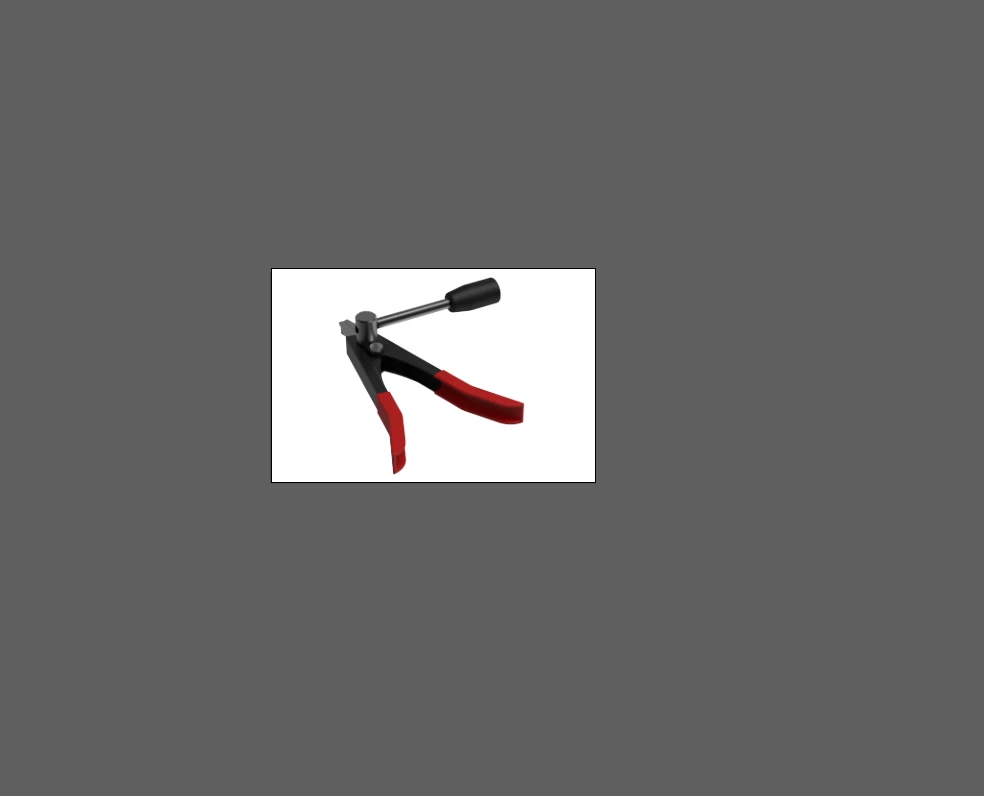
If I open an image, a massive artboard opens instead of just the spacing around the image itself.

Photoshop still works fine, but Illustrator is behaving this way. I tried looking in preferences, I couldn't find any options.
 

This topic has been closed for replies.
Correct answer Ton Frederiks

Create a new document at the size you want and place or drag the image (Shift drag to embed) onto the artboard.

2 replies

Ton Frederiks
Community Expert
Ton FrederiksCommunity ExpertCorrect answer
Community Expert
November 16, 2021

Create a new document at the size you want and place or drag the image (Shift drag to embed) onto the artboard.

Doug A Roberts
Community Expert
Community Expert
November 16, 2021

If you open an image file directly in Illustrator, it will create an artboard based on your previous new document settings rather than the size of the image.

It has always done this as far as I know.