Inspiring
February 13, 2020
Answered

Opening Illustrator 2020 files with Illustrator 2019

  • February 13, 2020
  • 2 replies
  • 12665 views

I am noticing that working files started with Illustrator 2020 are becoming corrupted when opened in Illustrator 2019.  Layer information is being collapsed into clip groups.  Is there a setting that can stop this from happening?
This topic has been closed for replies.
Correct answer Ton Frederiks

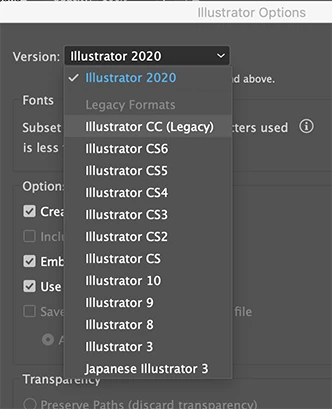
Is there at least a way to enable saving to legacy formats for compatibilty?


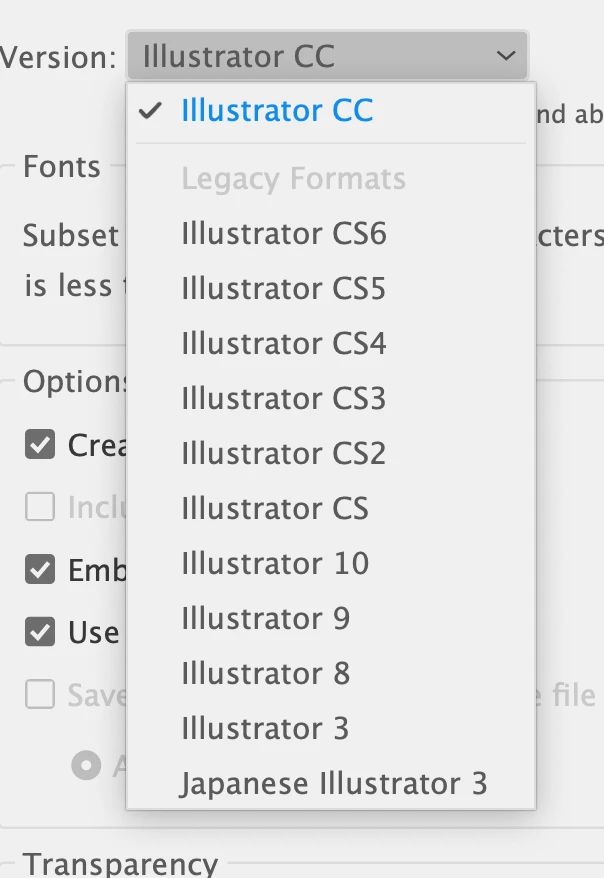
Yes there is in 2020: legacy CC

2 replies

Participating Frequently
November 18, 2020

Just save others a little of their precious time if they're confused as to where the dialogue box to save legacy files actually is, after they've clicked "save as" - it appears AFTER choosing the location in the Save Dialog of OS X, and apprently not at all when saving to creative cloud.

Legend
February 13, 2020

The files are not being corrupted. Illustrator 2019 cannot directly read the newer format (2020), so it is opening the PDF portion of the file instead. The way to fix this is to work in the same version that the file was created in, or a newer one.

Inspiring
February 13, 2020

What is the recommended way to use Illustrator across teams that use different versions?  In the past this has not been an issue.  What is so different about the 2020 version that sacrifices that compatibility?

Monika Gause
Community Expert
Community Expert
February 13, 2020

The recommended way is to not do it.

Always use the same version when you want to send files back and forth.