Answered
Outline object not working
Hi forum.
I'm trying to outline object for my font, but its not working. I'm on Illustrator 22.1 =Version. Has anyone else experienced this?
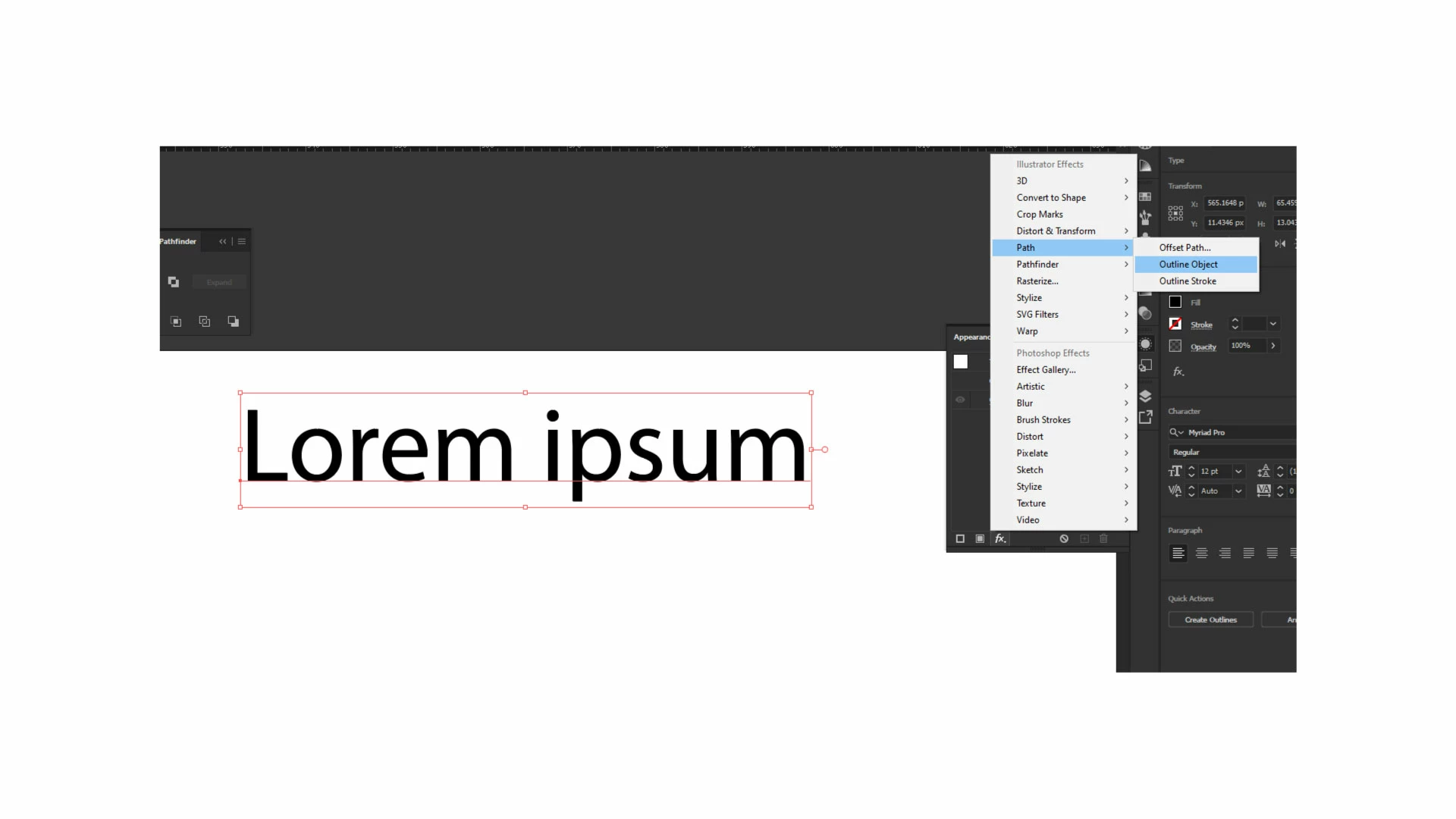

Hi forum.
I'm trying to outline object for my font, but its not working. I'm on Illustrator 22.1 =Version. Has anyone else experienced this?
In earlier versions of Illustrator when applying the effect, it would outline the bounds of the text, So when you needed to centre the text to an object it would be 100% accurate. but in the current version I have it seems like a bug, or I dont know why its not working. The borders of the text dont do nothing when I add this effect.
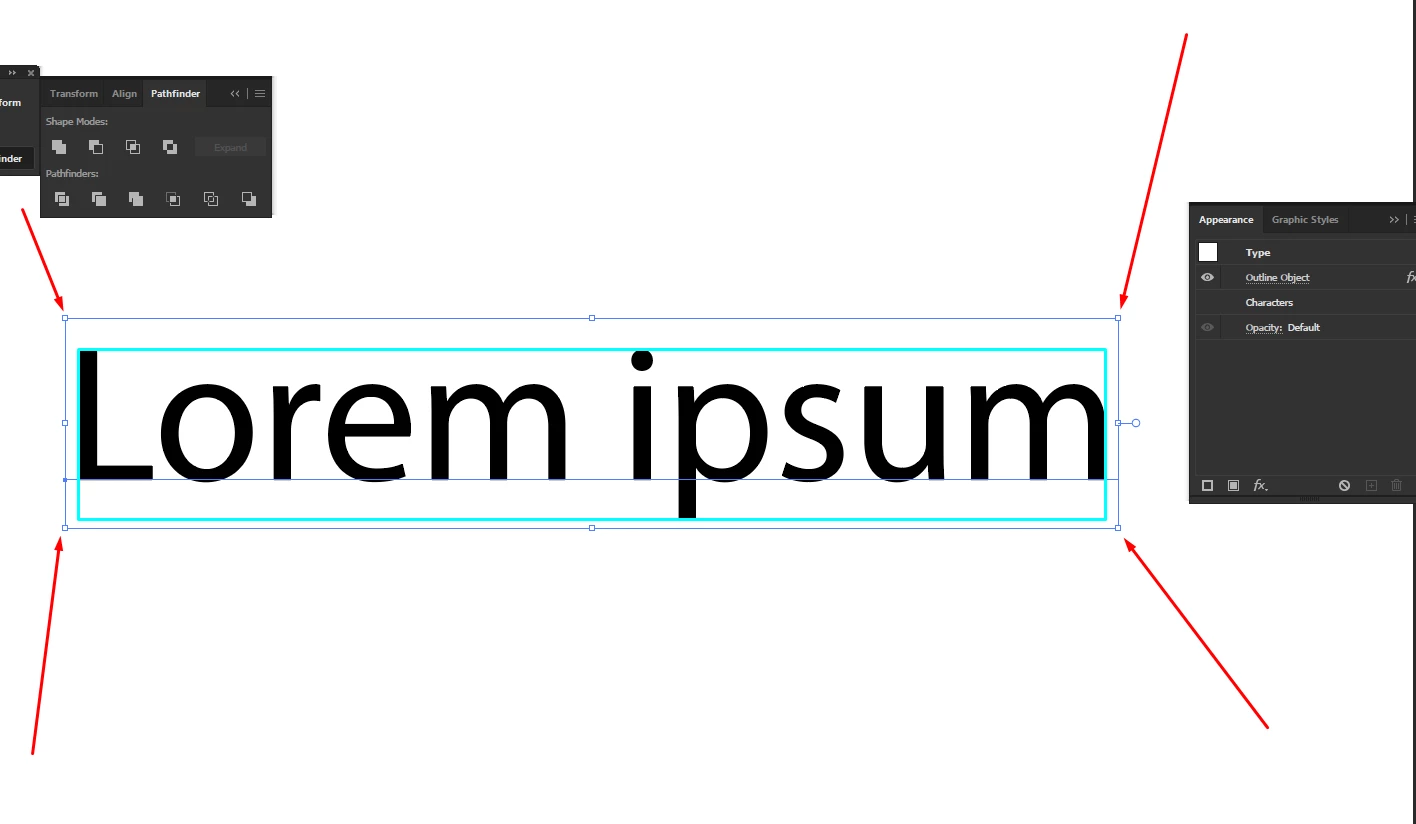
You need to also check "Use Preview Bounds" in the Preferences for that.
Already have an account? Login
Enter your E-mail address. We'll send you an e-mail with instructions to reset your password.
 AdChoices