Participant
February 27, 2024
Question

Outline Stroke Behaving Strangely

  • February 27, 2024
  • 1 reply
  • 230 views

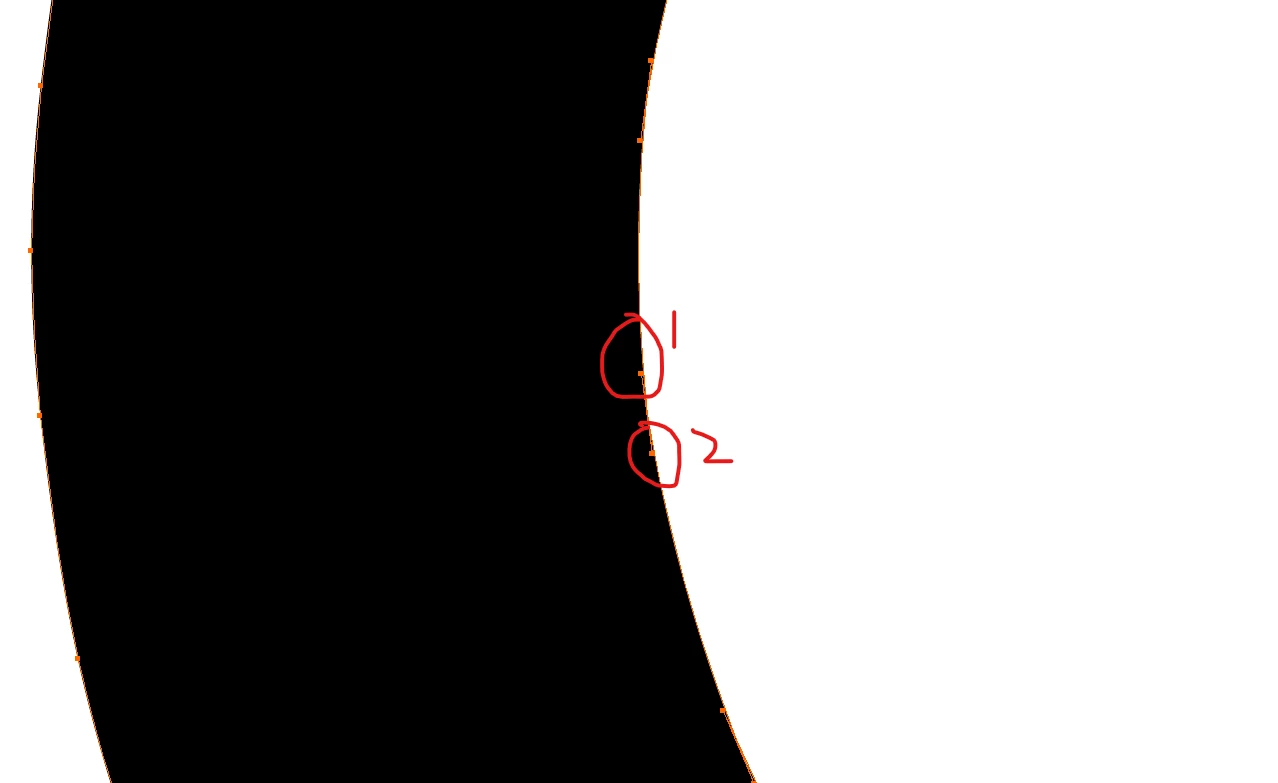
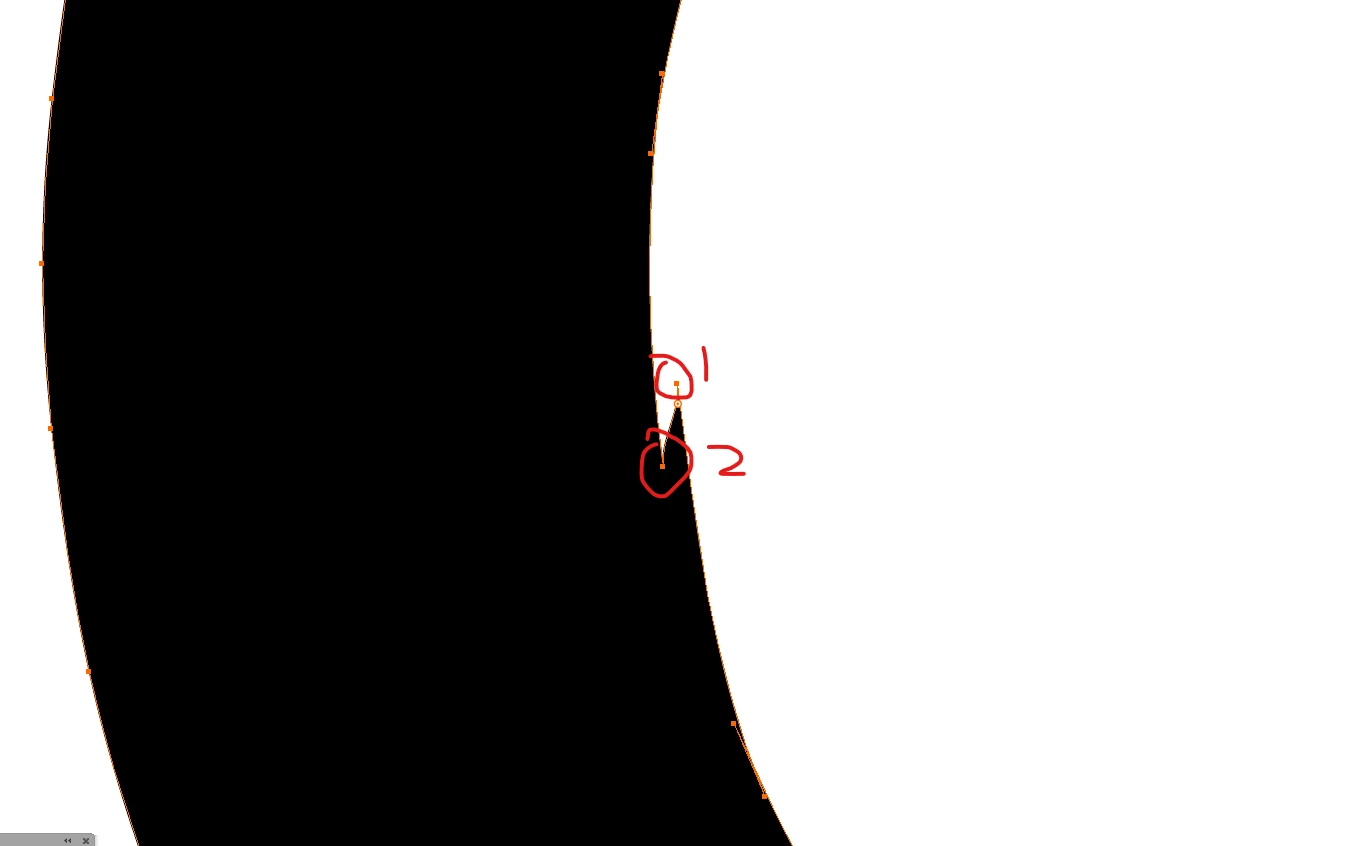
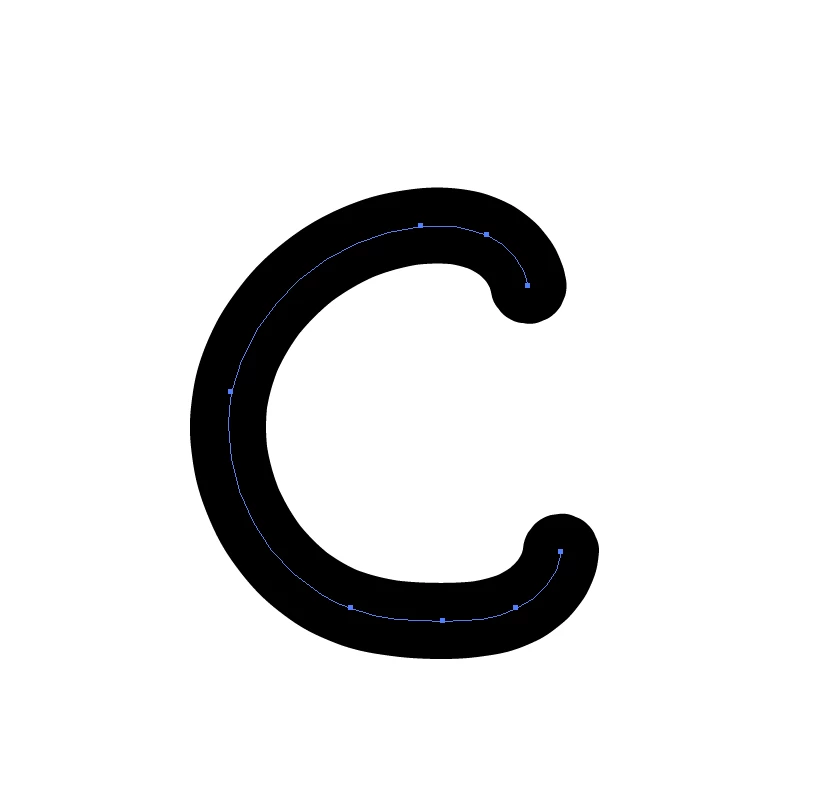
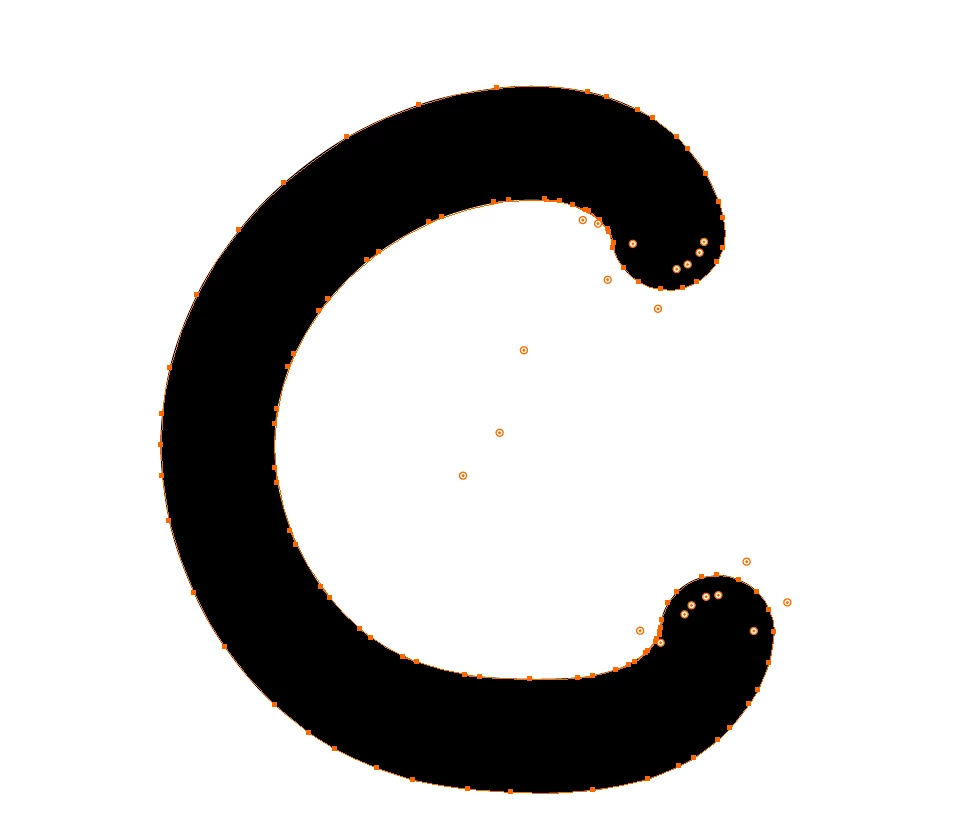
When I use outline stroke, it's creating points in a very strange way. In my image where I marked 1 and 2, you can see that it doesn't make sense why it would be placing the points in that order. I'm having a little trouble describing the issue but hopefully someone can get the idea from the images. In the last image I used the smooth line tool and you can see outline stroke is placing the points weird. It's never done this before.

This topic has been closed for replies.

1 reply

Monika Gause
Community Expert
Community Expert
February 27, 2024

What is that? A calligraphy brush?

Participant
February 27, 2024

I think it is, it's one of the default brushes, 5 pt. round. It doesn't do it with basic stroke, but it's also never done this before with that brush

Monika Gause
Community Expert
Community Expert
February 27, 2024

Then just assign a plain stroke instead of that brush before outlining.