
Known Participant
April 28, 2023
Answered

Outline tool: unable to delete objects ONLY outside artboard

  • April 28, 2023
  • 1 reply
  • 581 views

Dear Community,

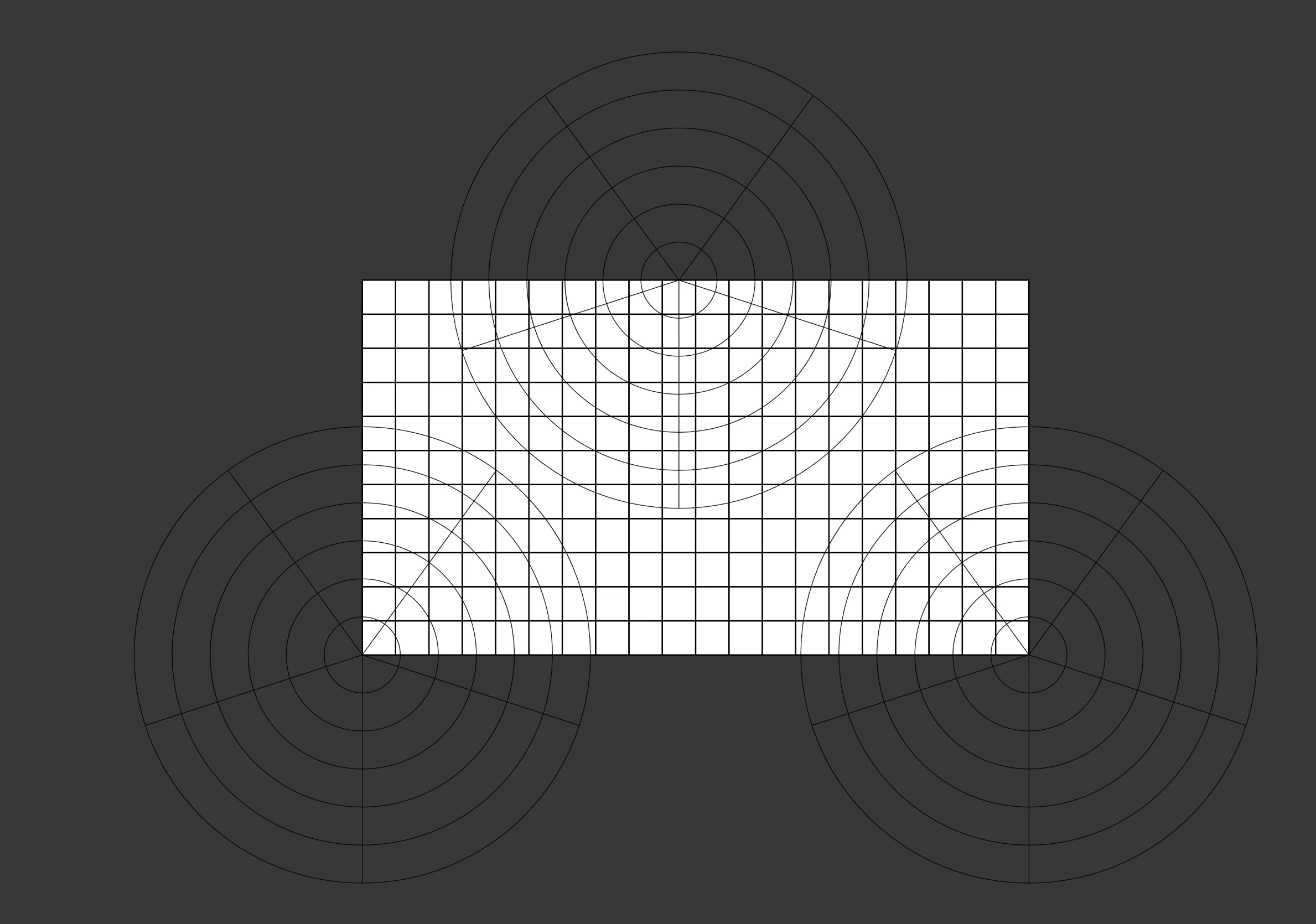
I have created the following example file:
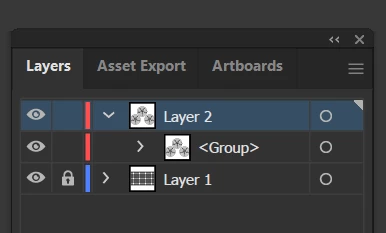
And here is the layers panel:
I want to remove parts of the polar grid falling outside of the artboard.

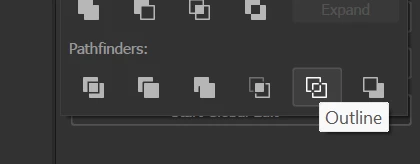
So, I select all the objects, go to Pathfinder and select Outline:
Then, I enable the stroke again for all the objects, go into Isolation mode, BUT when I try to delete parts of the objects falling outside of the artboard, I end up deleting parts of the objects falling also inside the artboard.
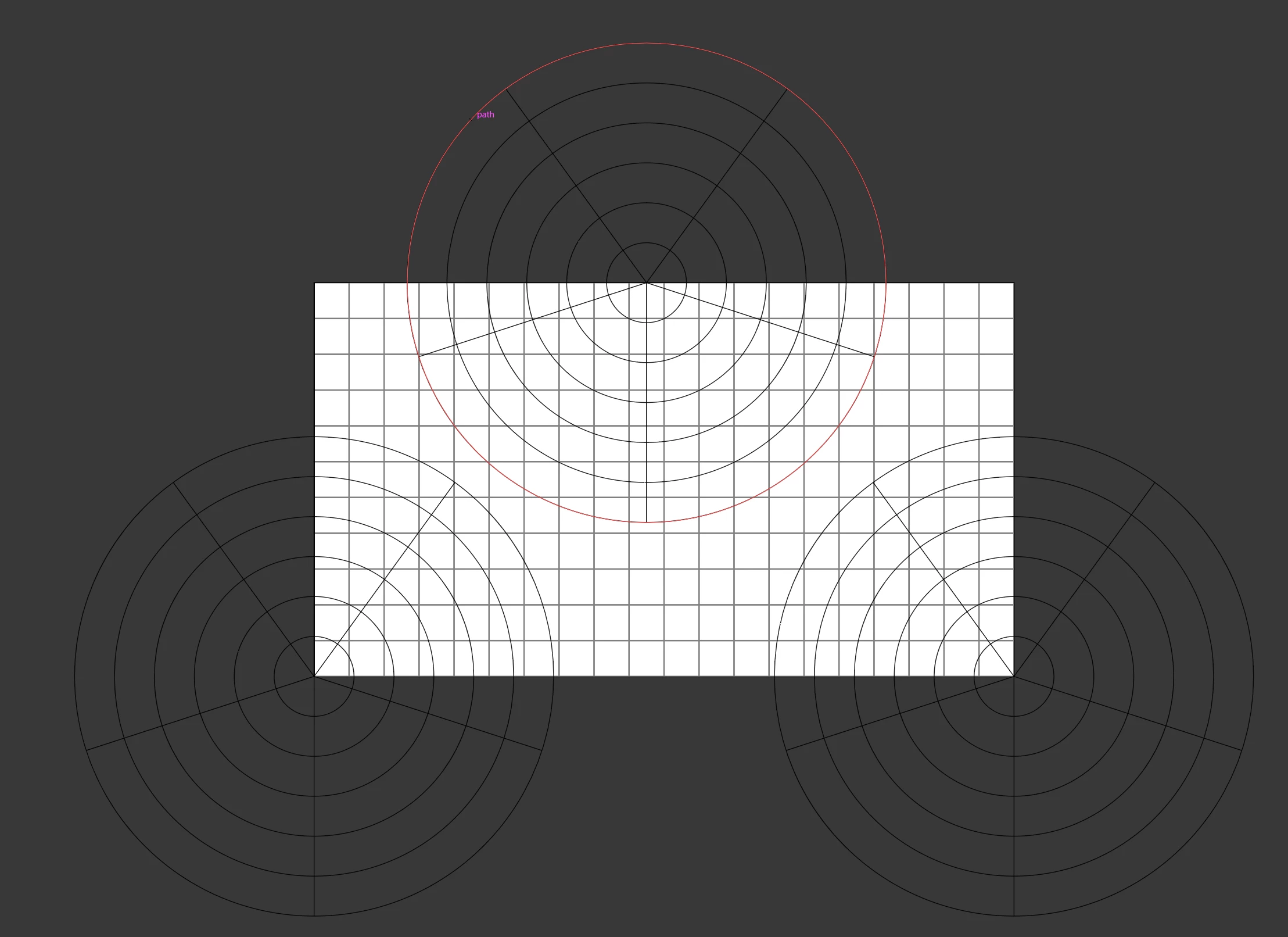
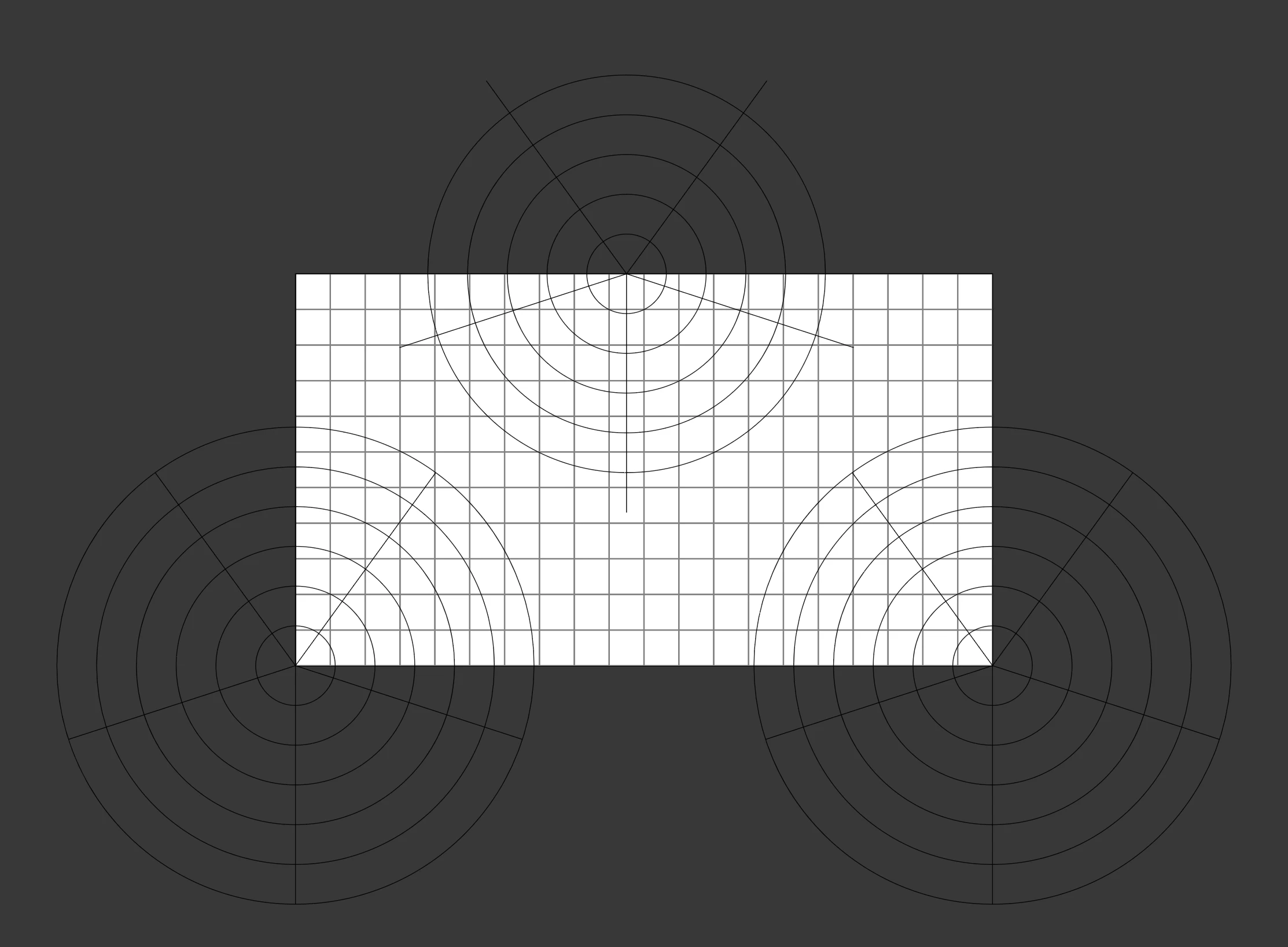
What am I doing wrong?

Thanks,

Alberto


This topic has been closed for replies.
Correct answer Monika Gause

Das it work when you select the stuff outside the arboard using the direct selection tool?


Do you really need to cut it off or would a clipping mask be suffcient?

1 reply

Monika Gause
Community Expert
Monika GauseCommunity ExpertCorrect answer
Community Expert
April 28, 2023

Das it work when you select the stuff outside the arboard using the direct selection tool?


Do you really need to cut it off or would a clipping mask be suffcient?

Known Participant
April 28, 2023

A clipping mask would suffice, but I am following a course on Udemy and try to follow the lecturer.

However, I solved with the Direct Selection tool as you suggested.

Thanks very much for your help 🙂

Alberto