


Panel extension docking at bottom

Copy link to clipboard
Copied
Hi -- I have panel extension and I need to dock it bottom. I am able to dock right or left but I couldn't dock it to bottom. Any thoughts or suggestions ? Thanks.



Explore related tutorials & articles
 8
Replies
8
8
Replies
8


Copy link to clipboard
Copied
Without knowing anything about your panel and your workspace layout nobody can tell you much. provide the necessary info and possibly screenshots.
Mylenium


Copy link to clipboard
Copied
Some of the other panels can't be docked to the top or bottom either, because they aren't programmed to have that ability. Did you purchase it? Do you know if it is an issue with the extension or if it is user error?
You might check with the vendor to see if the extension should be able to be docked to the bottom.

Copy link to clipboard
Copied
i don't think panels can be docked at the bottom at all, no? that's a photoshop thing.
Copy link to clipboard
Copied

Copy link to clipboard
Copied
Sure they can. All my panels are linked together as one solid block on a secondary monitor. Except for the Links panel, which I need to be wider than the others.
Copy link to clipboard
Copied
jane: ah cool, good to know.
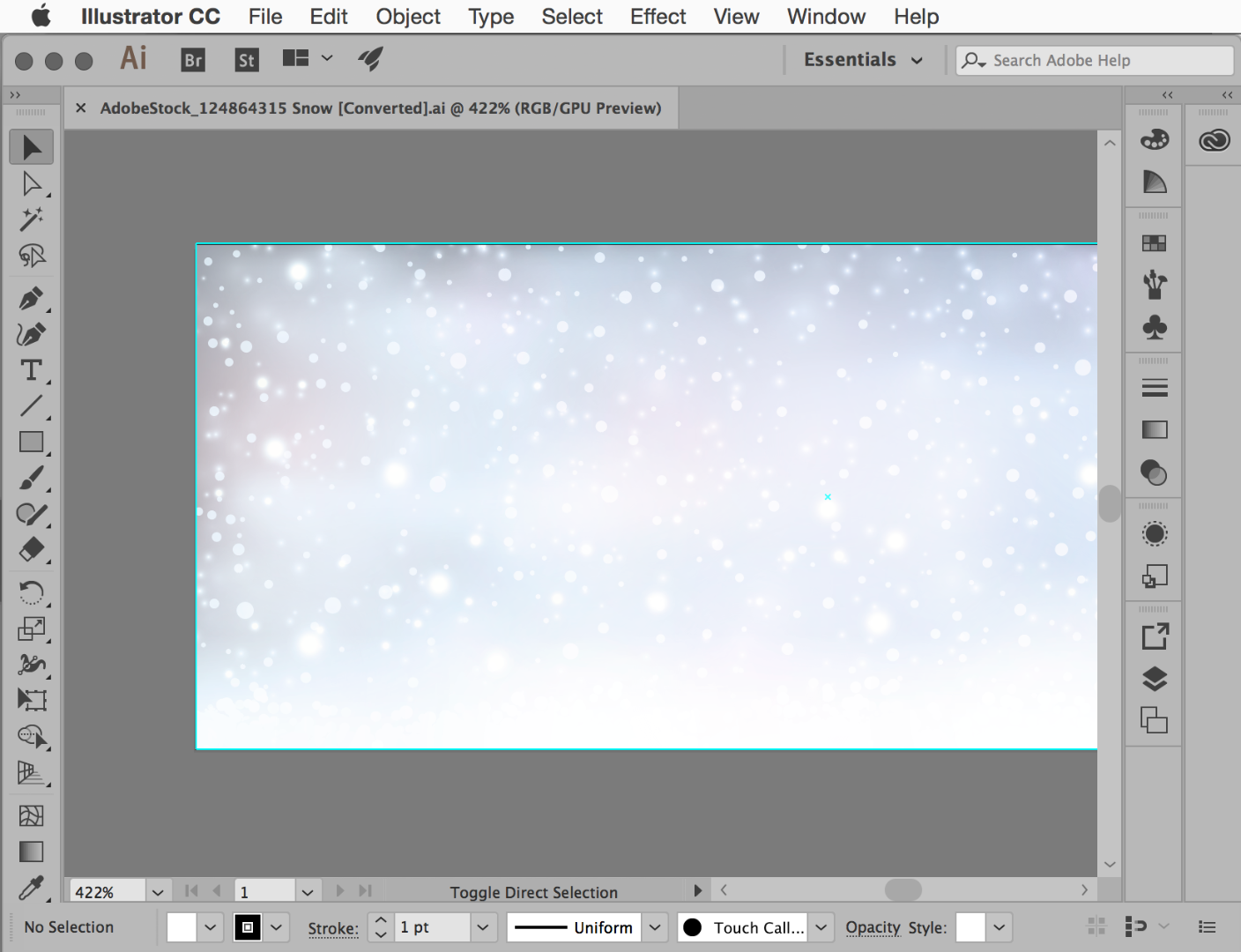
kris: are you talking about the same thing I am? panels docked to the bottom of the window like this in PS? because I can't do that in AI

Copy link to clipboard
Copied
Sorry, no, I thought we were talking about merging panels together independently of the Application Frame.
Copy link to clipboard
Copied
https://forums.adobe.com/people/Doug+A+Roberts wrote
jane: ah cool, good to know.
Doug—I have learned many things since I began spending time on the forums as an ACP and am also delighted when I discover something I didn't know.
I had to double-check this in Illustrator when you questioned it. I knew InDesign had it to make the QuarkXPress converts happy.


Get ready! An upgraded Adobe Community experience is coming in January.
Learn more
 AdChoices