
Participant
January 29, 2025
Question

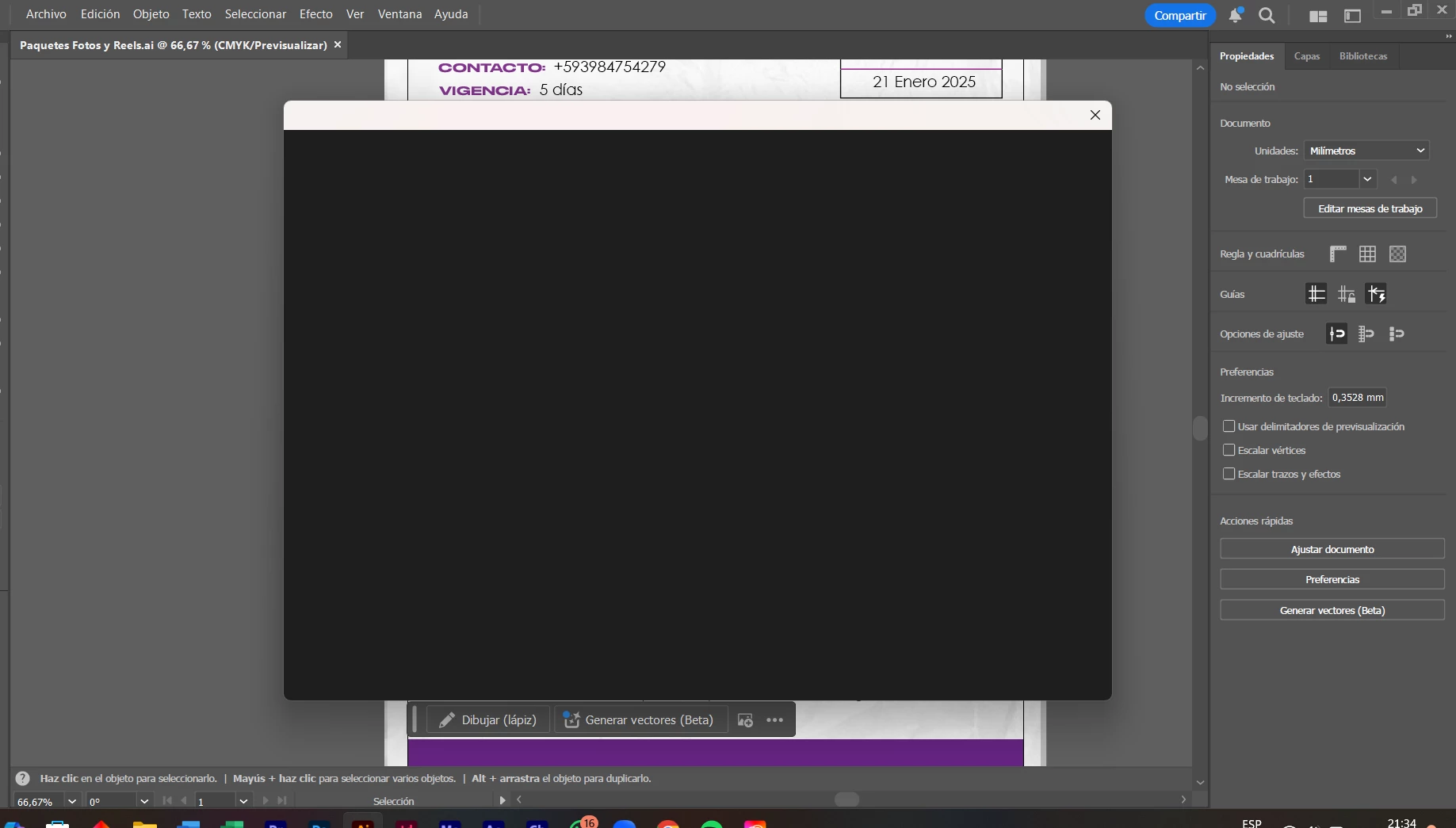
Pantalla Negra al Presionar "Guardar Como".

Hola! Quiero guardar mi archivo con la opción Guardar Como, pero me sale la pantalla negra. Por ende, me toca guardar con la opción de "Guardar como copia" y no puedo hacer más. 


Por favor, si alguien me puede ayudar. Ya desinstalar e instalé de nuevo y persiste el error. 


Tengo una Omen con RAM de 32gb, NVIDIA RTX 2070 con Windows 11 y procesador de Intel Core i7. 


Gracias!


1 commentaire

Community Expert
January 29, 2025

Have you already tried to reset the Illustrator Preferences file? That can be done by holding Alt+Control+Shift when starting Illustrator.


If resetting the Illustrator Preferences file does not fix the problem then it might be necessary to use the Creative Cloud Cleaner tool to completely remove Illustrator so it can be installed again totally clean.
https://helpx.adobe.com/creative-cloud/kb/cc-cleaner-tool-installation-problems.html