
Sasha@EarlhamInstitute
Inspiring
September 1, 2021
Answered

Papercut effect Illustrator - large scale printing

  • September 1, 2021
  • 2 replies
  • 593 views

Hello community!


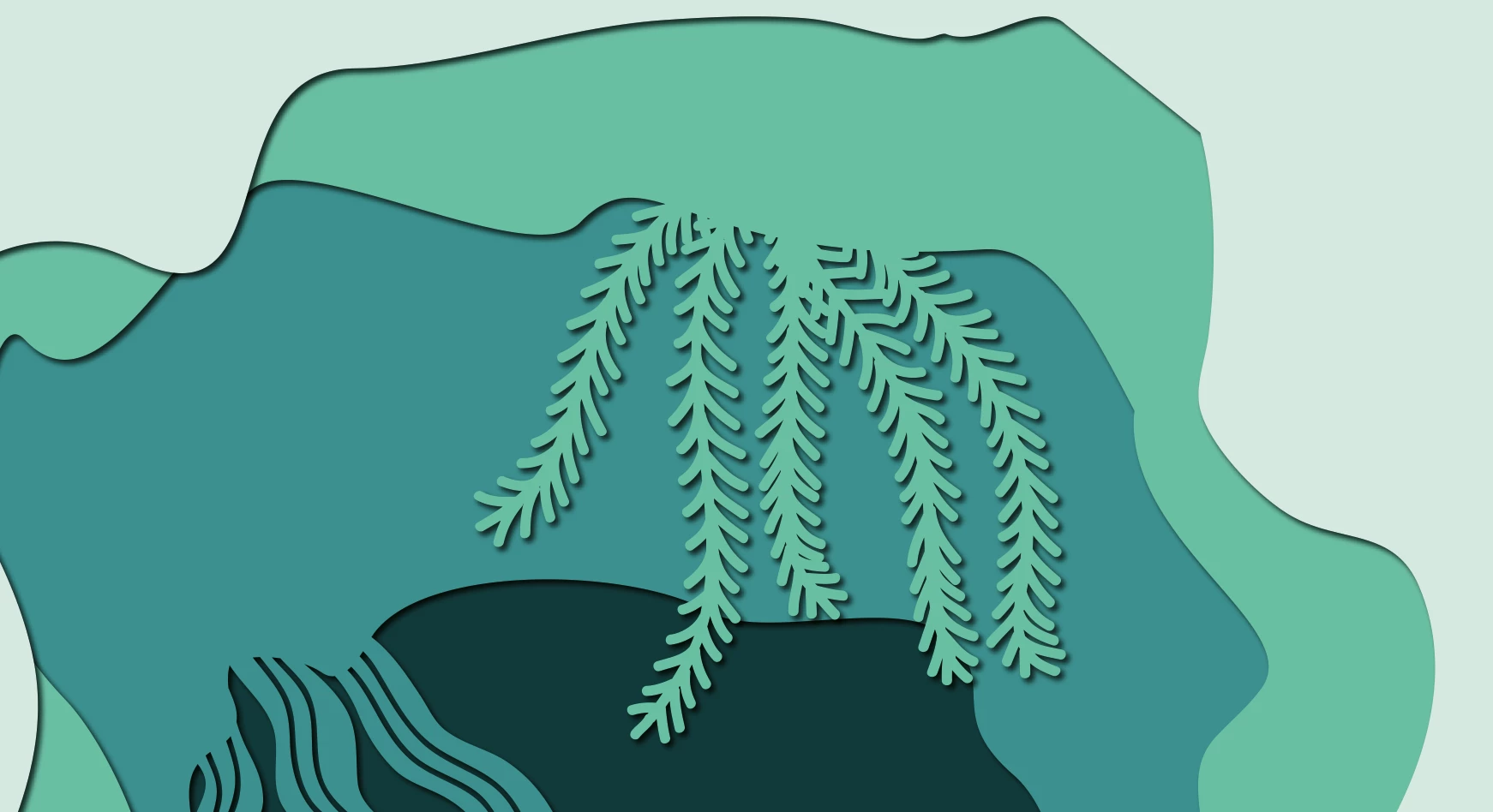
I am creating a large scale (746cmx136cm) arch and am forging ahead with a papercut style design which requires lots of drop shadows. 


I now realise after doing a test export that the drop shadow effect will print pixelated. 


Does anyone have any experience on creating vector drop shadows for this particular papercut style please? Point me in the right direction for tutorials/videos, can't seem to find the right 'search' term on YT. 


Thanks for you help in advance. 

Sasha
This topic has been closed for replies.
Correct answer Sasha@EarlhamInstitute

Your PDF export settings can specify a different PPI and compression level for raster elements. What settings do you use there?


HI Doug, 


Your message just prompted me to look at how I was exporting my design - so I did a save as rather than export (I've been in PNG mode for so long!) This seems to have worked 


2 replies

Monika Gause
Community Expert
Community Expert
September 1, 2021

You need to test out which values you get away with in your large Canvas document. I would suggest You do that in a copy of the original document, because high values might lead to severe crashes in certain situations.

Sasha@EarlhamInstitute
Inspiring
September 1, 2021

Thanks for your response @Monika Gause 

Ton Frederiks
Community Expert
Community Expert
September 1, 2021

Drop shadows are raster effects, so try to increase the Effect > Document Raster Effects Settings when you are done with the design. It will slow down the design process, so do it at the end.

Sasha@EarlhamInstitute
Inspiring
September 1, 2021

Thanks @Ton Frederiks for your quick response...


I upped the ratser effect to 300 but I'm still getting a messy shadow. 


Before export

After export to PDF

Doug A Roberts
Community Expert
Community Expert
September 1, 2021

Your PDF export settings can specify a different PPI and compression level for raster elements. What settings do you use there?