Participant
May 28, 2024
Question

Paragraph tool do not work in indesign 19.4 2024

  • May 28, 2024
  • 1 reply
  • 167 views
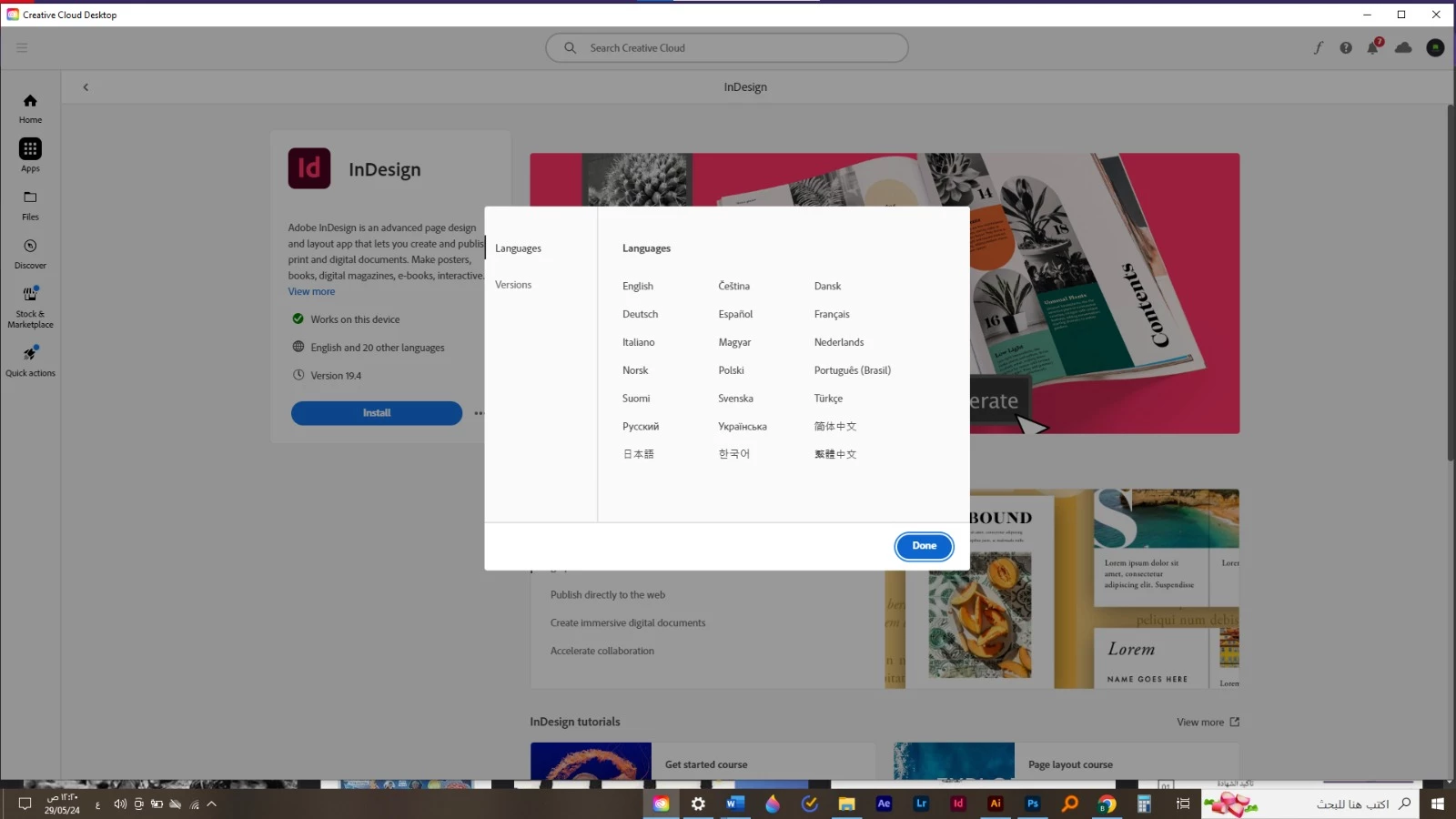
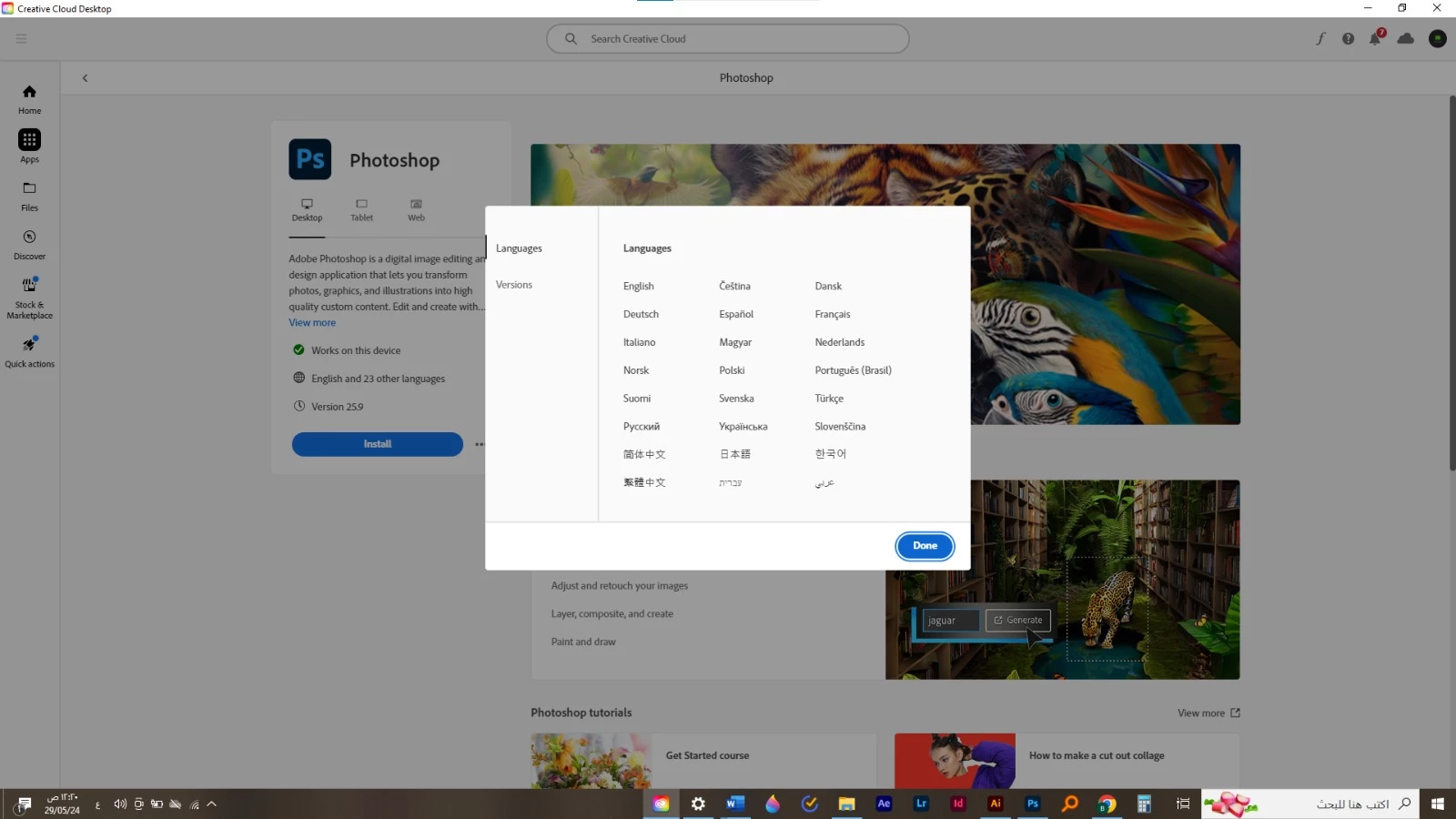
Why does the Illustrator and InDesign program, version 28.5 2024, the official version not support the Arabic language, and more specifically the alignment tool in the bargraph does not appear?


This topic is closed to new replies. Start a new post to keep the conversation going.

1 reply

Zaid Al Hilali
Community Expert
Community Expert
May 29, 2024

It appeasrs that you've lost these options when you upgraded your applications lately. Follow these steps to install the Middle Eastern copy of the said applications and have access once again to all Arabic and Right-to-Left tools and options…


1. In your Adobe Creative Cloud application, access your account found on the top-right corner.


2. In the pop-up window (your account) click the "Apps" option on the left pane

3. Choose "English يدعم العربية" in order to download a copy of Illustrator with more Arabic support options. Click "Done" button.


4. Click on the three elipses, from the drop-list

5. Choose any of the older versions available. Note, you cannot install the same version which exists already on your machine, that's why you need to choose even a little older copy from the list.


6. Click "Install" for the version you've selected.


NOTE. Above steps are illustrated to show you how to install another copy of say Adobe Illustrator without removing existing copy of Illustrator. If you want to keep one copy only ie. keep the Middle Eastern vesion, you would then need to start by un-installing the applications first before changing the Langauge as shown above.