
Question
Paste on All Artboards is broken?
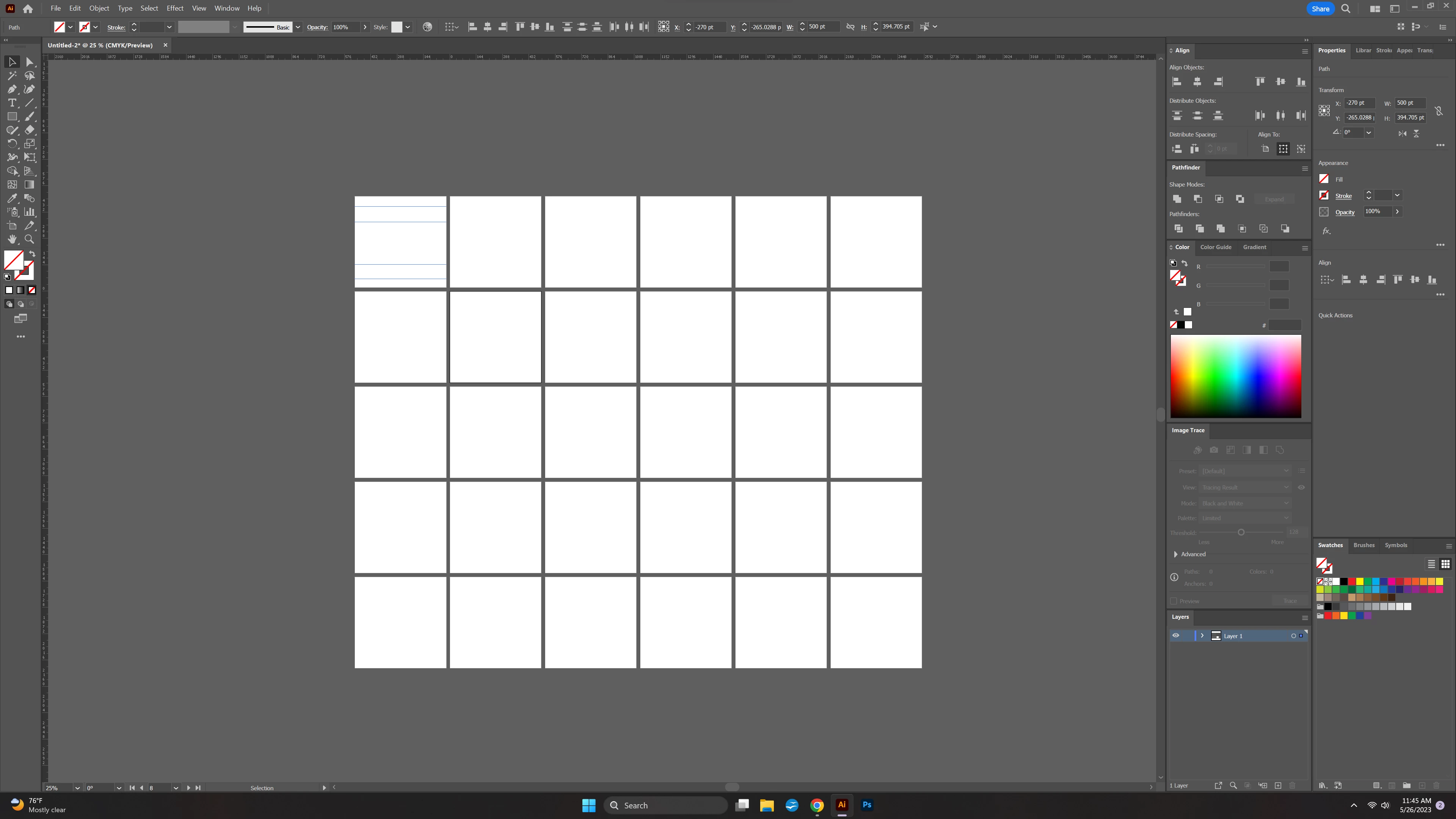
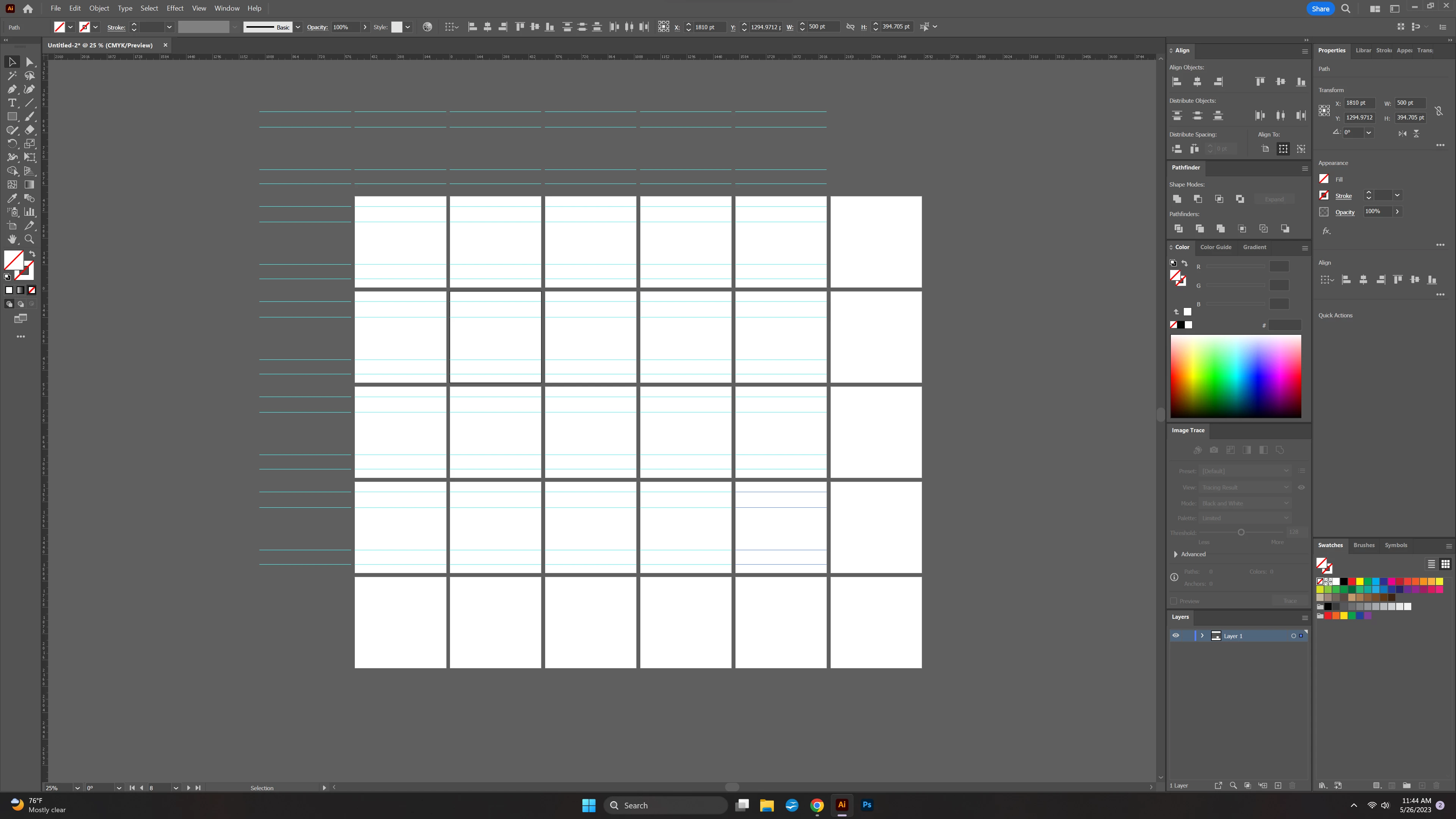
This happens very often for me when attempting to copy and paste on all artboards. See attached photos for clear example: I created a new document with identical 30 artboards (for sketching a new font idea), and the guides that I set for Artboard 1 do not paste in place at all. In fact, doing it individually is also broken. It seems as though there is a grid-offset of some kind that is broken. What am I missing? To be clear, this is the first and second actions I am taking on this new document. Nothing else has been done that might affect teh Artboards' positioning or whatever. New Document, try to lay down a consistent Guide structure for font building, and boom it gives me this. What gives?
 AdChoices