

Madeline232845528dxh
Participant
June 27, 2022
Question

Pasted/Embedded Images are disappearing

  • June 27, 2022
  • 1 reply
  • 387 views
  1. Current 26.3.1 on MacOS 11.5.5
  2. Illustrator closes either through my action or an unexpected crash
  3. I expect all of the embedded files I've been working with to display on the canvas
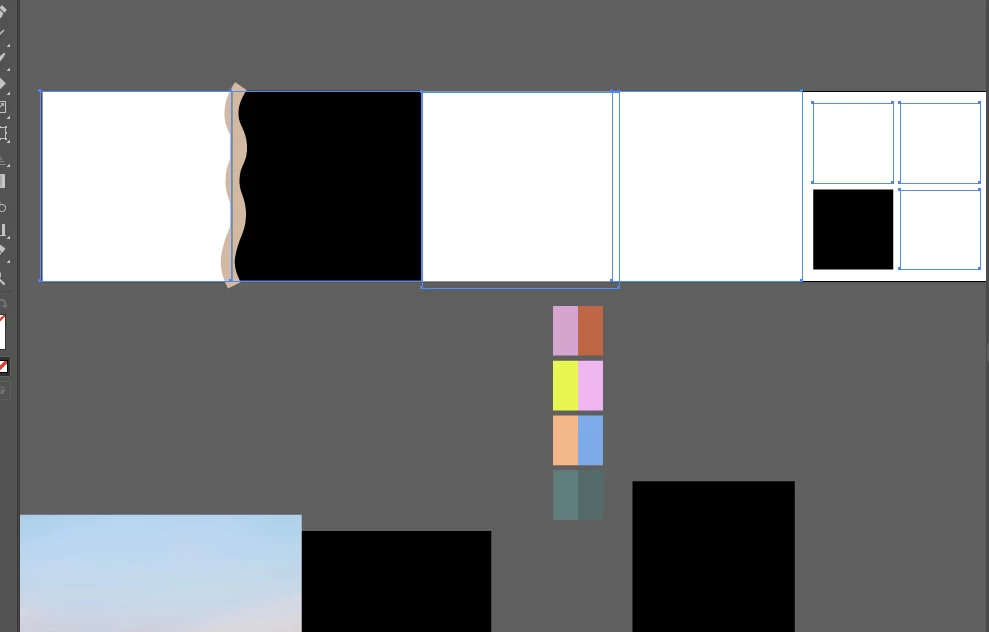
  4. A handful of the images will appear, but almost everything that has been linked (then embedded) or pasted into the file only appears as an empty bounding box. The images will only reappear if I use the link panel to hunt for each file and place it again. 40 minutes into this, I don't even know if I'll be able to fix all of the images that I pasted into the file.
  5. I've attached a pic of the empty frame along with the links panel
This topic has been closed for replies.

1 reply

Monika Gause
Community Expert
Community Expert
June 27, 2022

So this file is your backup file? Or the original file?

Or has it been recovered by the recovery function?

Madeline232845528dxh
Participant
June 27, 2022

This was a new file I was working on that I hadn't saved yet so it was recovered. I saved most of the files in dropbox. Could that be the problem?

Monika Gause
Community Expert
Community Expert
June 28, 2022

Saving a file in Dropbox can in fact be a problem. It doesn't work well for some.

Also: don't ever rely on file recovery for more than 10 minutes. That's what is has been made for: save you the hassle of having to recreate the last couple minutes of your work.

A power outage can throw it off completely. No saving mechanism can work around a power outage, so you have to save early, save often, save different versions, save on multiple devices. Come up with a backup strategy.


And if you have all that, then file recovery is just that last piece of the puzzle.