
Pathfinder Merge tool actually Dividing, leaving cut out objects behind
This has been a thorn in my side for so long I can no longer ignore it. I don't know when it happened but at some point Illustrator's Merge tool started dividing objects instead of merging them, and leaves behind cut up versions of objects that are behind the visible objects.
MacBook Pro 15 2017
macOS Mojave Version 10.14.2
2.9 GHz Intel Core i7
16GB memory
using Illustrator CC 2019 version 23.0.2
I'm pretty sure this still happens on my windows 10 computer at home as well.
Interestingly, if I have only a few objects involved, it merges just fine, but when I'm working on logos that are even minutely complex it pitches a fit. I've expanded appearance, expanded text, expanded strokes, ungrouped objects, and put them all on the same layer and it still doesn't work. Thing is, the objects I'm merging aren't even terribly complex, and as a test I made 15 rectangles of various colors (some the same and some different) and had them overlapping in various ways.
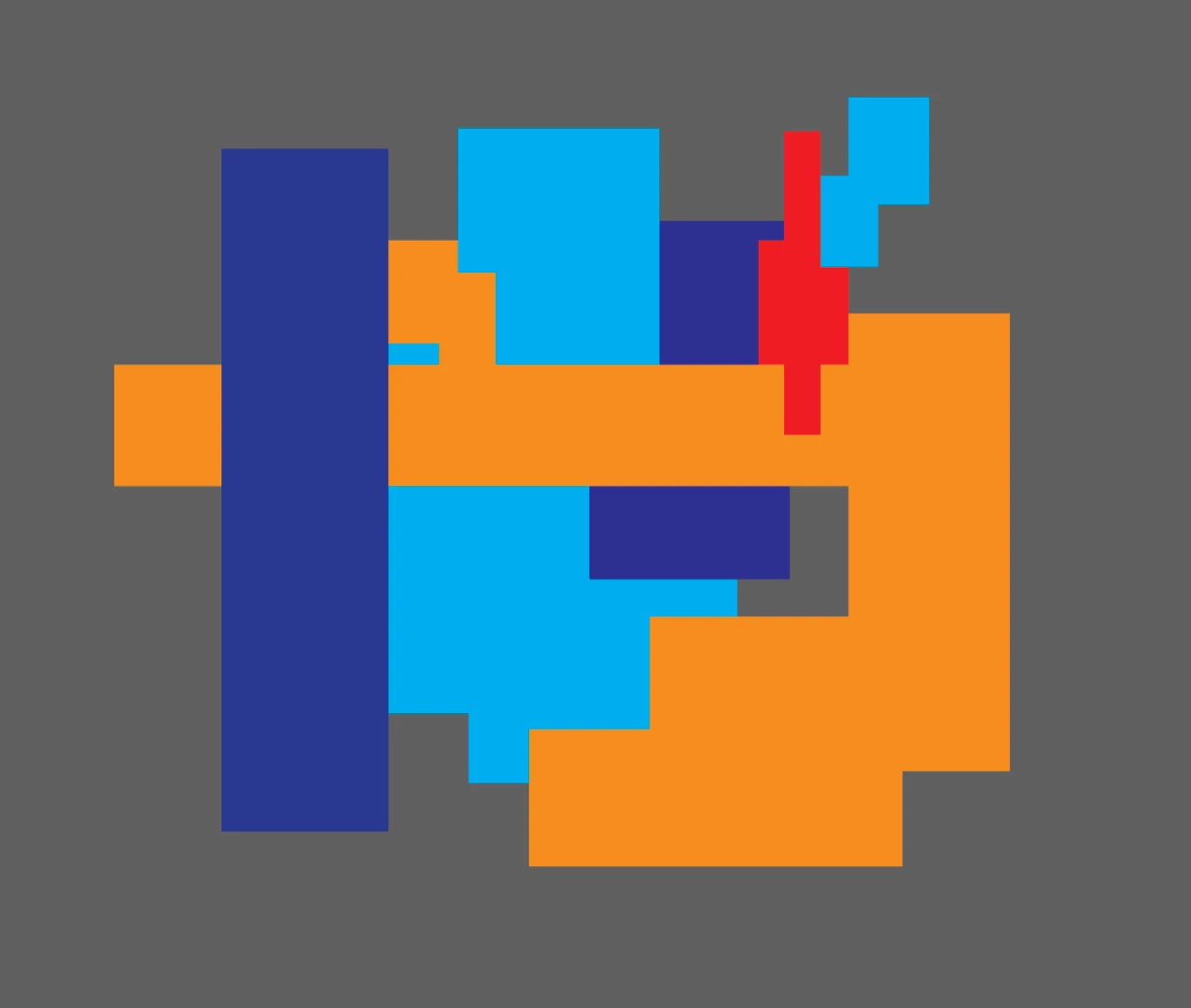
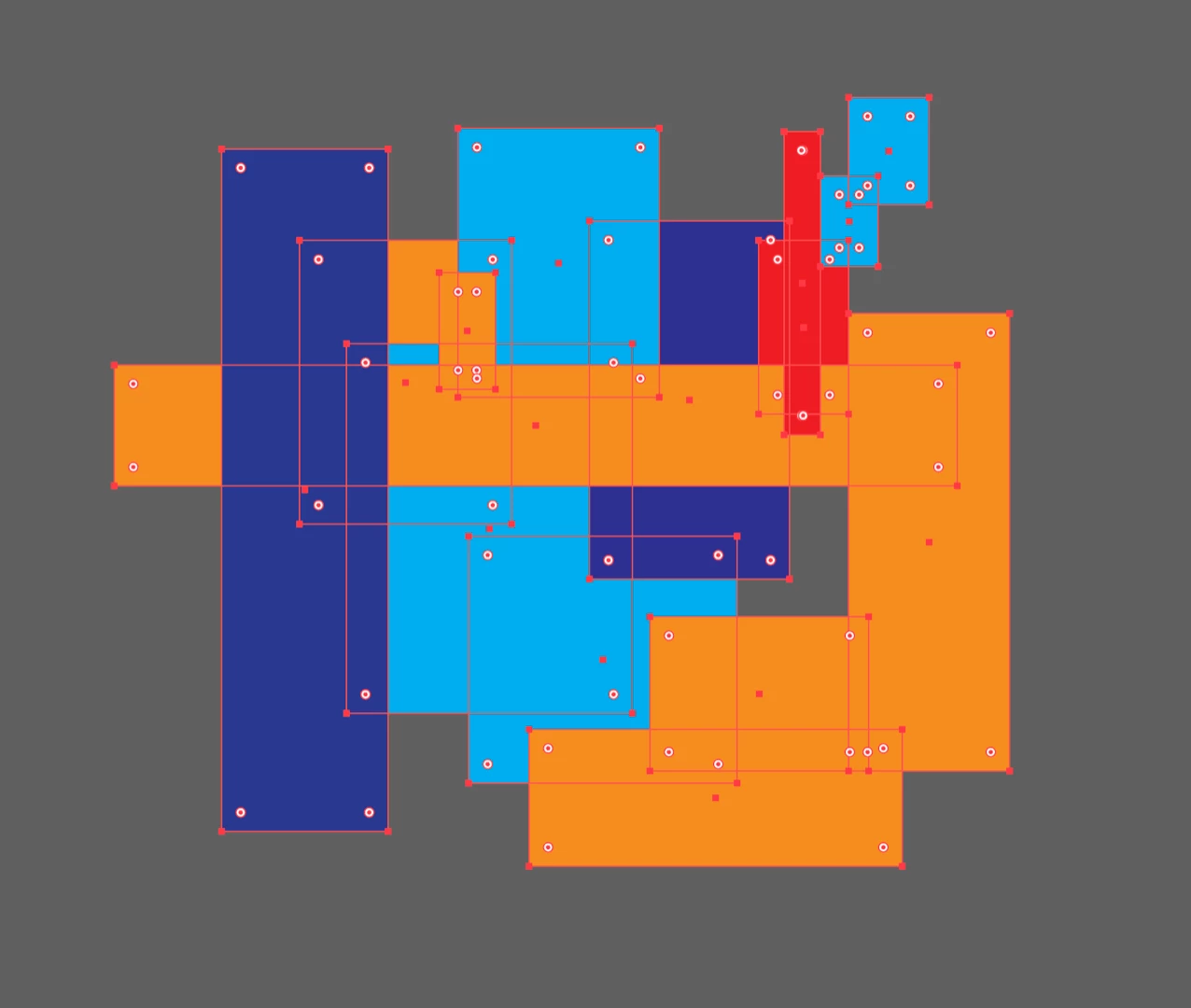
Here you see the objects selected so you can see the outlines and how the layers are organized.
Here's what happens when I try to merge (you can barely see the gaps that show the color behind them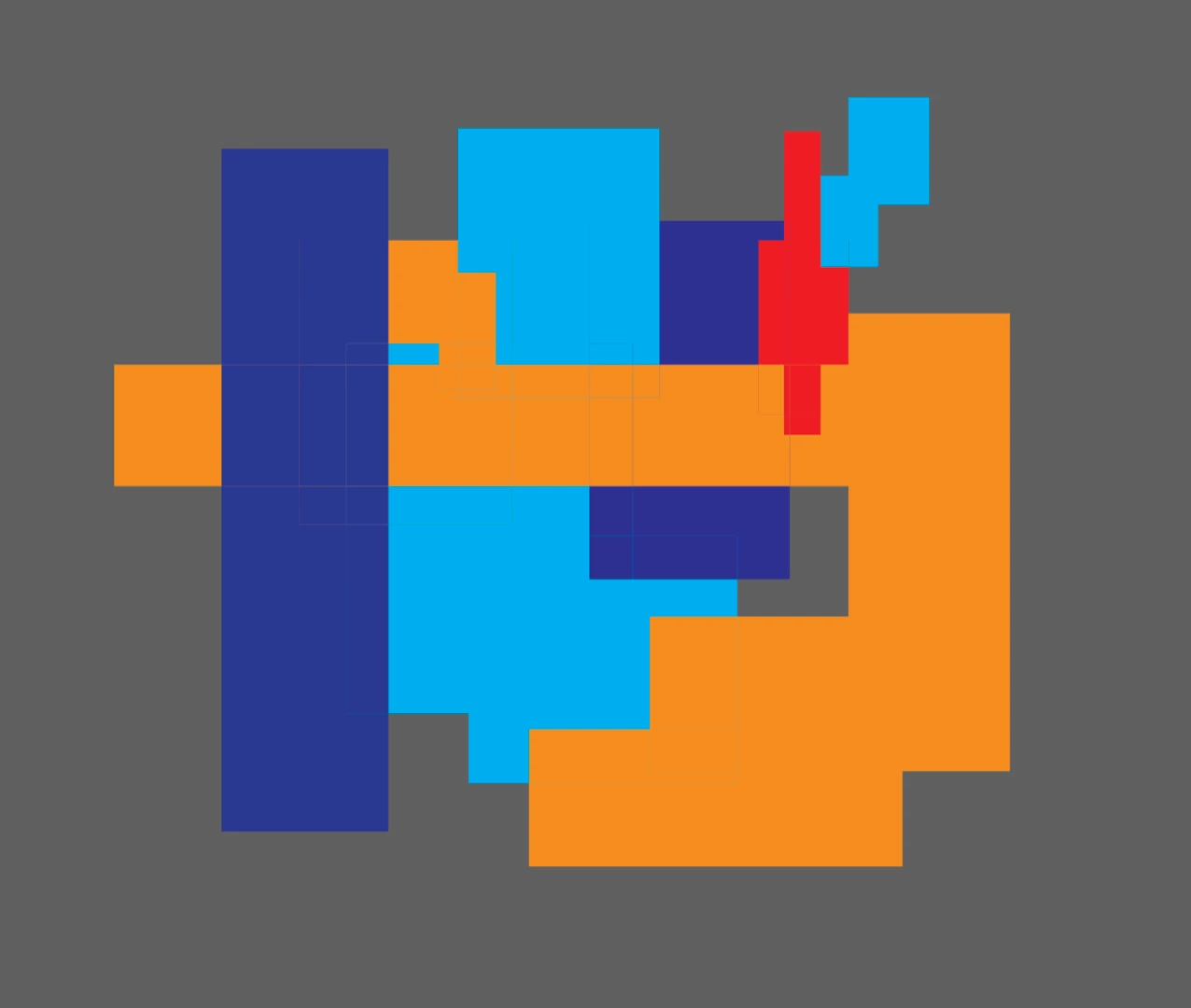
I moved part of the blue area at the top to show the navy object underneath has not been deleted.
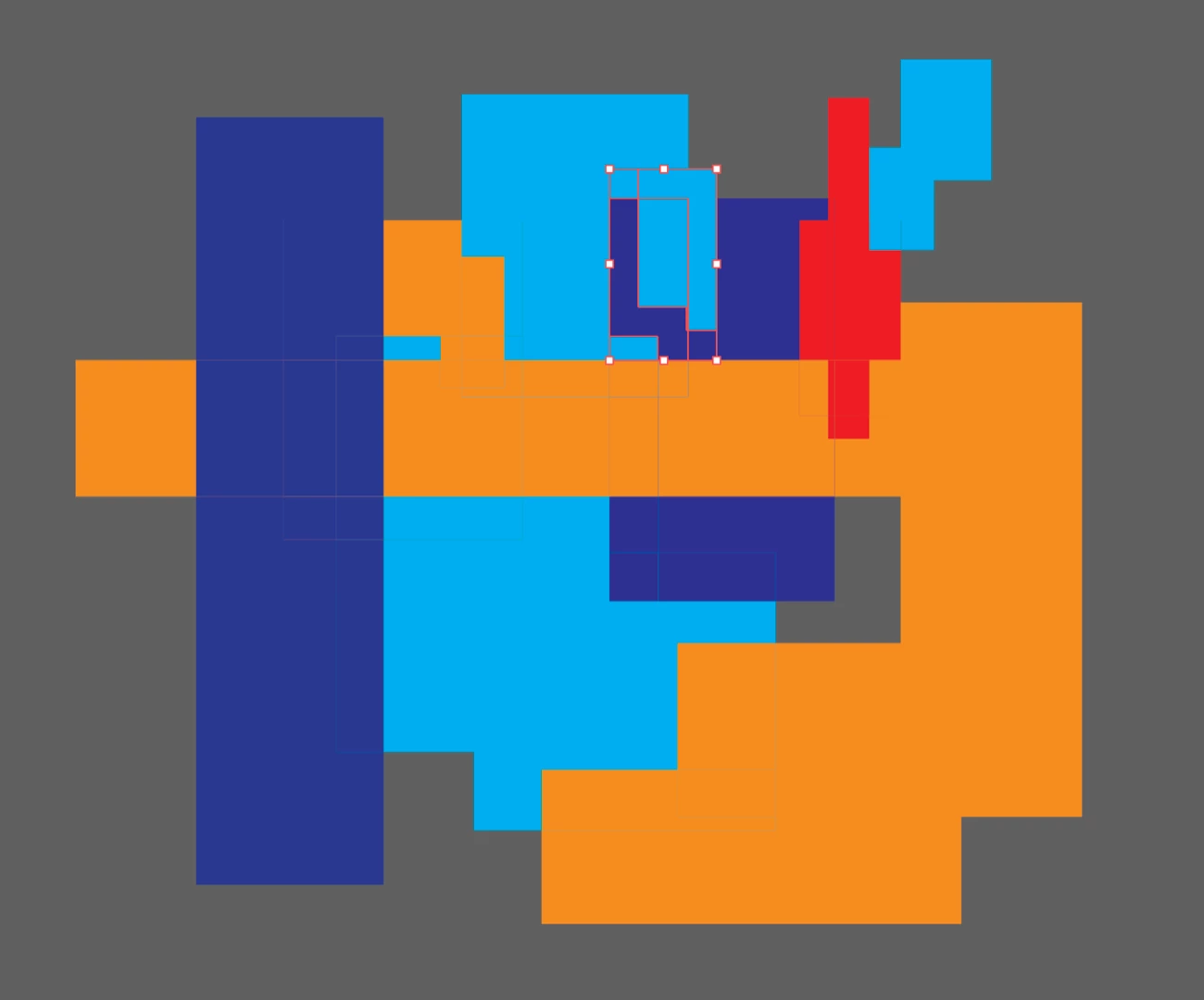
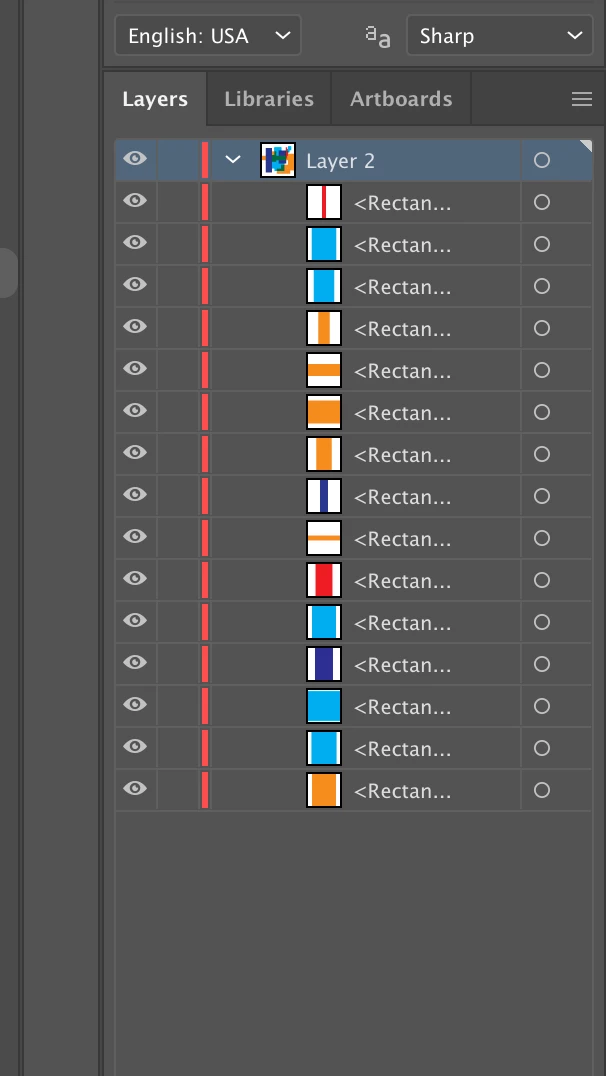
So with the objects now properly ruined, here's what the layers look like.
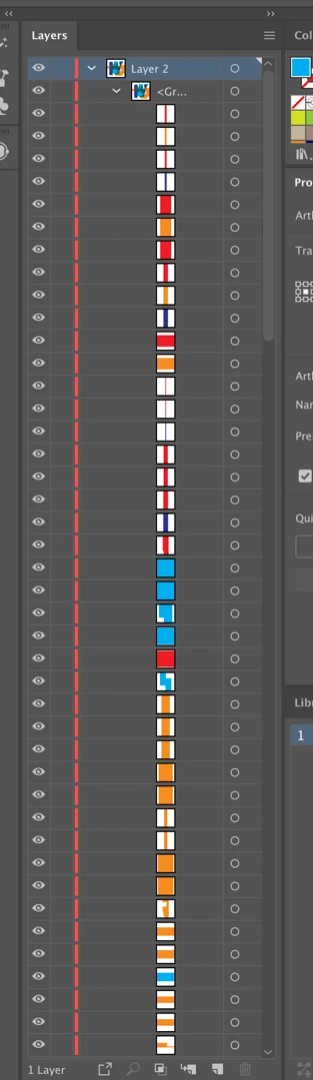
In the old days Merge would merge all like colors that are visible and delete anything behind them. Now it divides and leave colors behind so there's a ton of extra, useless, objects left behind that get in the way when I'm forced to unite the mess together manually afterwards.
But even with simple blocks of color, not that many points, no groups, and a mere 15 objects merge won't work.
If anyone has any solutions to this you'd earn my undying gratitude.
Thanks.


 AdChoices