
Question
Pathfinder pattern subtraction help
Forgive me, but I'm a relative novice when it comes to Illustrator. I'm using Illustrator CC and trying to create an object by subtracting the pattern elements of another object that I filled with the swatch tool. The end goal is to have the pattern elements subtracted from the background object.
Here's what I've tried with no luck:
Create object.
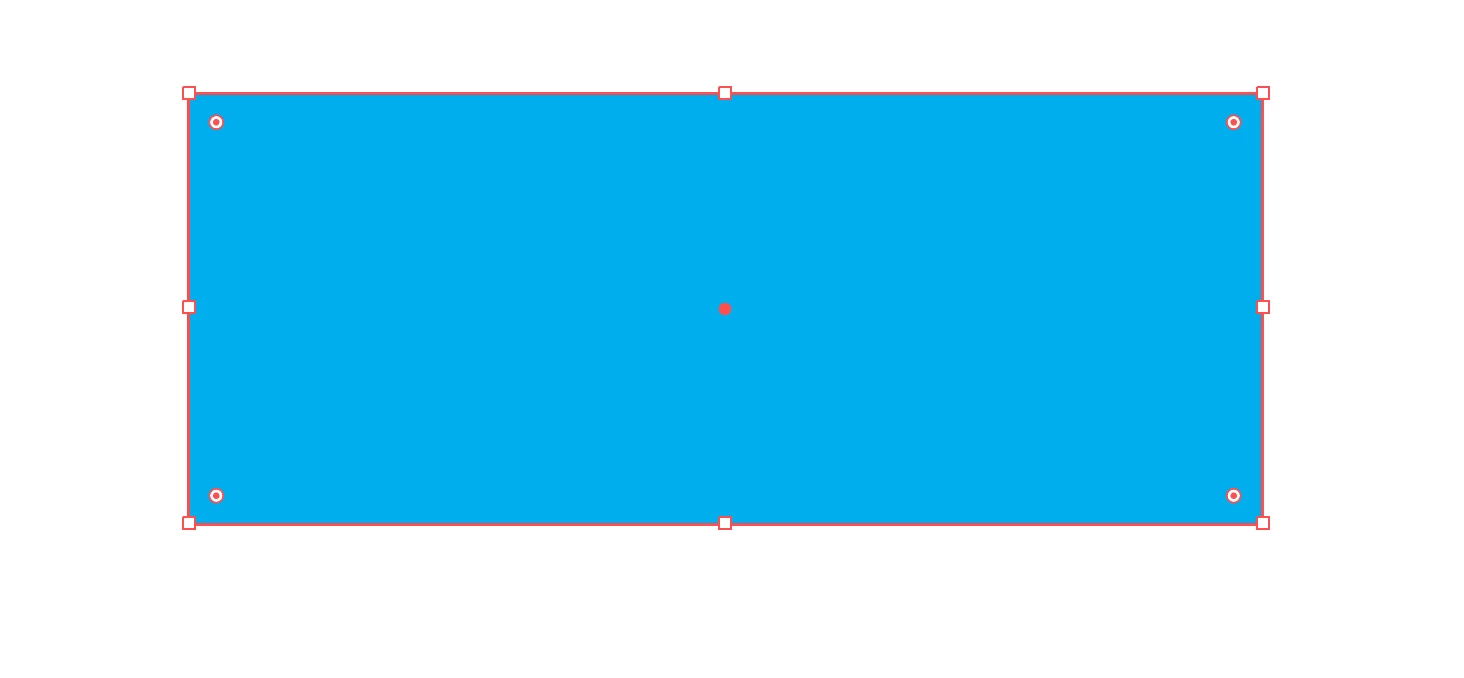
Create second object with pattern Fill.
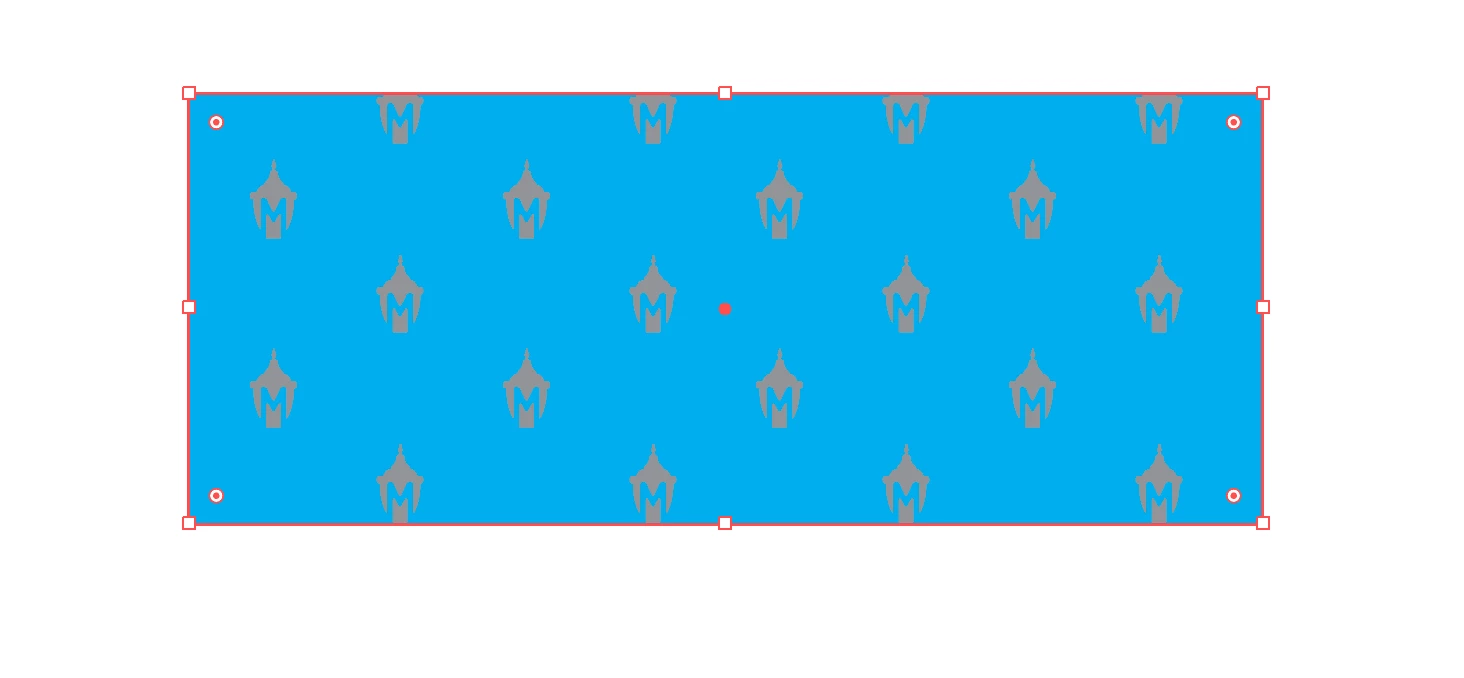
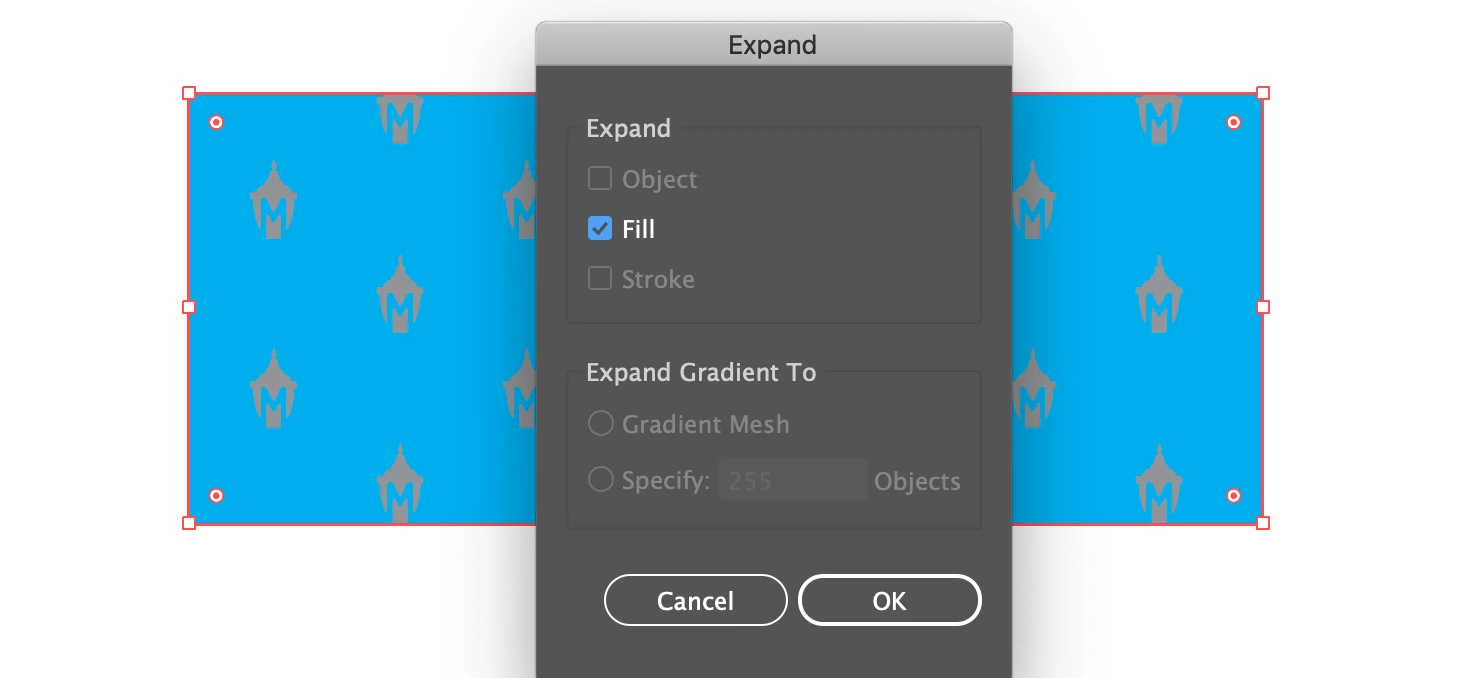
I then selected the second object and went to Object -> Expand and selected the Fill check box.
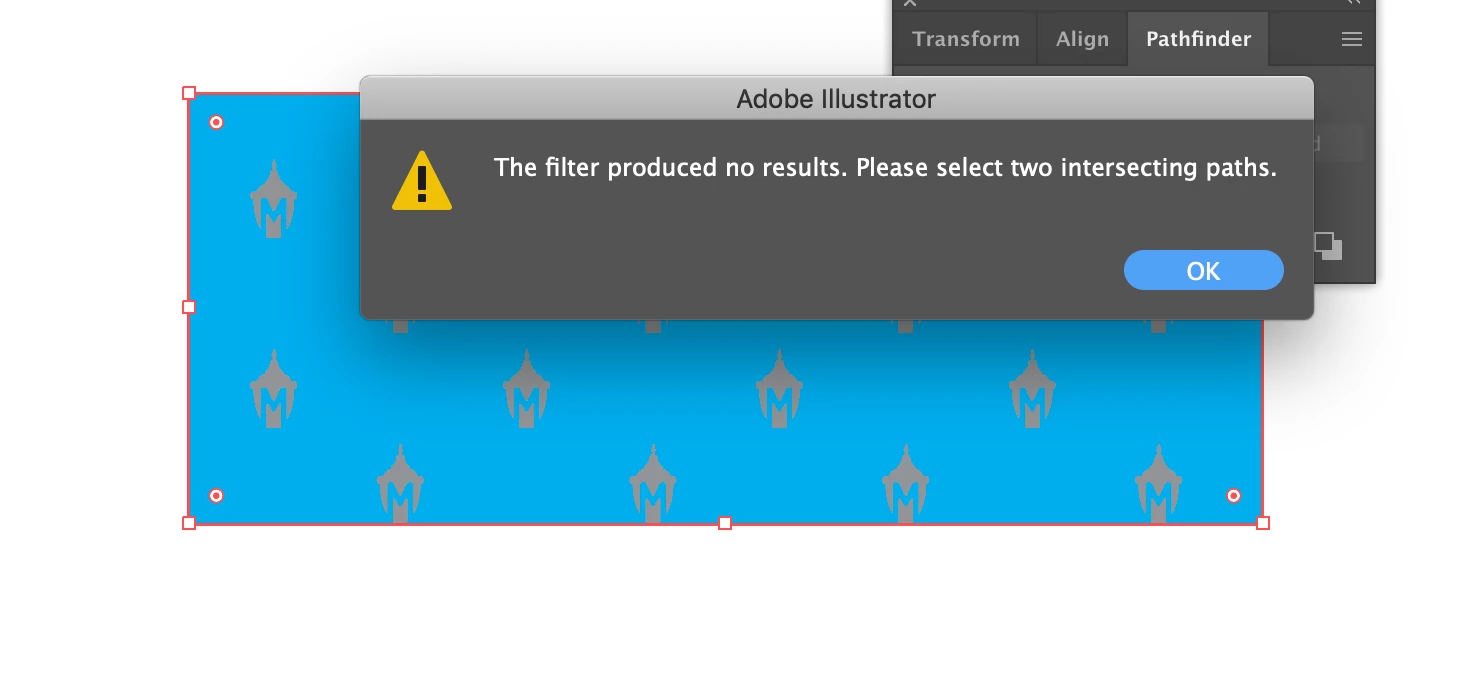
Using the Pathfinder Tool, with both objects selected, I tried to use Minus Front shape mode, but get the following message:
Ultimately, I would like to have a blue rectangle with the 'M' lantern shapes cut out to look like this:

 AdChoices