
Piter1288
Inspiring
December 10, 2020
Answered

Pathfinder reduces shape width value

  • December 10, 2020
  • 1 reply
  • 361 views

This was an existing problem in previous AI versions but I've now updated to 25.0.1 (64-bit) and there is still bugs in the transform window.


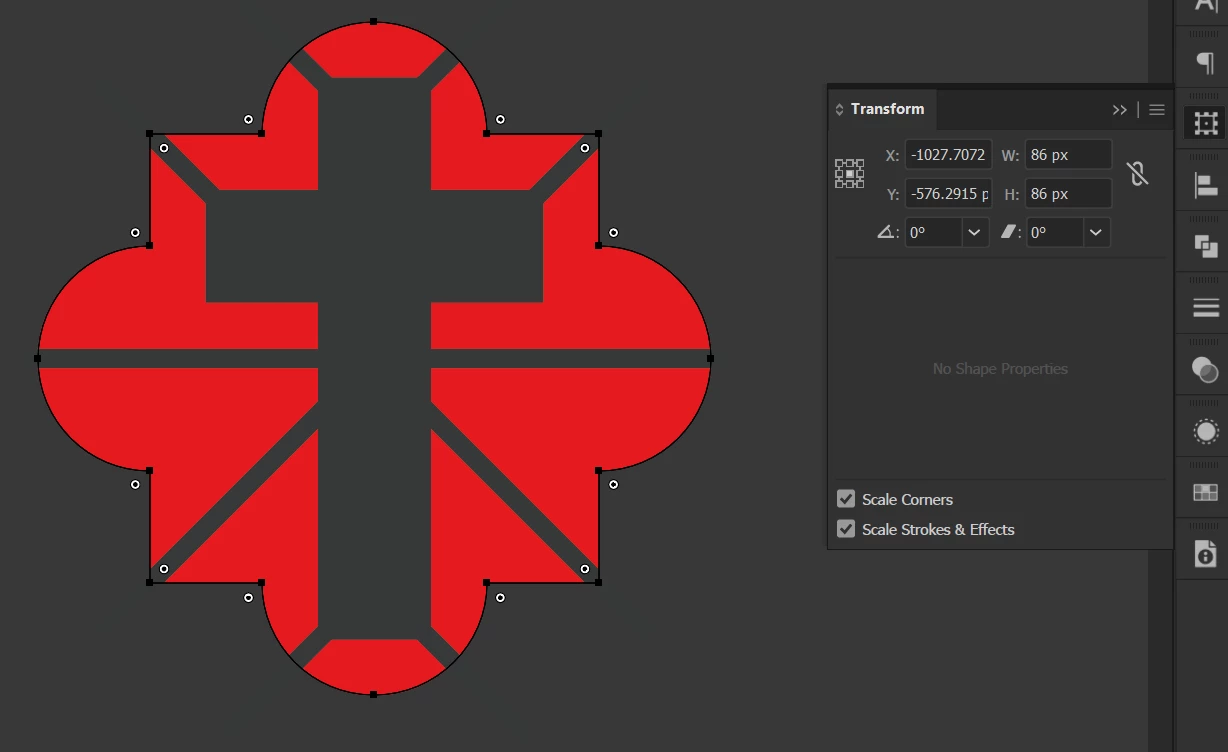
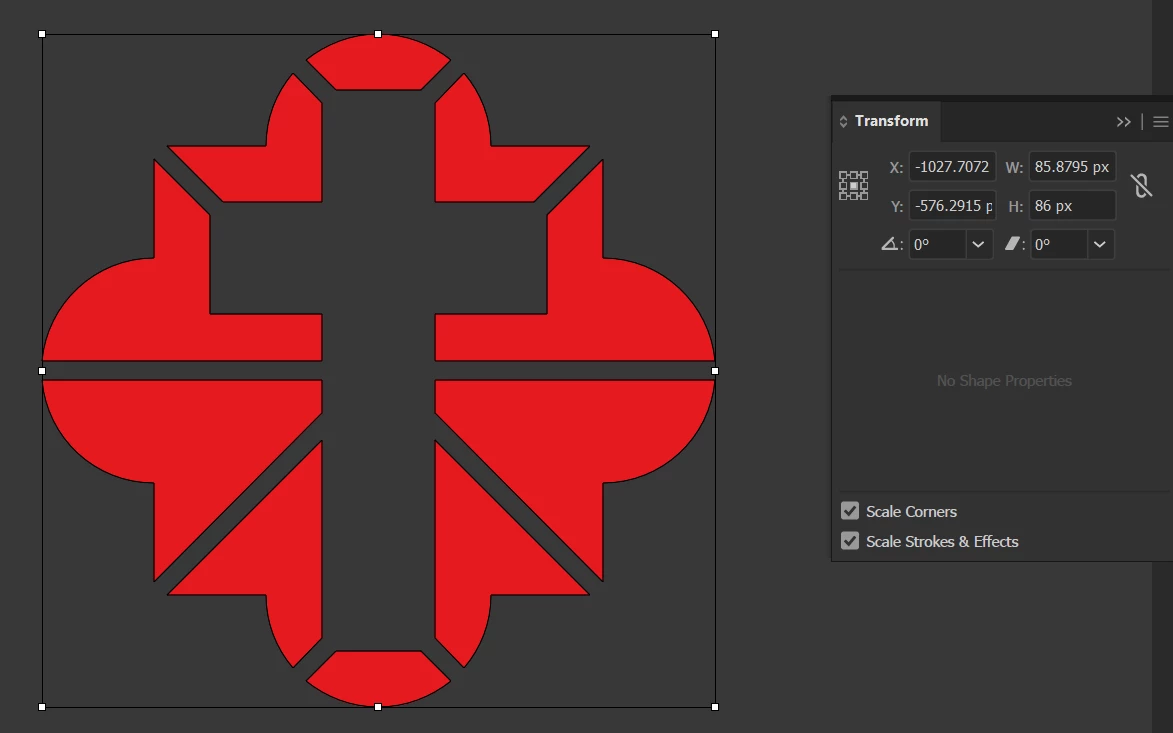
See images, the shape was 86 px by 86 px and after applying the "Minus front" option the width is now 85.8795 px. This drives me nuts! I like to work aligning to position and always use rounded numbers and this messes with my whole work.
 

This topic has been closed for replies.
Correct answer pixxxelschubser

How about:

The "circles" left and right are no longer "complete" after using the pathfinder. Therefore the resulting shape is a little smaller afterwards.

1 reply

pixxxelschubser
Community Expert
pixxxelschubserCommunity ExpertCorrect answer
Community Expert
December 11, 2020

How about:

The "circles" left and right are no longer "complete" after using the pathfinder. Therefore the resulting shape is a little smaller afterwards.

Piter1288
Piter1288Author
Inspiring
December 11, 2020

You are right. I think I don't trust Illustrator since the thousandth of pixels adding problem still persists. If I leave the full circles the width number is 86.0006 px which makes no sense.


Piter1288
Piter1288Author
Inspiring
December 11, 2020

Forgot to include this image where a simple cross gets reduced when no part was taken, just 2 same size rectangles change size when they are merged.