
Question
Pattern brush unwanted spacing
Hi everyone.
I have been trying to create a seamless pattern brush but regardless of what I do, Illustrator introduces this unwanted spacing between the repeating sequence and I have no idea what I can do to get rid of it or why it appeared.
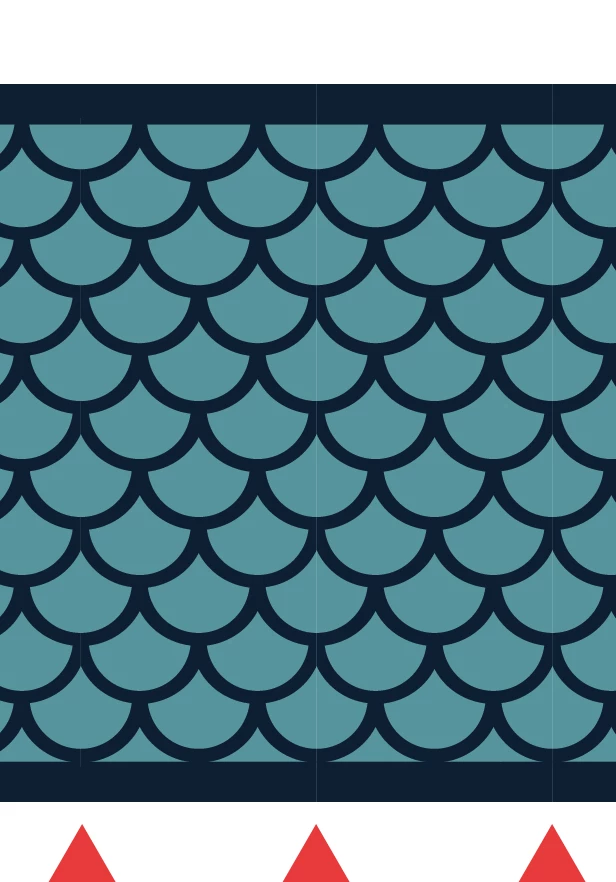
I triple checked and made sure there were no stray points going outside the bounding box of the tile, I recreated the pattern a few times, but no luck, I keep getting the same issue. I even disabled the GPU pefromance option thinking that might be it, but surprise surprise - same issue 😐
Here is the AI file in case you want to take a look.
Thank you all in advance.
 AdChoices