
Answered
Pattern Problem in Illustrator
I want to create a new Pattern with this:
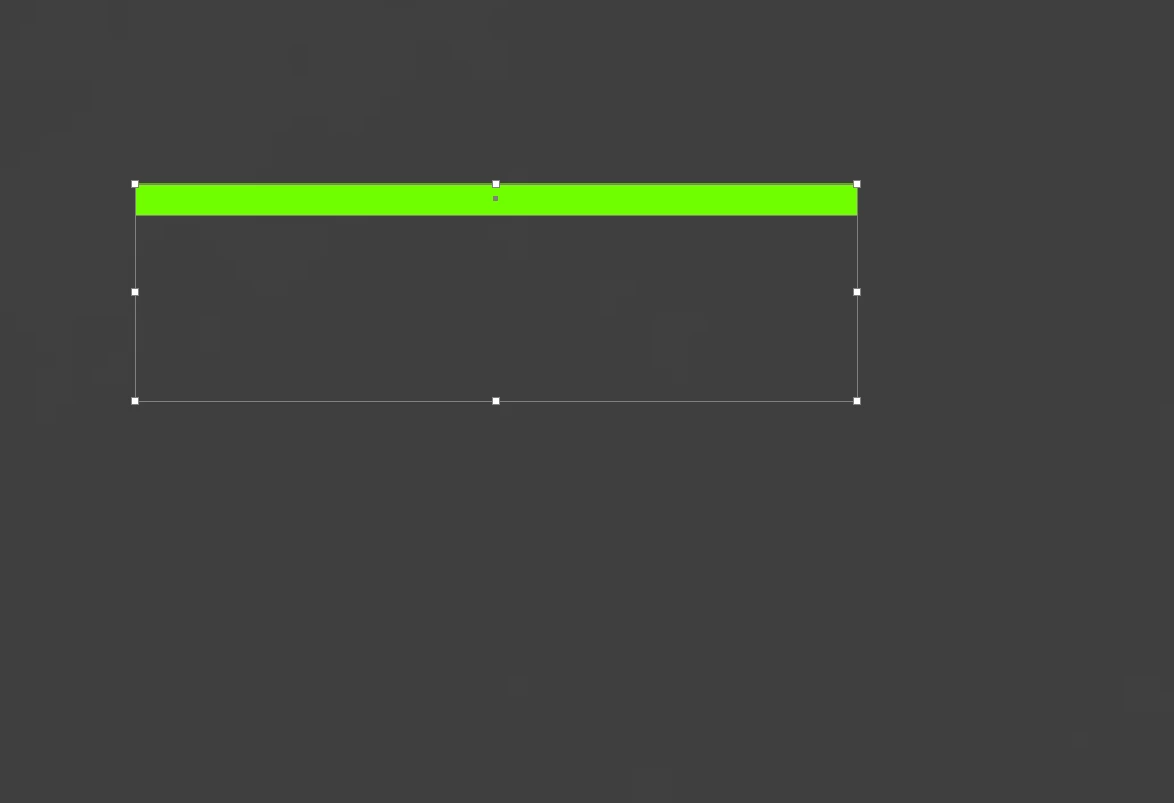
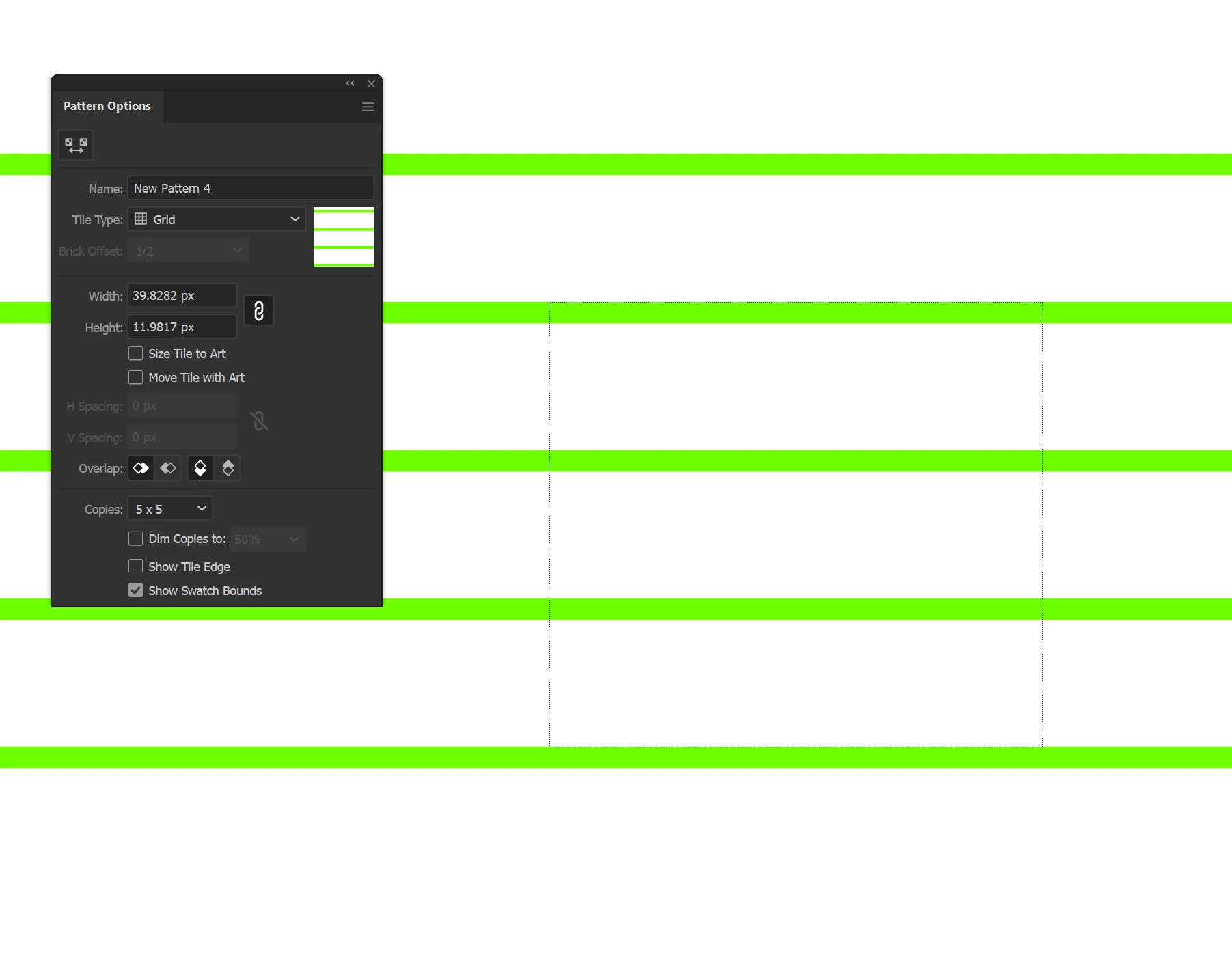
I have a thin green rectangle and a rectangle with no fill. Both have no stroke. I want to create a pattern with it and it works just as I want. When I go to Object/Pattern/Make it makes a normal, horizontal pattern.
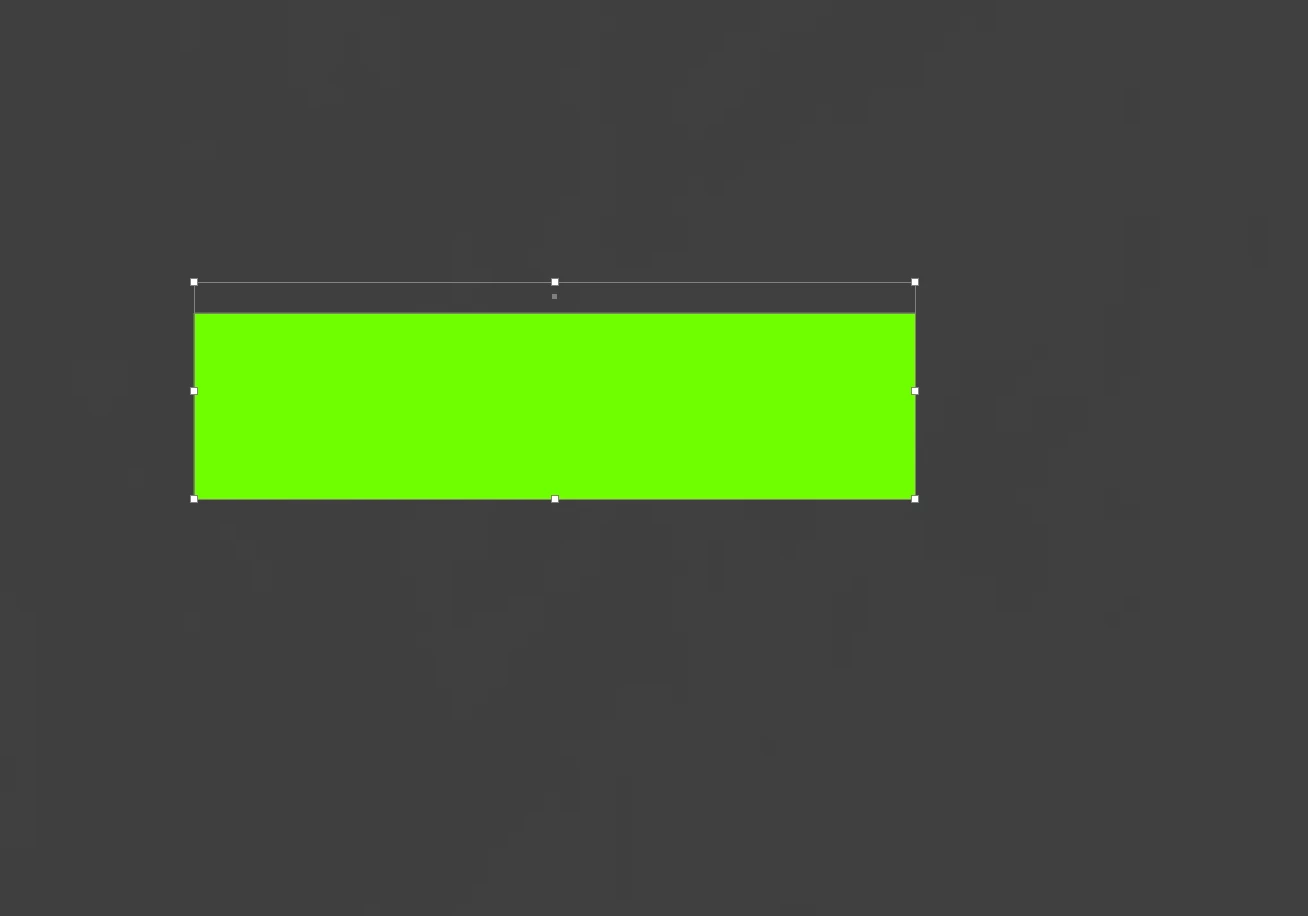
Now I want to create another pattern, but inverted colors, So the no fill rectangle is green and the green rectangle gets no fill.
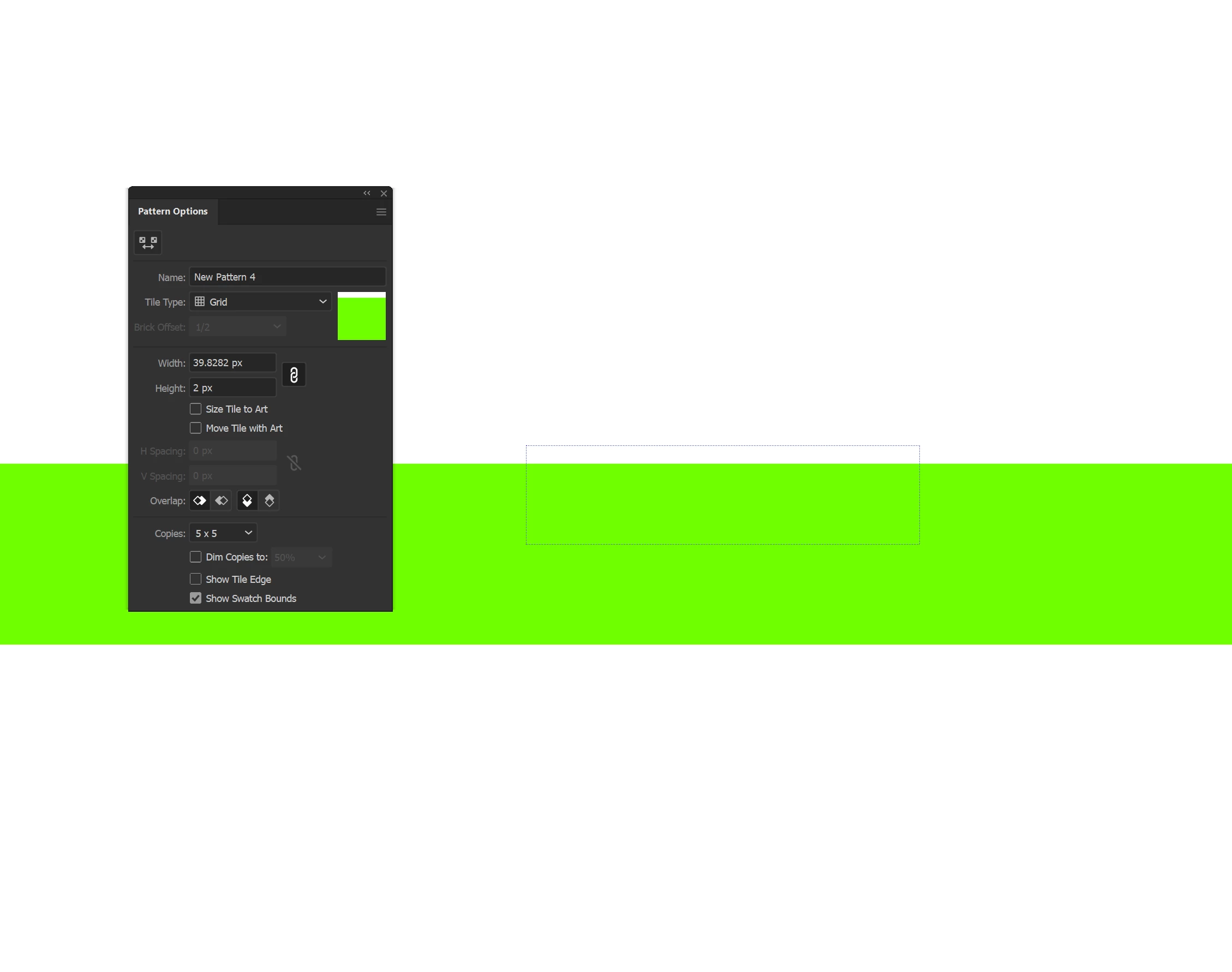
When I go to Object/Pattern/Make it creates a different Pattern, horizontally, and I dont know why or how to change that. Can someone help, I appreciate it.
 AdChoices