BarryWhitelaw
Known Participant
July 5, 2022
Answered

Pattern won't add to Swatches

  • July 5, 2022
  • 4 replies
  • 718 views

I have downloaded a liceneced repeating pattern from Adobe Stock, and want to use it to fill an object.


I thought all I had to do was drag it into the Swatches panel, and use it, however, no matter what I try it never adds to Swatches.


Is there something I'm missing? I don't see an option to add a pattern specifically...


thanks


Barry
This topic has been closed for replies.
Correct answer Laubender

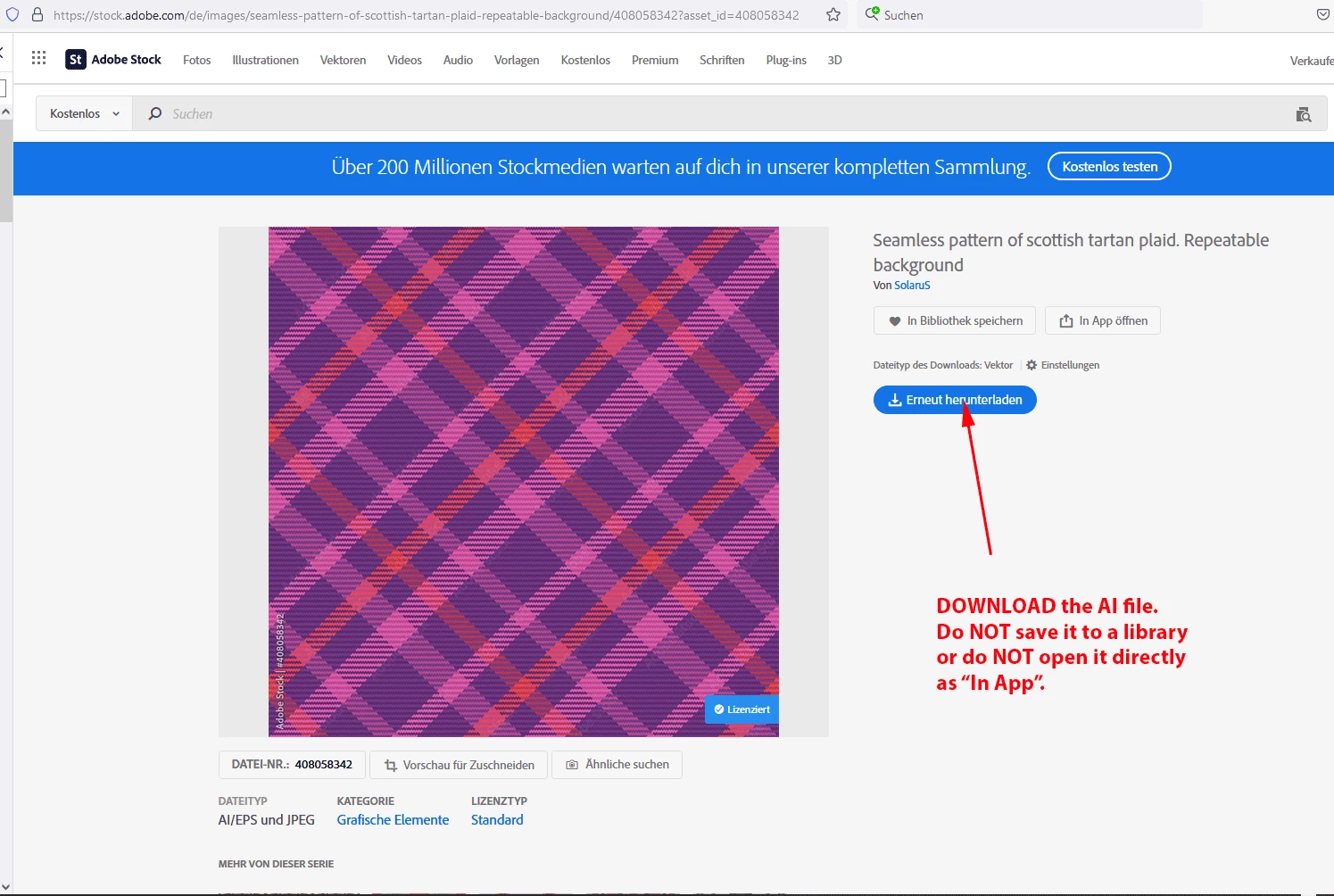
Ok. Here the link to that asset:

https://stock.adobe.com/de/images/seamless-pattern-of-scottish-tartan-plaid-repeatable-background/408058342


I'd suggest you download the AI file and work from that to create a pattern:


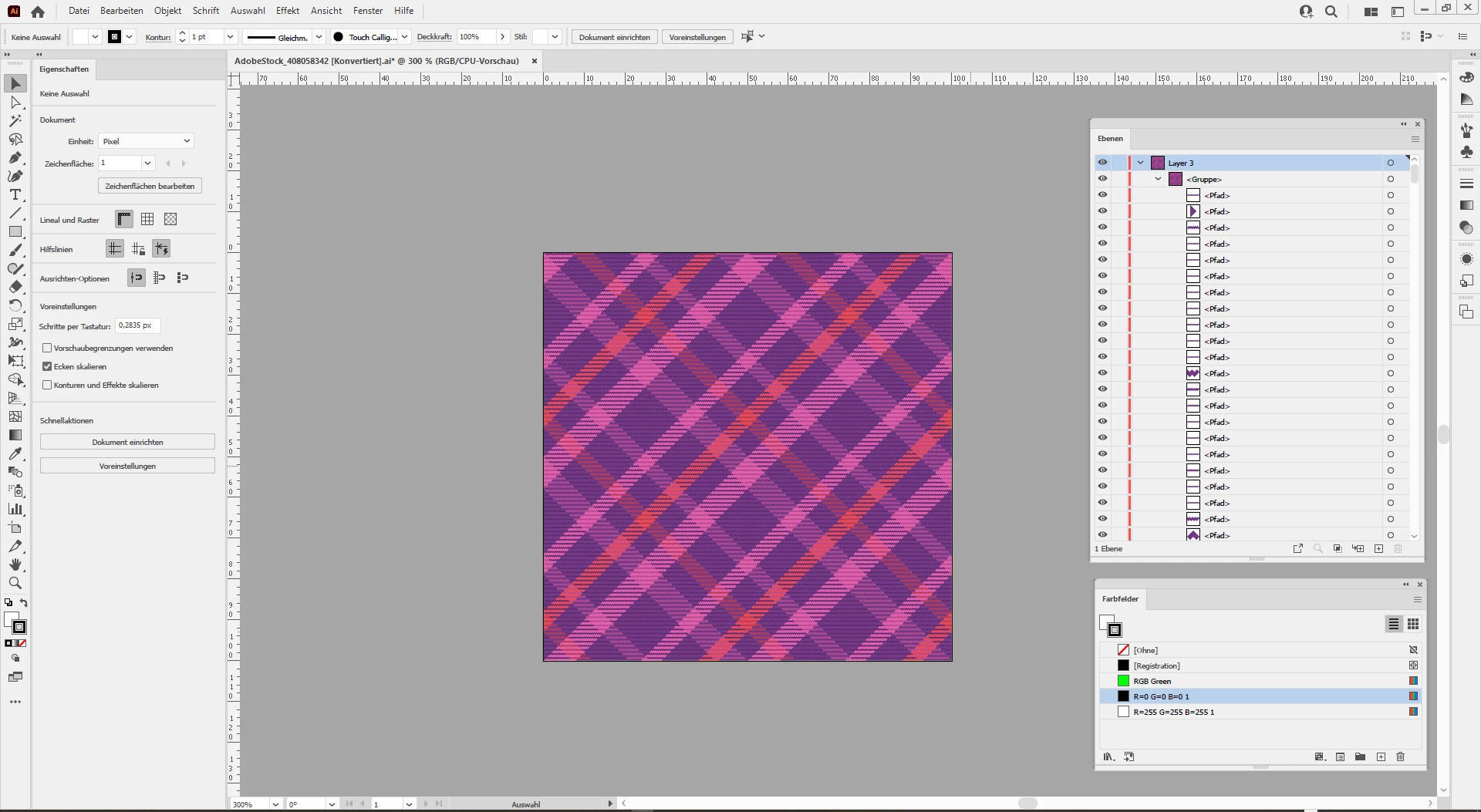
Here a screenshot where I opened the downloaded AI file in my German Illustrator 2022:


Basically it consists of a group of elements.

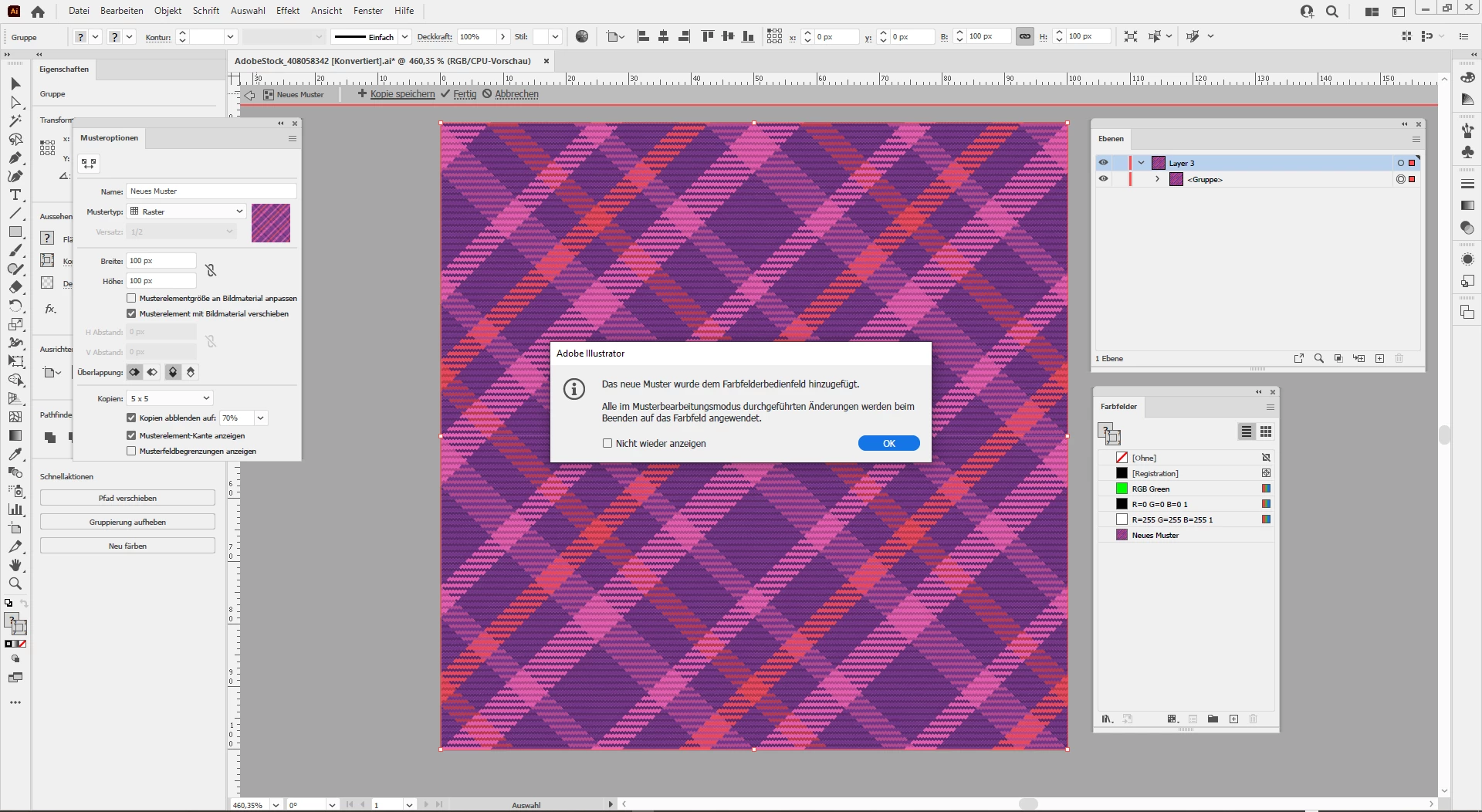
Object > Pattern > Make…

will do what you want, it converts the group of object to a pattern and adds the pattern to the Swatches panel:


Regards,
Uwe Laubender
( Adobe Community Professional )

4 replies

Community Expert
July 6, 2022

Hi Barry,

did you buy a license to an artwork that is showing a repeating pattern from Adobe Stock?

What kind of file did you download?

Best also post the link to that artwork on Adobe Stock.


EDIT: Well, you posted while I was writing this.


Regards,
Uwe Laubender
( Adobe Community Professional )


LaubenderCommunity ExpertCorrect answer
Community Expert
July 6, 2022

Ok. Here the link to that asset:

https://stock.adobe.com/de/images/seamless-pattern-of-scottish-tartan-plaid-repeatable-background/408058342


I'd suggest you download the AI file and work from that to create a pattern:


Here a screenshot where I opened the downloaded AI file in my German Illustrator 2022:


Basically it consists of a group of elements.

Object > Pattern > Make…

will do what you want, it converts the group of object to a pattern and adds the pattern to the Swatches panel:


Regards,
Uwe Laubender
( Adobe Community Professional )

BarryWhitelaw
Known Participant
July 6, 2022

Thank you Uwe.

I admit I find the pattern section in Illustrator a little confusing! 


For instance, I can now create this as a pattern following your steps, however, how do I then save that so it can be used in other documents?  So far I can use it in the document the pattern was made in, but when I switch tabs, it doesn't show.  Is there a way to save into the 'master patterns'?


Again, many thanks for your help. Barry.

Monika Gause
Community Expert
Community Expert
July 5, 2022

If nothing helps, please show a screenshot of that artwork in the Layers panel.

BarryWhitelaw
Known Participant
July 6, 2022

Hi. So the in the layers panel, it shows as a linked file.  I'm not completely sure what that means(new to Illustrator) but have searched how to unlink, and none work.


I did find a menu option called Links, but there appears to be nothing in there to unlink!

BarryWhitelaw
Known Participant
July 6, 2022


Met1
Legend
July 5, 2022

If you click on item and then go to Window→Pattern Options then choose the very obscure drop down menu top right and choose Make Pattern, does it work?

Met1
Legend
July 5, 2022

I was going to say Ton beat me to it, but his solution is different...

Ton Frederiks
Community Expert
Community Expert
July 5, 2022

What happens if you select it and choose Object > Pattern > Make?

BarryWhitelaw
Known Participant
July 6, 2022

When I try Object/ Pattern/ Make I get the below, however, cannot see a way to unlink it!


Ton Frederiks
Community Expert
Community Expert
July 6, 2022

Can you go to Window > Links and select the image to embed it from the Links panel menu?