
Participant
June 2, 2019
Answered

Pen Tool Problem: How do I get my point to connect on an existing path?

  • June 2, 2019
  • 5 replies
  • 3646 views

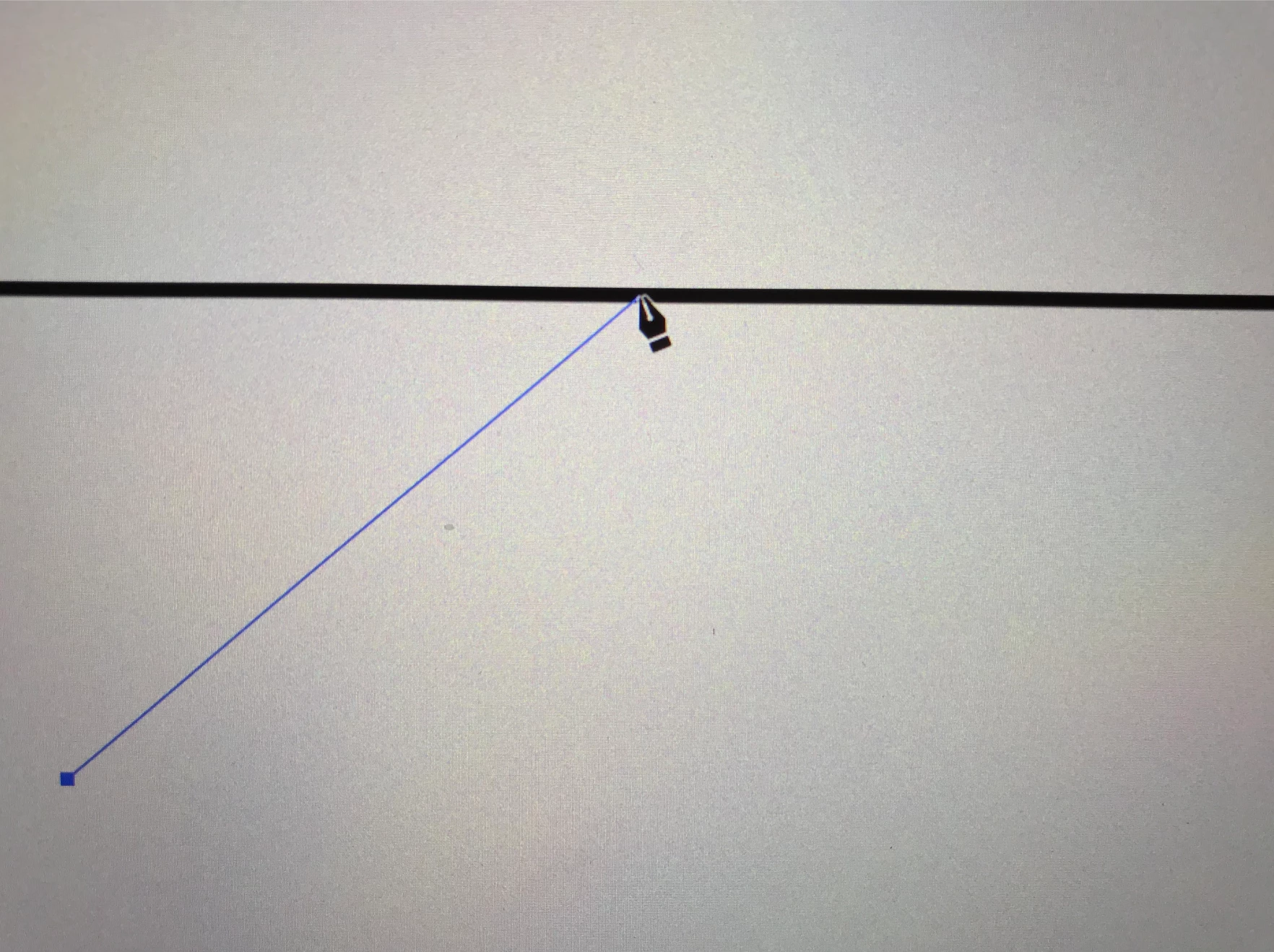
Hello! I have been using Adobe Illustrator for a long time now, but I ran into a problem today perhaps because of an update... I want to connect a point to a path, normally the line would be highlighted in blue so that I know where it will align seamlessly; however, it is no longer highlighted. How do I fix this?
This topic has been closed for replies.
Correct answer lillyt5601

Thank you all for your help! The answer is turning on the smart guide. I know that I cannot join a point to a path unless I create a point on that path. However, when I have my smart guide on, I can see where lines are connected seamlessly. Sometimes I draw from afar and without the smart guide on and zooming in, there will a bunch of white gap in my illustration. 

5 replies

lillyt5601AuthorCorrect answer
Participant
June 3, 2019

Thank you all for your help! The answer is turning on the smart guide. I know that I cannot join a point to a path unless I create a point on that path. However, when I have my smart guide on, I can see where lines are connected seamlessly. Sometimes I draw from afar and without the smart guide on and zooming in, there will a bunch of white gap in my illustration. 

Jacob Bugge
Community Expert
Community Expert
June 3, 2019

You are welcome, Lilly.

Bill Silbert
Community Expert
Community Expert
June 3, 2019

Points can only join a path at the path's endpoints. You cannot join a point to a path in the middle. You can, however, click on a selected path with the pen tool and add a point to that path.

Ray Yorkshire
Participating Frequently
June 3, 2019

Maybe you have Snap to grid or pixel on,

try turning off under View to get the smart guide's to show again

Jacob Bugge
Community Expert
Community Expert
June 3, 2019

Lilly,

As I (mis)understand it, tick View>Smart Guides.

Eyaaahhh
Participant
September 27, 2022

Thank you so much!
This issue was stressing me out for almost an hour.
Really appreciate this help. 🙂


Monika Gause
Community Expert
Community Expert
June 3, 2019

You can't make Y connections in Illustrator.