
Participant
February 4, 2021
Question

Pencil Tool Smoothness Values not there

  • February 4, 2021
  • 1 reply
  • 280 views

Hi 

I am currently using Illustator CC and do all my drawing (as they are free hand) with the help of alittle smoothness from Illustrator.


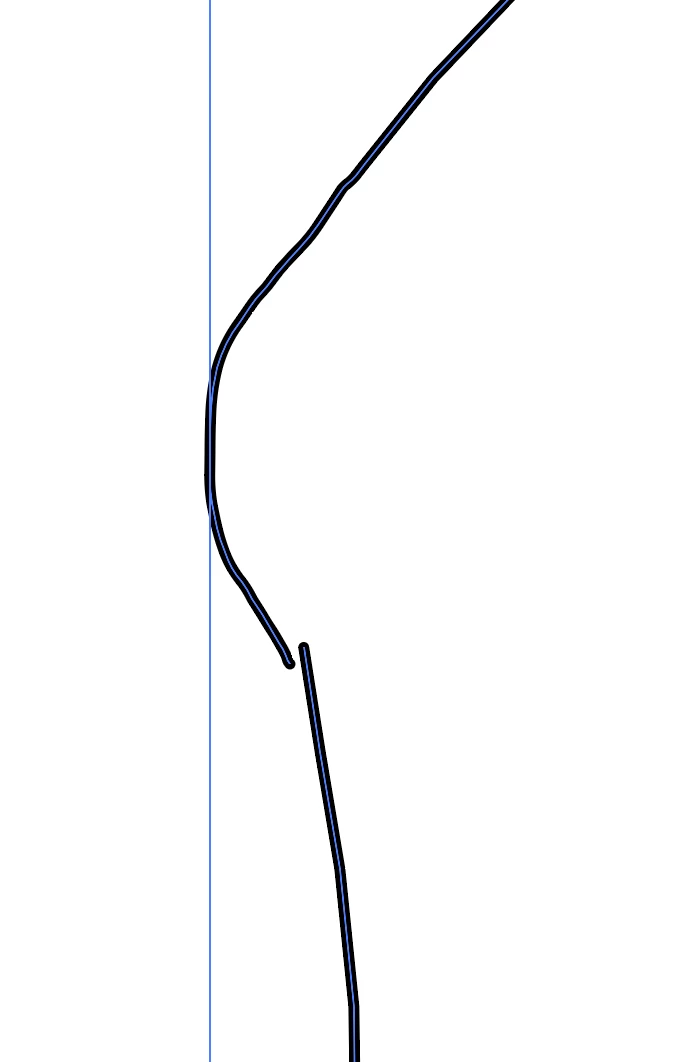
Currently when have a exisiting line and want to change the line, CC is drawing many many anchor points and making the line very jaggy.


In Illustator CS6 i could change the Smoothness and the Fidelity values, but it seems in CC you cant control the Smoothness values only the Fidelity values


Does anyone know how to fix this please?
 

Regards

Dion

This topic has been closed for replies.

1 reply

lambiloon
Community Expert
Community Expert
February 4, 2021

Hi which version of illustrator you are using all is working fine try to reset your settings or double on smooth icon you will get....regards

Ali Sajjad / Graphic Design Trainer / Freelancer / Adobe Certified Professional
dion0D4CAuthor
Participant
February 4, 2021

hi 

using CC

i want to be able to change the smoothness values and Fidelity values like you can in cs6, not just changing the Fidelity values between accurate and smooth 

does anyone know how to do this? 
thanks 

Doug A Roberts
Community Expert
Community Expert
February 4, 2021

After CS6, the smoothness and fidelity sliders were replaced with a single slider. Many bemoaned the loss of control this resulted in:


https://community.adobe.com/t5/illustrator/please-please-adobe-the-new-pencil-tool-has-become-unusuble-to-me/td-p/5771656