
Participant
January 16, 2021
Answered

Picture from Google doesn't have the same colors in Illustrator

  • January 16, 2021
  • 2 replies
  • 2557 views

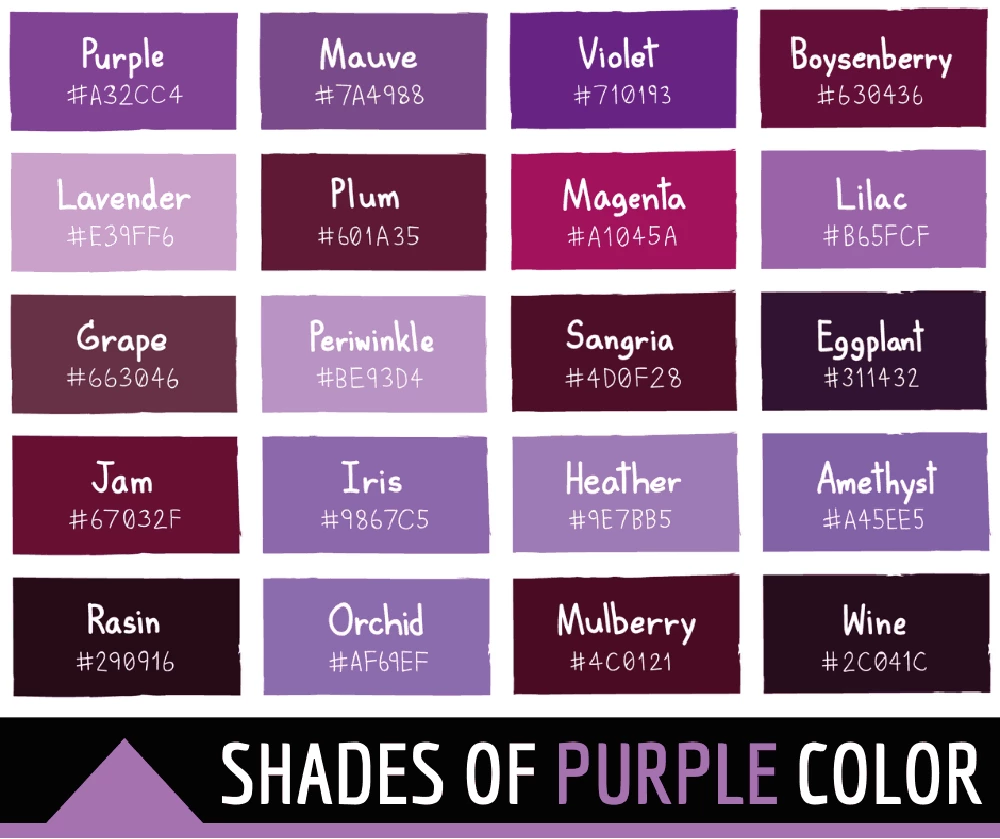
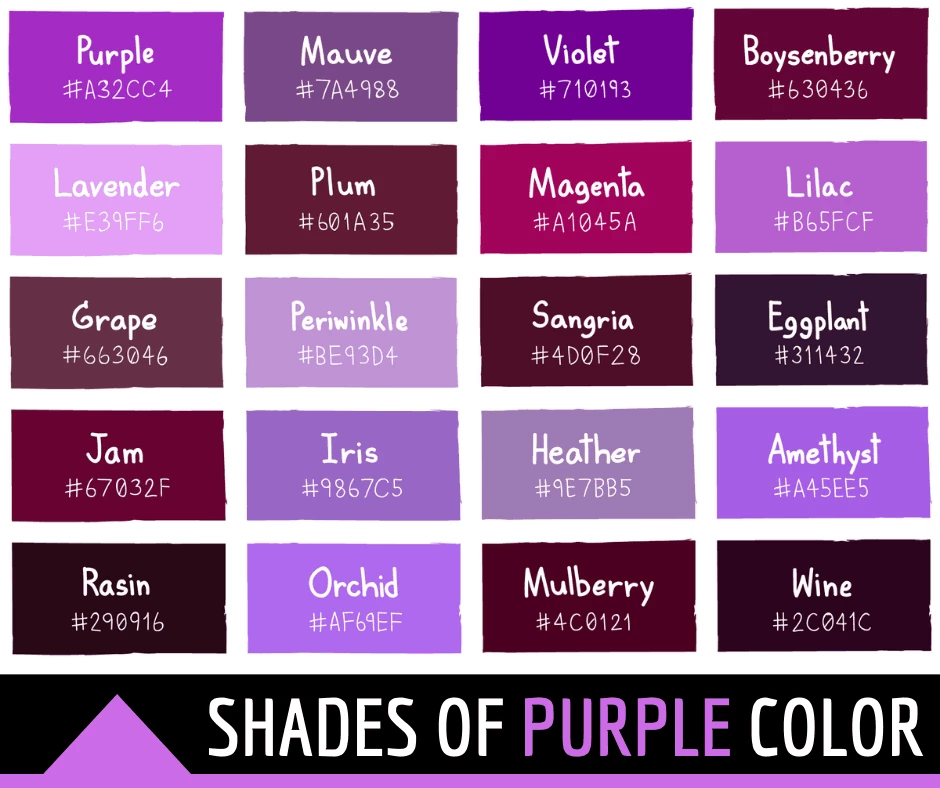
Hi guys, so I noticed my picture downloaded from google looked quite different when imported into Illustrator. Left image original, right image imported. Any idea, where could be the problem? It is probably something really basic, but I can't find the answer to the probleme anywhere, so I am asking. Thanks!
This topic has been closed for replies.
Correct answer Kat Gilbert

Illustrator usually brings in items as CMYK not RGB. Check to see which is being used when opening in Illustrator.


2 replies

Ton Frederiks
Community Expert
Community Expert
January 16, 2021

Like Kat mentioned, make sure you place them in an RGB document.

Participant
January 16, 2021

Thank you!

Kat Gilbert
Kat GilbertCorrect answer
Legend
January 16, 2021

Illustrator usually brings in items as CMYK not RGB. Check to see which is being used when opening in Illustrator.


Participant
January 16, 2021

Oh it is really that simple. I guess there is still a lot to learn for me in Illustrator. Thank you!