
Pictures I use in illustrator don't appear in the application when I transfer them to another file
When I transfer an image that I use in Illustrator to another file, the image does not appear. Also, images in other illustrator files do not open.
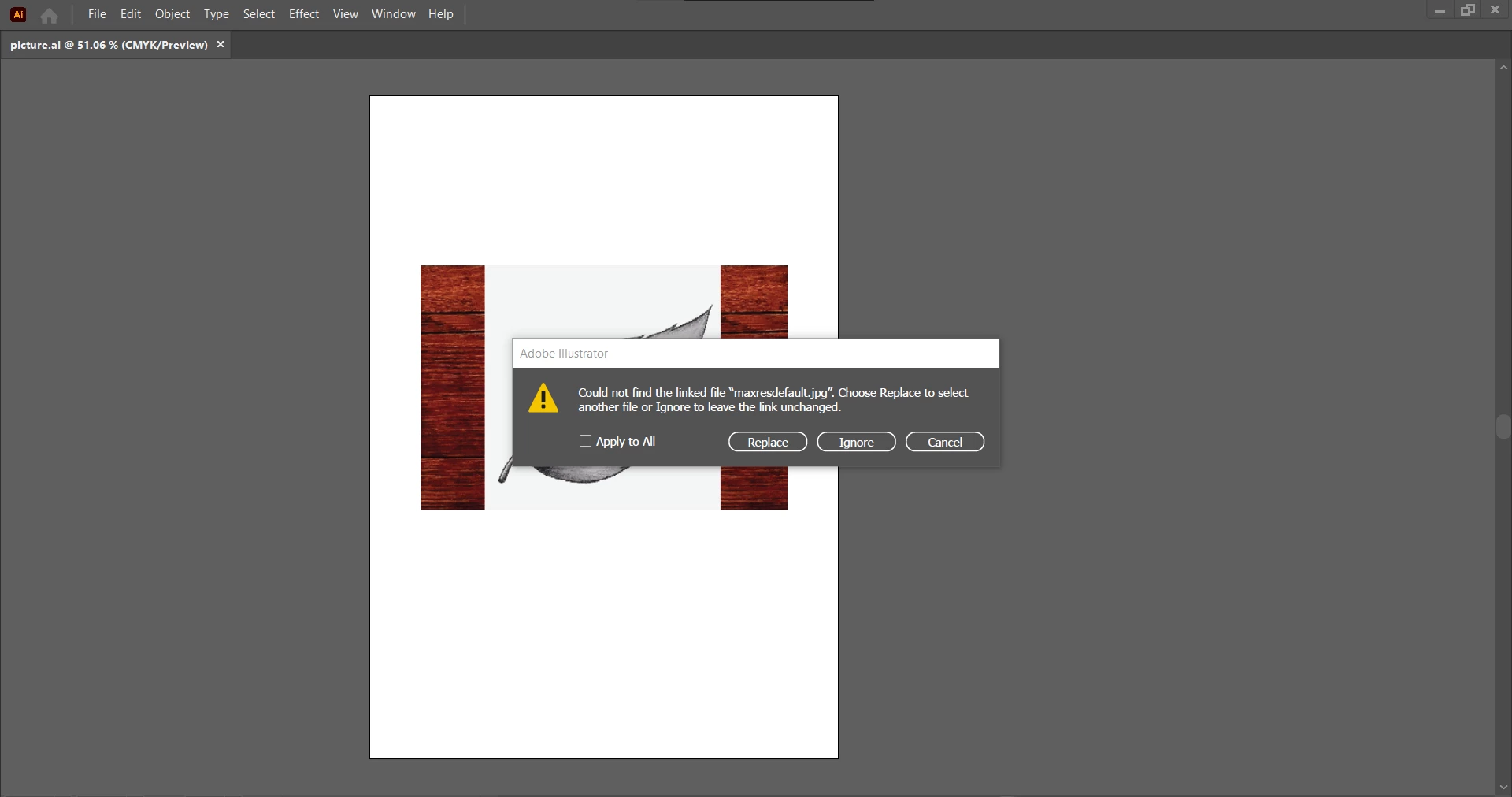
When I transfer an image that I use in Illustrator to another file, the image does not appear. Also, images in other illustrator files do not open.

When you link an image in Illustrator and then move that image from where it originally was on your computer, Illustrator can't find it. The pop-up is asking you to re-establish or re-find that path to the images. It is always a good idea to put images in a folder and save the AI file with it so that if you move one on your computer, they move together. Hope that makes sense and resolves your problem.
Already have an account? Login
Enter your E-mail address. We'll send you an e-mail with instructions to reset your password.