
Known Participant
February 21, 2022
Question

Pixel perfect icon blurry in pixel preview

  • February 21, 2022
  • 2 replies
  • 477 views

Hey all 🙂

I try creating pixel perfect icons for the first time, read some articles about it and followed some guides but somehow it doesn't work for me. In pixel preview and exported as png the icon looks blurry. I'm not even sure, if it scales correctly. I'll add some screenshots of what I see. My Artboard is 96x96 pixels.
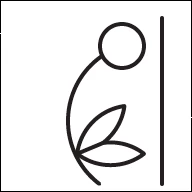
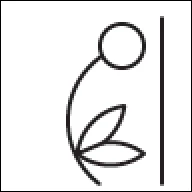
This topic has been closed for replies.

2 replies

Jacob Bugge
Community Expert
Community Expert
February 21, 2022

Olympia,


There is no way you can prevent blurriness/jaggedness on non vertical/horizontal parts when zooming in to more than 100%.


Edit: Hi Ton, I had to leave before answering, without reloading the page.


Ton Frederiks
Community Expert
Community Expert
February 21, 2022

Pixel preview shows what your icon would look at 72 ppi.

Your monitor has a higher resolution, 144 ppi.

If you export your icon (using export for screens) at 2x it will export at 144 ppi, which is what Illustrator shows you at 100% on screen.