

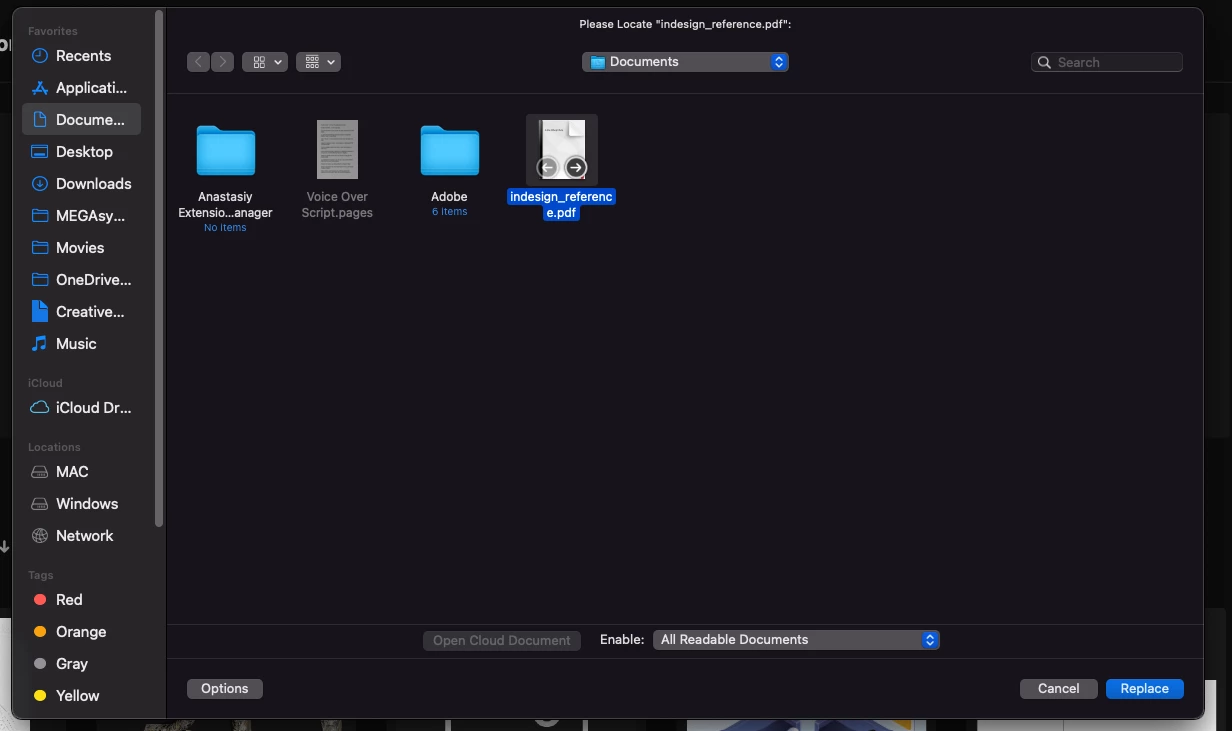
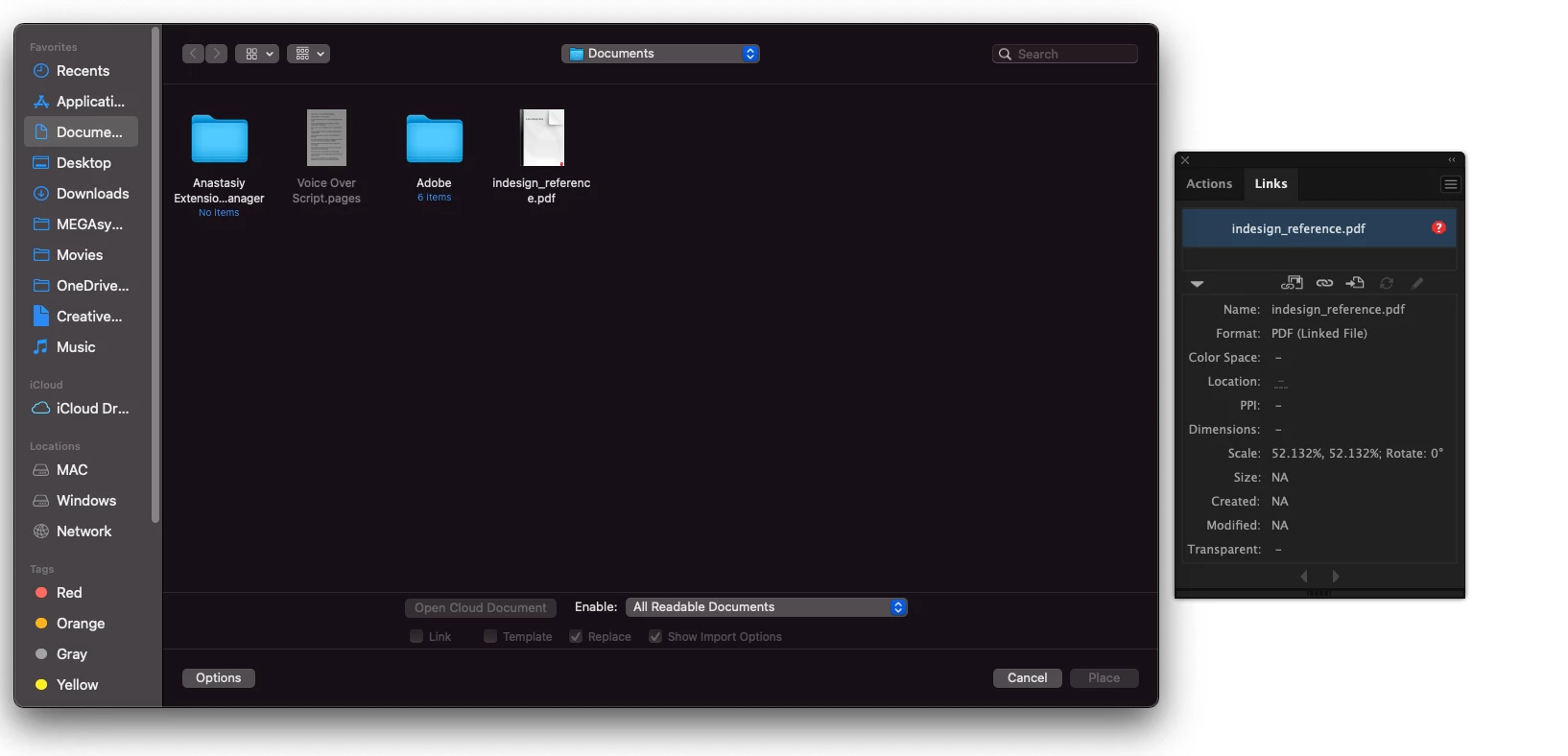
Place PDF > Crop to:
- September 29, 2021
- 3 replies
- 1452 views
Our company used Adobe Illustrator as a layout program and we often place illustrator artwork into those layouts. For example, we will place a client supplied logo or other official asset into our layout.
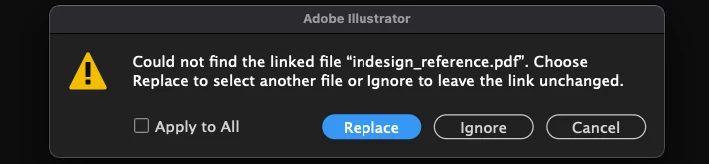
The problem I am seeing now is when a link to one of those is broken. A designer might choose a "crop to" option that causes the artwork to resize in the layout inadvertently. Is there a way to default to the original option?
In our work, this happens often because jobs are stored on a server and pulled onto a local machine to work on them. When there are lots of links to manage, the layouts are getting changed by clicking through the menu too quickly.
One answer I'm aware of is to gather all of the linked artwork into the same folder prior to opening the layout. We can do that, though it ends up being time-consuming.
Thanks,
Dave
 AdChoices