I hope the suggestions shared earlier helped resolve the problem. If not, we'd need some more information to be able to help you with this scenario:
For macOS computers:
AISniffer file - Close all Adobe applications - Navigate to the Illustrator Preferences folder and copy the AiSniffer file to the desktop from this location: Users/username/Library/Preferences/Adobe Illustrator #(version Number)Settings > AISniffer
For the System Report, kindly generate it from the Apple icon > About This Mac > System Report > Save to the desktop.
For Windows computers:
1. AiSniffer file: - Close all Adobe applications.
- Navigate to the Illustrator Preferences folder and copy the AiSniffer file to the desktop from this location: C:\Users\%USERPROFILE%\AppData\Roaming\Adobe\Adobe Illustrator 27 Settings\en_US\x64
2. For the System Report, kindly follow these steps:
- Please press Windows Key + the letter "R" on your keyboard to bring up the Run command window - Type "msinfo32" in the Open field and left-click OK - While viewing the Microsoft System Information summary, go toFile,then chooseSave(Please do not use Export) - Save your MSINFO32 report as "msinfo32.nfo" on your desktop to easily locate it after. It can take up to a minute to generate a report.
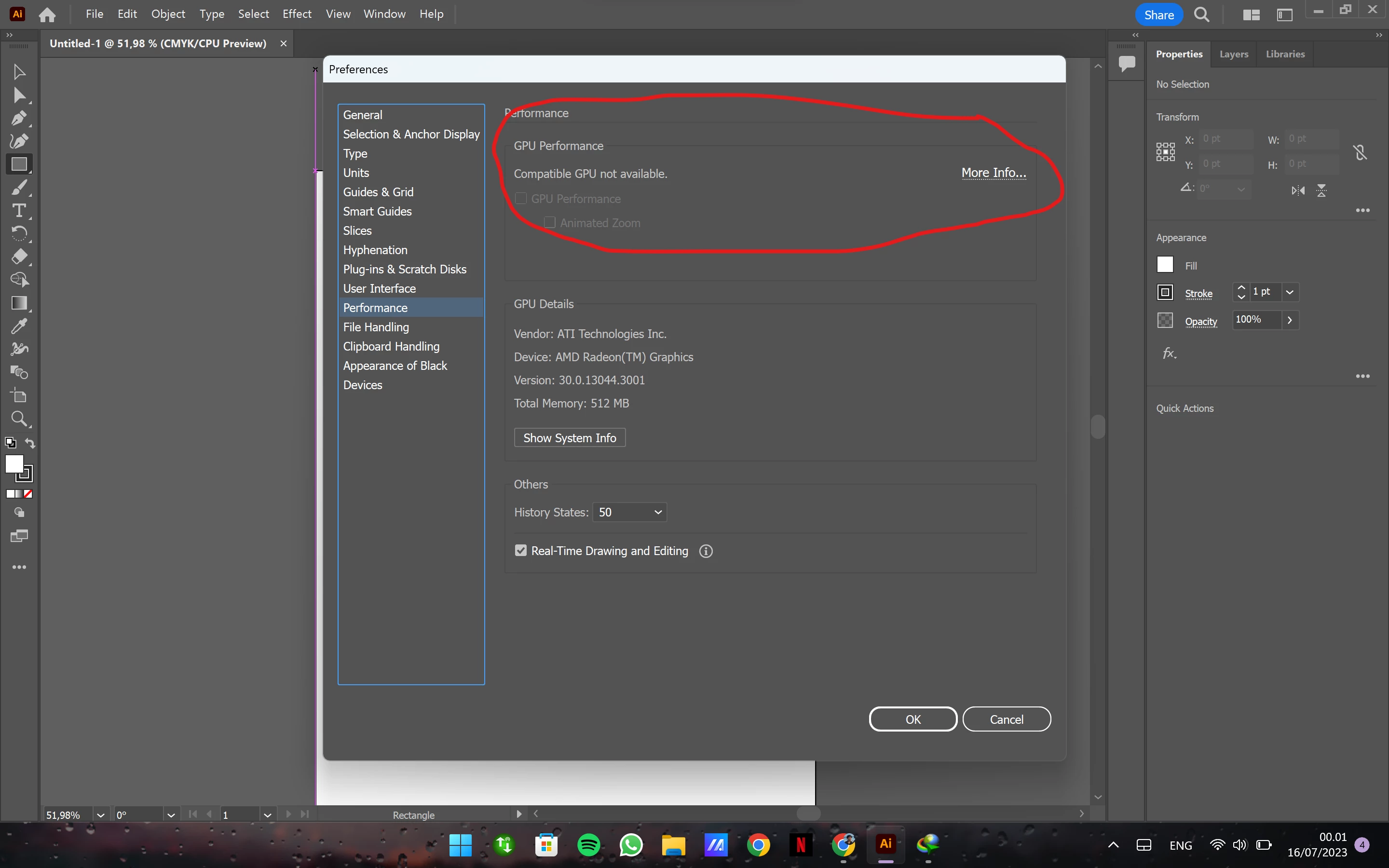
We understand how frustrating it can be to not be able to use GPU Performance in Illustrator. Would you mind performing a clean reinstallation of the GPU drivers (Intel / NVIDIA / AMD) and setting the Graphics Preference to High-Performance for Illustrator (https://www.amd.com/en/support/kb/faq/gpu-110) and checking if it helps?



 AdChoices