


Participating Frequently
July 7, 2024
Question

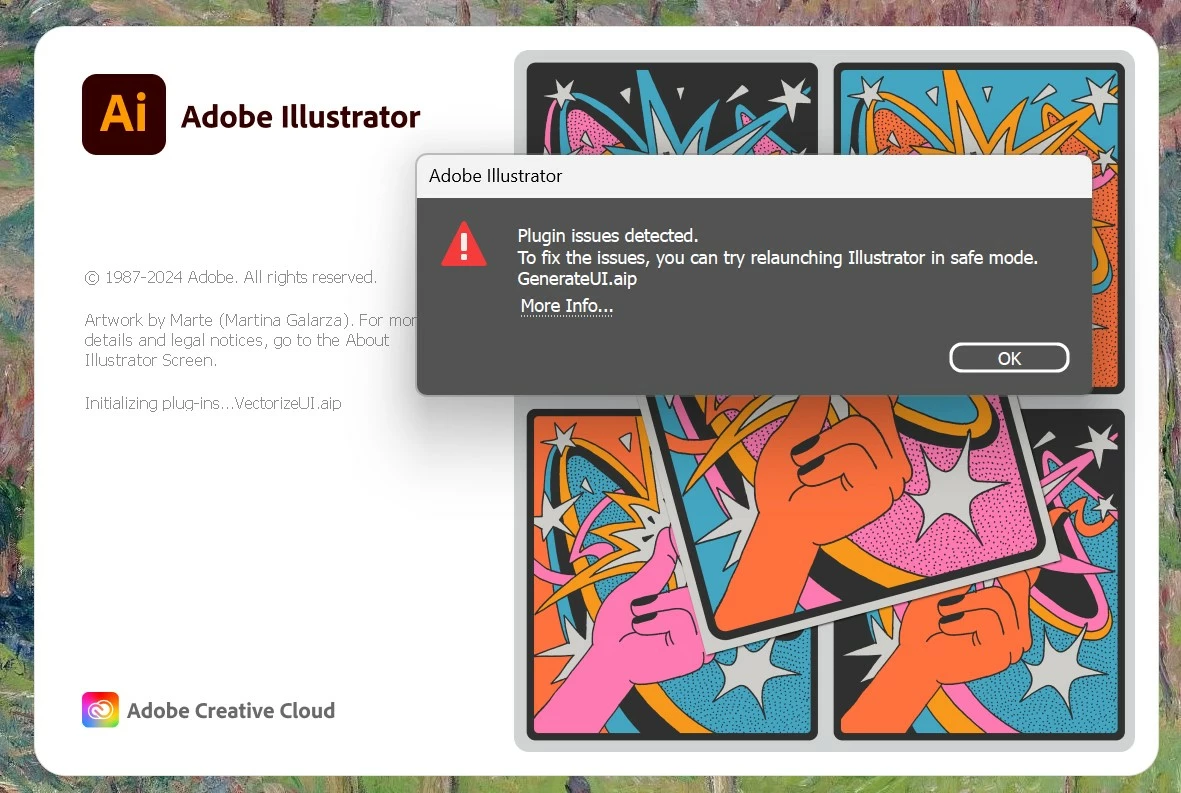
plugin GenerateUI is not loading

  • July 7, 2024
  • 2 replies
  • 1808 views

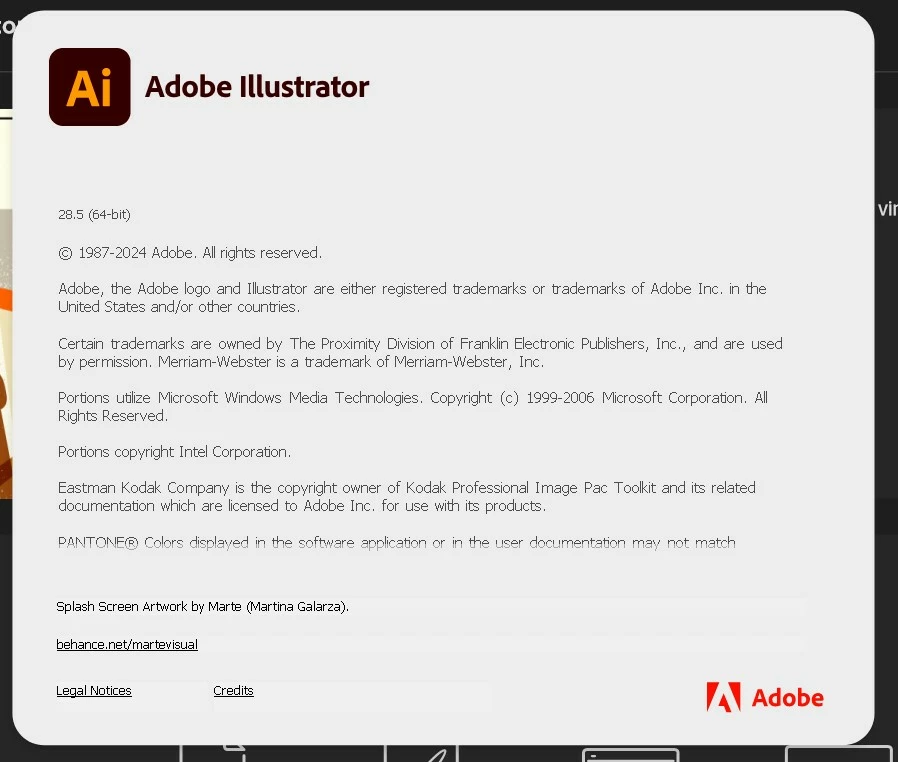
I have a problem when I open the latest version of Illustrator (version 28.5). The error i get is: The plugin GenerateUI is not loading. I close error vindow and can work normally in Illustrator. Reinstallation doesn't help.
 

This topic has been closed for replies.

2 replies

Participant
August 9, 2024

I'm having a similar issue where Illustrator is not opening anymore. When startinig AI, te loading screen stops at GeneratUI.aip. It then becomes unresponsive and my laptop gets so hot I'm afraid it's going to melt through my desk. This also makes my whole laptop crash so a restart is required. Incredibly annoying... I've tried uninstalling but it doesn't work.

Participant
August 9, 2024

I tried installing Illustrator beta, but this doesn't work either.

I'm in a bit of a pickle now; I'm completely dependant of Illustrator because of my client work... Is this the time to switch to other software?

Monika Gause
Community Expert
Community Expert
August 9, 2024

Do you have any Adobe beta apps installed (particularly video apps)? If so, try and uninstall all the betas. Reboot and try the released versions again.

Anubhav M
Community Manager
Community Manager
July 8, 2024

Hello @Nataliya38363957nh0e,

We understand that encountering technical issues can be frustrating. Would you mind trying the suggestions shared in this help article (https://adobe.ly/3XWcbmg) and letting us know if it helps?


Looking forward to hearing from you.


Thanks,

Anubhav

Participating Frequently
July 8, 2024

Thanks for the advice. But these tips are not suitable, because Illustrator does not crash, after an error, it opens in normal mode and you can work. Only the program does not have the "Text to vector graphic" plugin. I downloaded "Illustrator beta", it loads without error, but there is no "Text to vector graphic" plugin either. This error occurs on two of my computers, under my Adobe account.

Anubhav M
Community Manager
Community Manager
July 12, 2024

There's a bot in the chat that can't help either. It asks for an error code and offers solutions that we have already tried above.


Hello @Nataliya38363957nh0e,

Thanks for confirming. If you cannot get to a live agent through chat, you can try contacting us by phone (https://adobe.ly/3WiHW7y).

Feel free to reach out if you have more questions or need assistance. We'd be happy to help.


Thanks,
Anubhav